

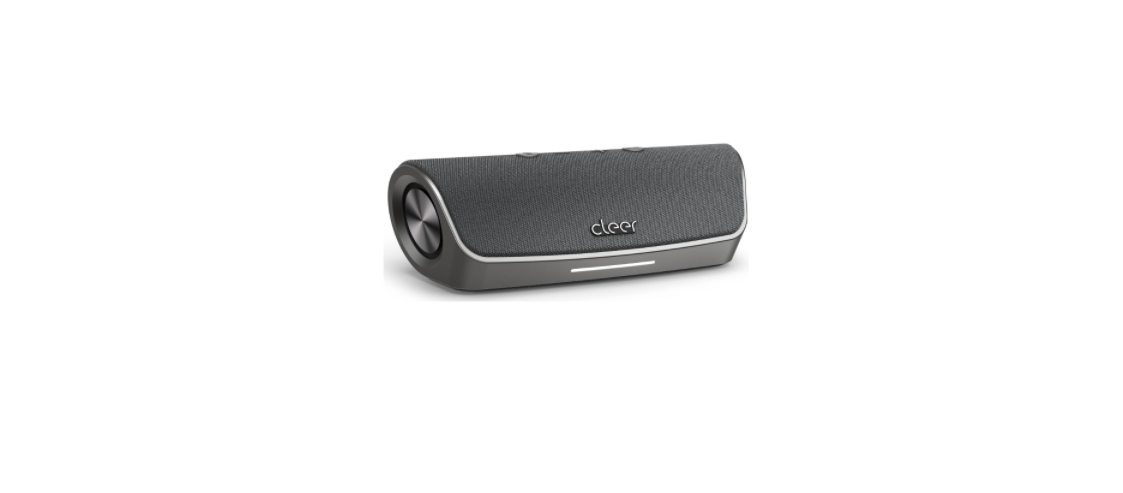

Clear Stage Smart Bluetooth Portable Speaker
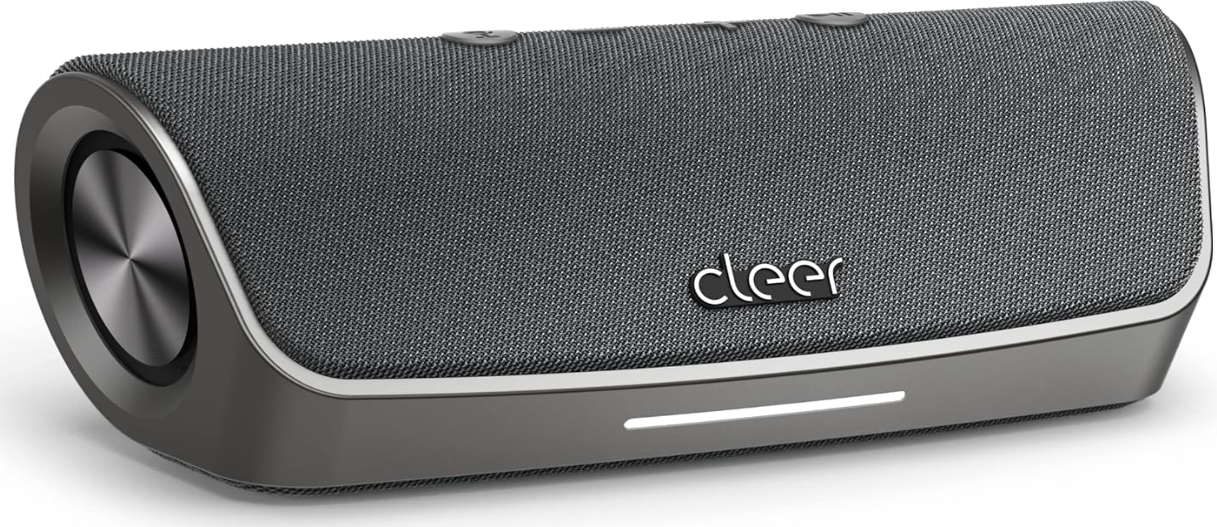
Overview
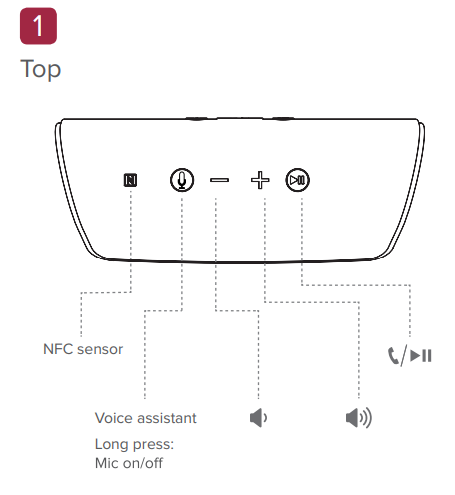
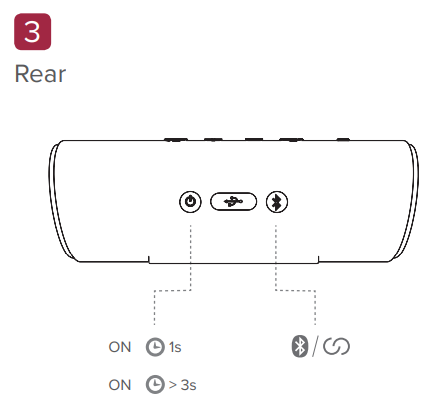
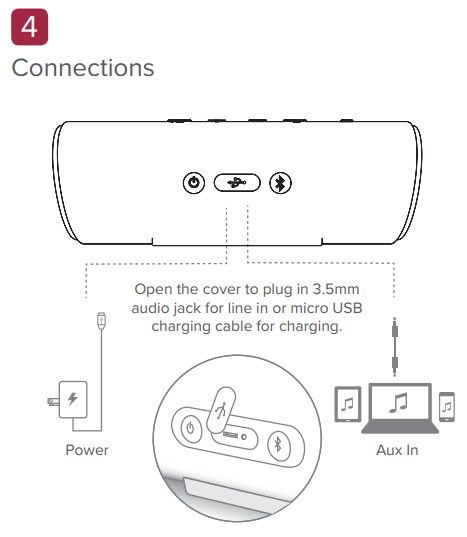
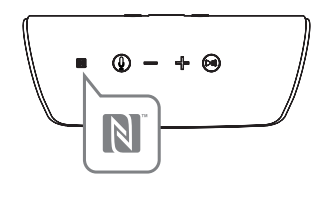
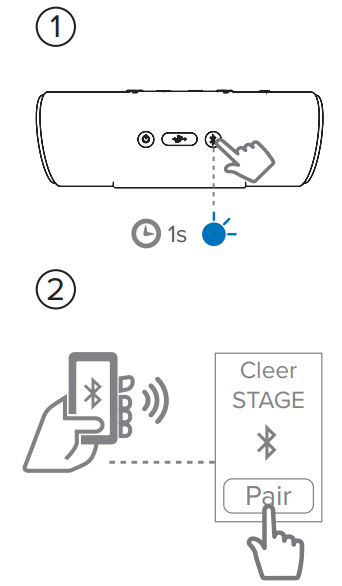
Bluetooth Pairing The Power ON the speaker. Turn ON NFC on your device and place it near the NFC sensor on the speaker.
Amazon Alexa

Download the Cleer Connect app. 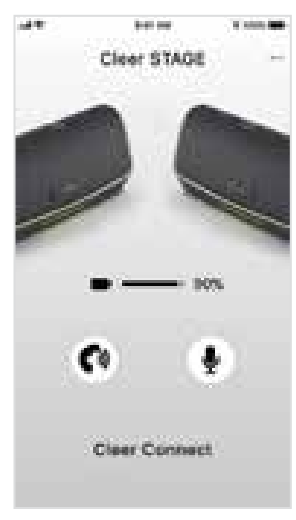
Maximize your listening experience with the Cleer Connect app. Due to recent security changes made by Apple, iOS customers accessing Alexa Voice services via Bluetooth speakers have been modified. If you’d like to still use this feature, the Cleer Connect app has to run in the foreground (app seen on mobile device screen). When multi-tasking, the Cleer Connect app will communicate with Alexa Voice services making this feature not available. There is no impact on Android customers. Log in to Amazon Alexa to access voice assistant services.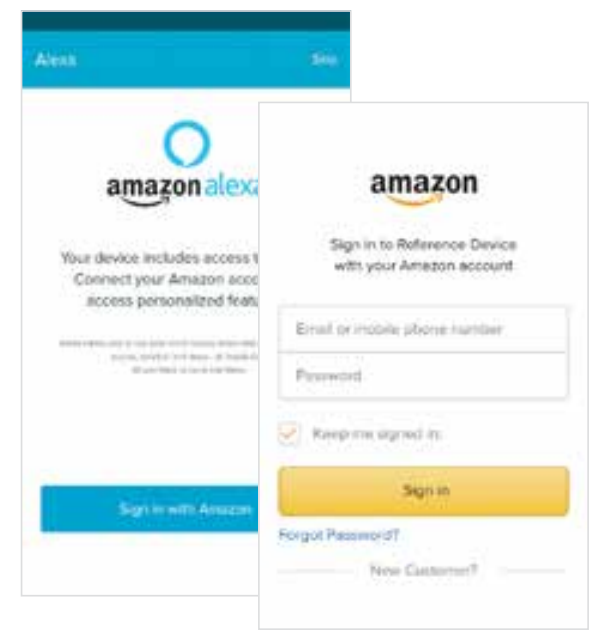
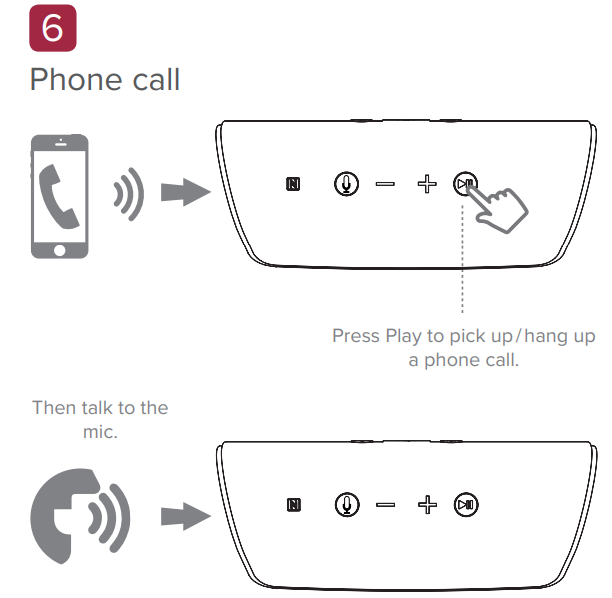
Cleer Connect
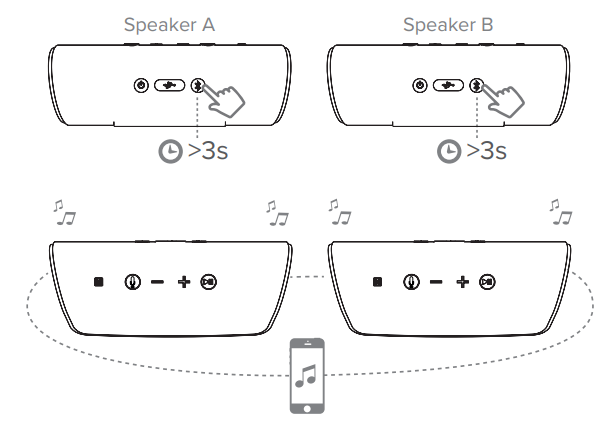
You can pair an additional Cleer STAGE speaker by long-pressing the Bluetooth button.
LED behavior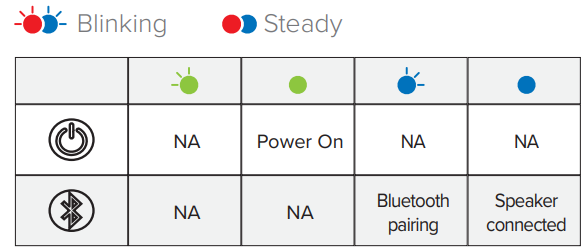
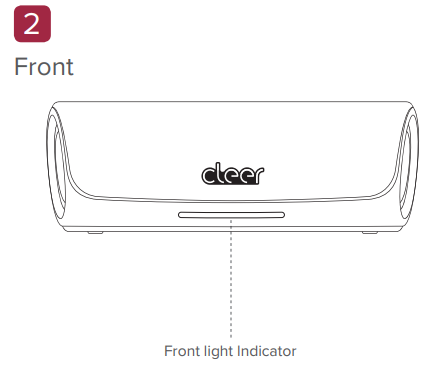
Front light indicator
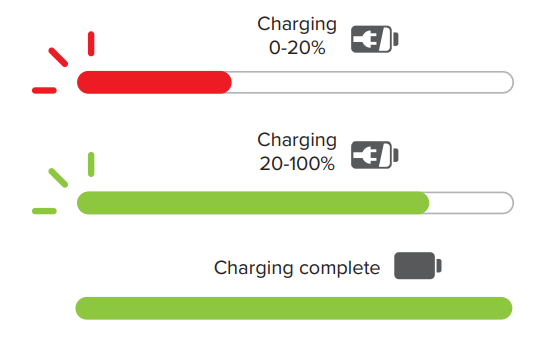
Charging mode
Cleer Connect mode
Speakers connected 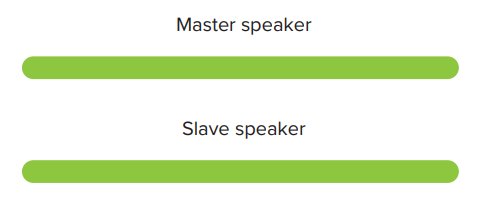
Phone call
For Amazon Alexa 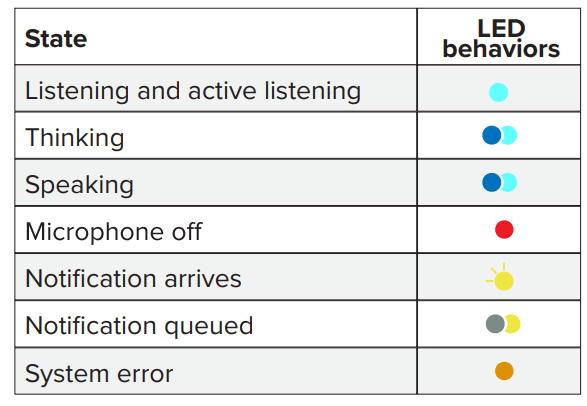
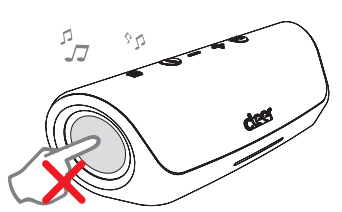
Do not push the speaker’s passive radiator during audio playback.
Specifications
- Driver size: 2PCS 48mm x 48mm dynamic driver
- Frequency response: 50Hz-20KHz
- Connections: Micro USB cable for charging
- Support: BT 4.2, A2DP v1.3, AVRCP v1.7 , HFP v1.7, HSP v1.2.
- Bluetooth transmitter frequency range: 2.402- 2.480GHz
- Bluetooth transmitter power: <4dBm
- Bluetoorh transmitter modulation: GFSK, π/4 DQPSK, 8DPSK
- Battery type: rechargeable lithium-ion cylindrical cell (3.7V, 2600mAh)
Warranty
Labor: For a period of (1) year from the original date of purchase of the product (“Labor Warranty”), Cleer Limited will, at its option, repair or replace with a new or refurbished product, the product determined to be defective. If Cleer Limited elects to replace the product after this Labor Warranty has expired but while the parts warranty is still in effect, it will do so for the applicable labor charge.
Parts: For a period of (1) year from the original date of purchase of the product (“Parts Warranty”), Cleer Limited will supply new or refurbished replacement parts in exchange for parts determined to be defective.
Following warranty service, your original Product or a replacement Product will be returned to you as your Product was configured when originally purchased.
Repair / Replacement Warranty: This Limited Warranty shall apply to any repair, replacement, part, or replacement product for the remainder of the original Limited Warranty period or for (90) days, whichever is longer. Any product replaced under this.
Limited Warranty will become property of Cleer Limited This Limited Warranty shall not apply to: (a) consumable parts, such as batteries that are designed to diminish over time, unless failure has occurred due to a defect in materials or workmanship; (b) cosmetic damage, including but not limited to scratches, dents and broken plastic on ports; (c) defects caused by normal wear and tear or otherwise due to the normal aging of the device; (d) damage caused by accident, negligence, abuse, misuse, fire, earthquakes, acts of God or damage resulting from liquid outside of the approved levels.
Customer Service
- Website: www.cleeraudio.com
- Ph: 1 888 672 5337 (67 CLEER)
FAQs
What is Cleer STAGE and how is it different from a regular Bluetooth speaker?
Cleer STAGE is a portable smart speaker that has voice assistant functionality (through Amazon Alexa) in addition to Bluetooth audio streaming. You can use voice commands to play music, check the weather, operate other smart home appliances and more.
What kind of sound performance can I expect?
With its two 48 mm drivers, passive radiators, and digital amplifier, the speaker produces full stereo sound with clean treble and powerful bass.
How long does the battery last?
Even with Alexa enabled, you can play for up to 15 hours on a full charge.
Is the Cleer STAGE speaker waterproof or weather‑resistant?
Yes, it has an IPX7 water resistance rating, which means that it can withstand water exposure (such as splashes, rain, or brief submersion up to specified limitations). As a result, it can be used outdoors, by the pool, on the beach, or in areas that are prone to rain.
Can I use Cleer STAGE for calls or voice commands?
Indeed. Because STAGE has an integrated microphone with echo and noise reduction, you can use Alexa to issue voice instructions or make hands-free calls.
What connectivity options are there besides Bluetooth?
Although STAGE’s primary mode is Bluetooth (with version 4.2 + NFC), it also has a 3.5 mm AUX input that allows you to connect older or non-Bluetooth audio devices via cable.
Can I pair two STAGE speakers together for stereo sound?
Yes, you can remotely stereo couple two STAGE speakers using the Cleer Connect app. This results in a larger, more immersive soundstage that is perfect for outdoor events, parties, and larger spaces.
Does the speaker work without Alexa or with voice features disabled?
Indeed. Without ever turning on or utilising Alexa, you may use it just like any other Bluetooth speaker, streaming music, podcasts, etc.
2 Comments
Thank you for your sharing. I am worried that I lack creative ideas. It is your article that makes me full of hope. Thank you. But, I have a question, can you help me? https://www.binance.info/ka-GE/register?ref=ILE8IH9H
Thanks for sharing. I read many of your blog posts, cool, your blog is very good.