


 Harman Kardon ONYX STUDIO 7 Wireless Speakers
 Harman Kardon ONYX STUDIO 7 Wireless Speakers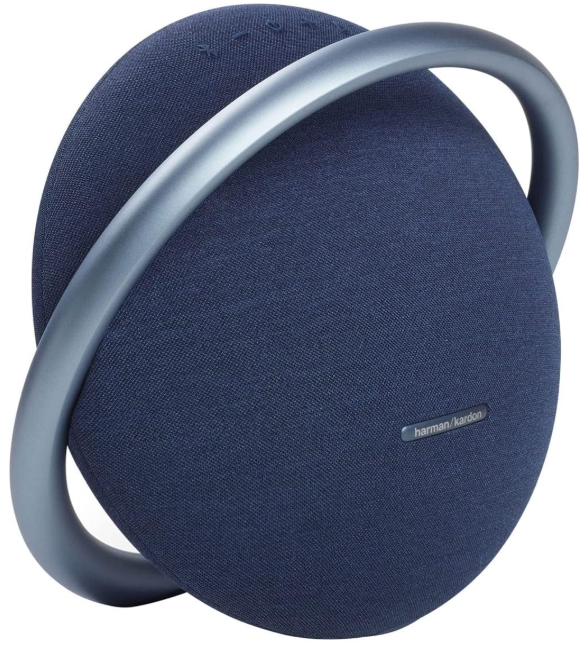
What’s in the Box
- Power cord
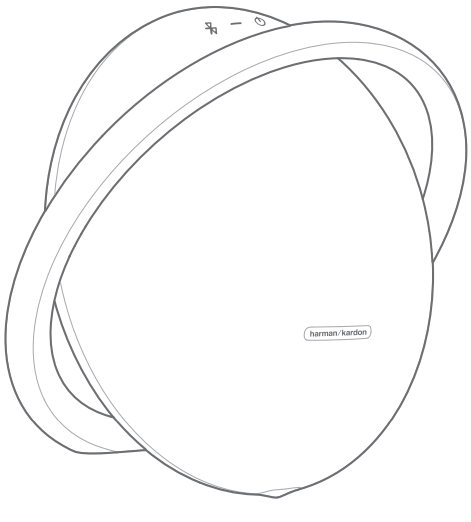
- Plug
Battery
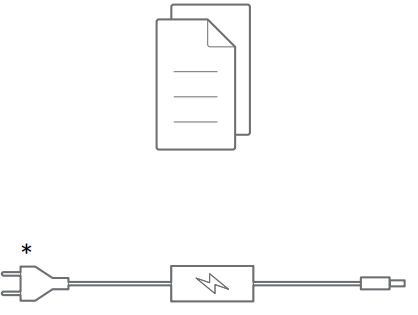
- Low battery
- Charging in progress
- Charging complete
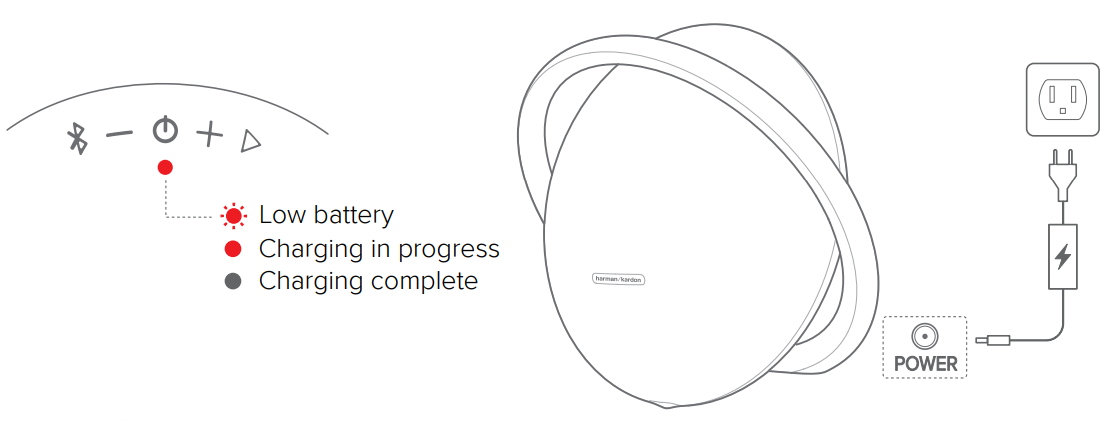
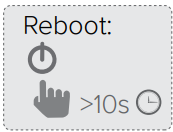
- Reboot
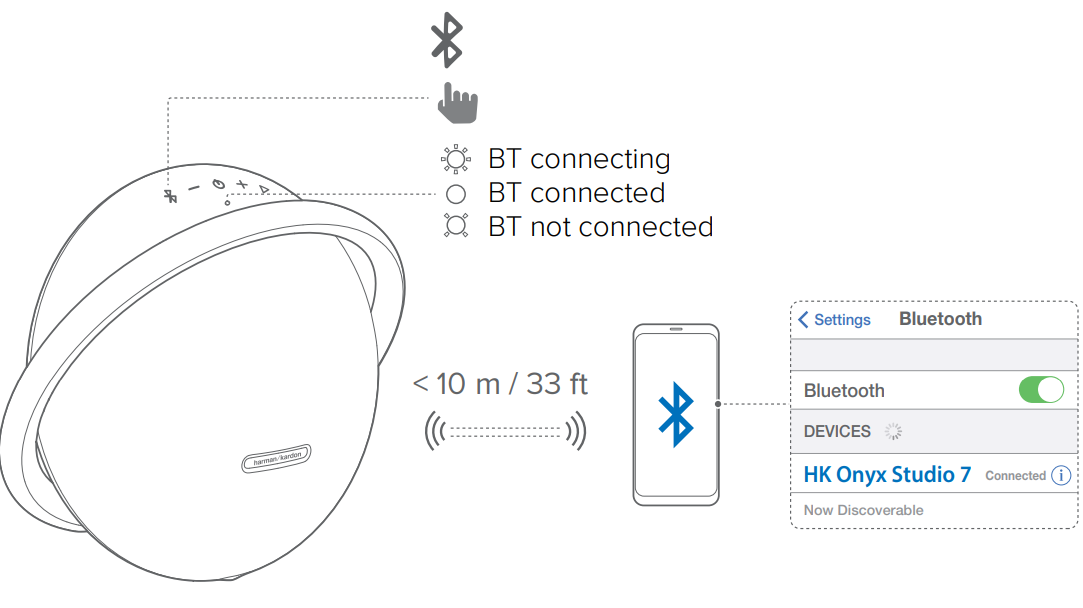
Bluetooth
- Bluetooth connecting
- Bluetooth connected
- Bluetooth not connected
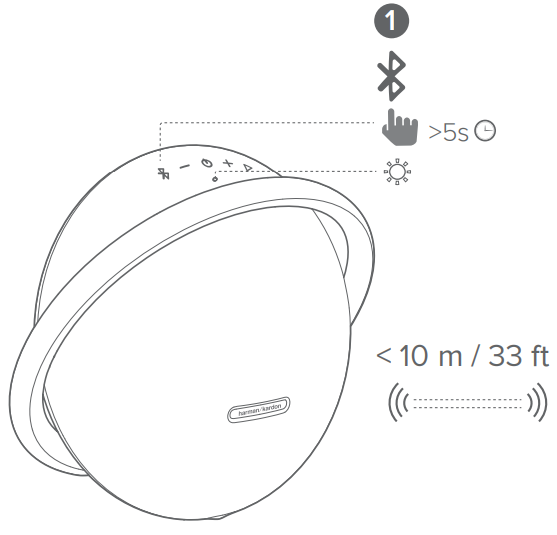
Bluetooth Pairing
- Wireless Dual Sound pairing mode
- Sold separately
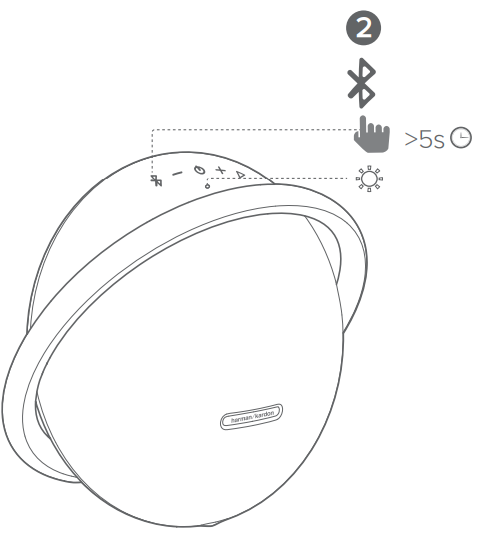
Wireless Dual Sound
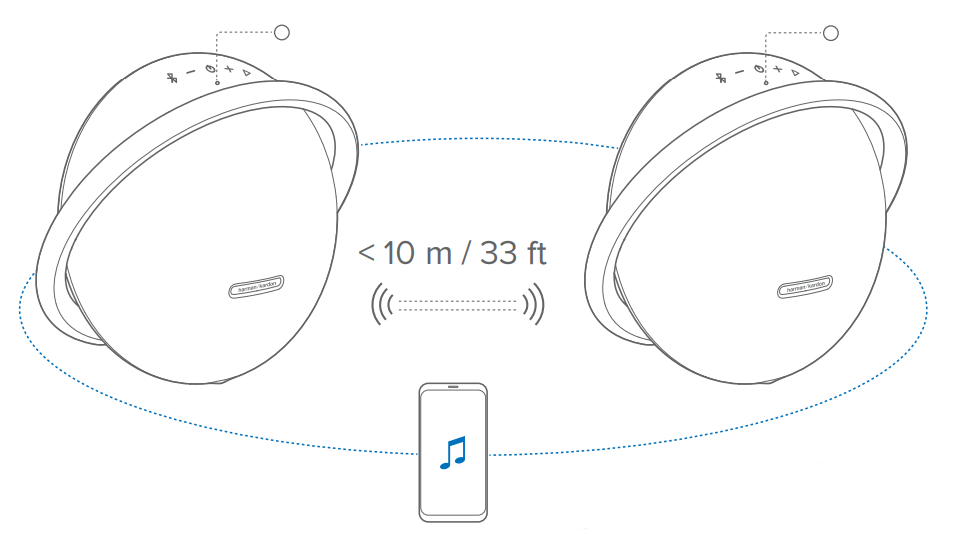
Control playback on the primary speaker.
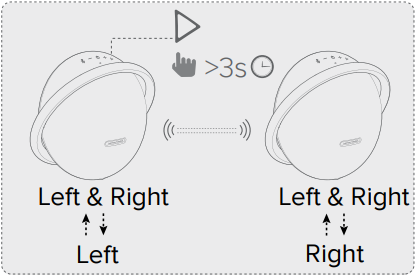
- Left & Right, Left
- Left & Right, Right
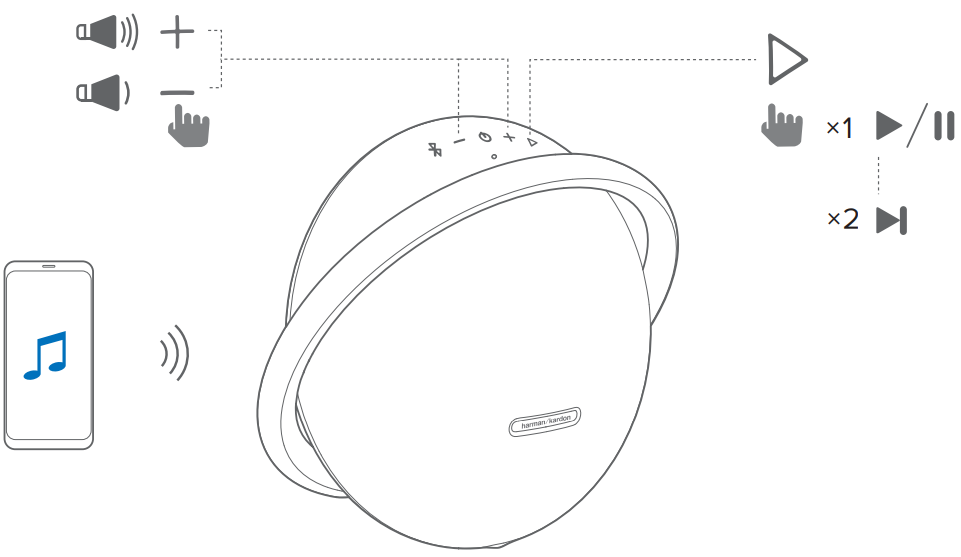
- Press once to start or pause music playback.
- Press twice to skip to the next music track.
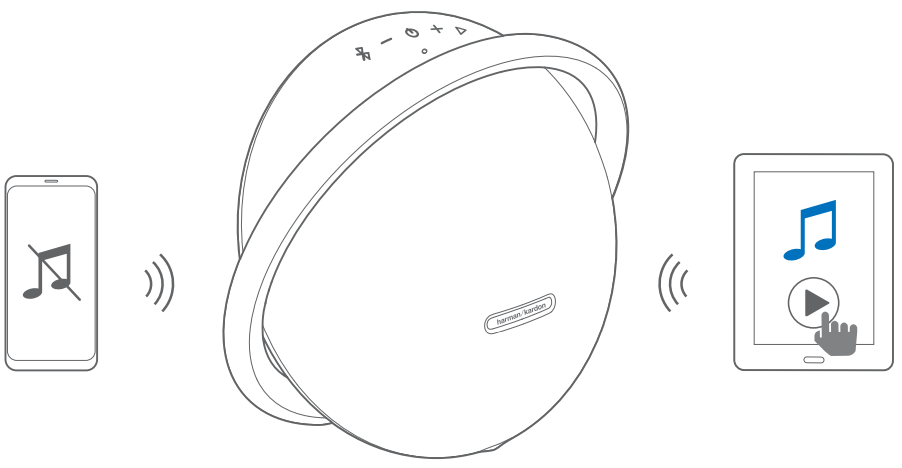
Music playback pauses on the current connected device when you start music playback on a second connected device
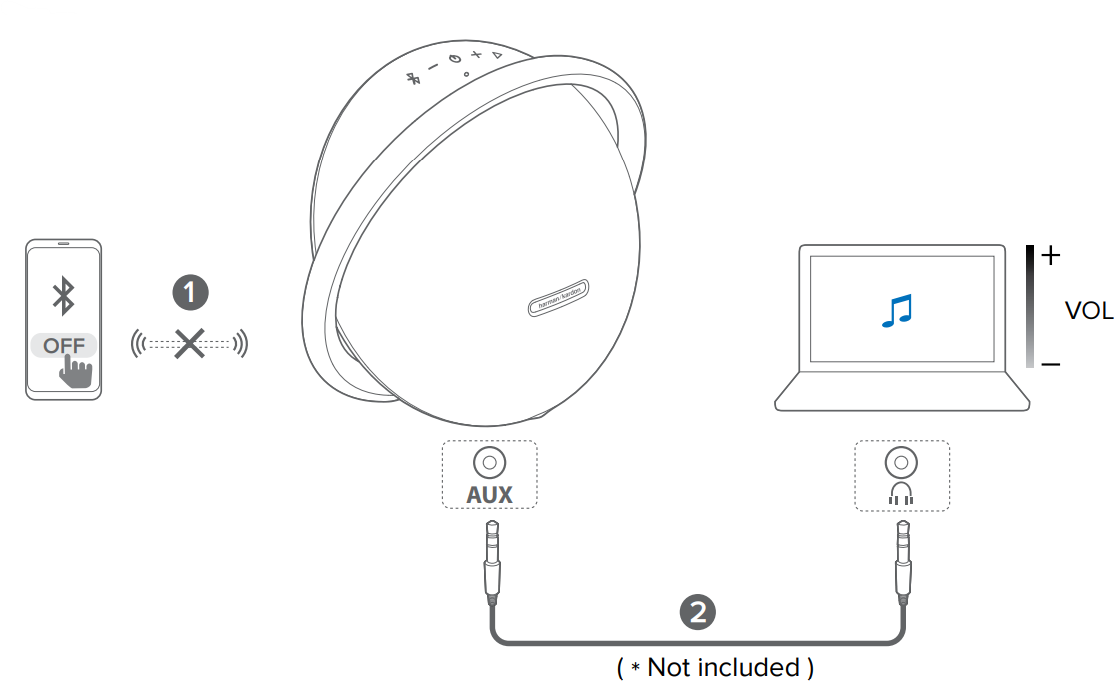 To play music through the audio cable, disconnect Bluetooth.
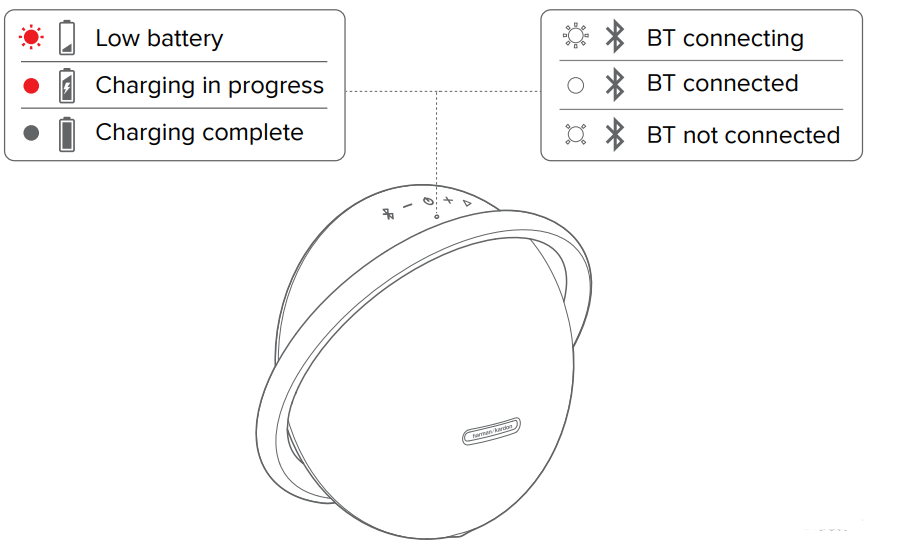
- Low battery
- Charging in progress
- Charging complete
- Bluetooth connecting
- Bluetooth connected
- Bluetooth not connected
Specification
- Bluetooth version: 4.2
- Support: A2DP 1.3, AVRCP 1.6
- Transducers: Woofer 1 x 120mm, Tweeter 2 x 25mm
- Rated Power: 1 x 50WRMS Bi-amp (AC mode)
- Frequency response: 50Hz – 20kHz (-6dB)
- Signal-to-noise ratio: 80dB A-weighted
- Power supply: 19V/2A
- Battery type: Lithium-ion (3.6V/3250mAh, 11.70Wh)
- Battery charge time: 5 hours
- Music playtime: up to 8 hours (Varies by volume level and music content)
- Bluetooth transmitter power: < 9dBm (EIRP)
- Bluetooth transmitter frequency range: 2400-2483.5MHz
- Bluetooth transmitter modulation: GFSK, π/4 – DQPSK, 8DPSK
- Dimension (H x W x D): 268.00 X 302.50 X 159.50mm
- Weight: 3295g
Customer Service
- Address: Open Source, Gregor Krapf-Gunther, Parking 3, 85748 Garching bei Munchen, Germany.
- Website: www.harmankardon.com.
- Tel: (800) 422-8027
- Timings: Mon – Fri – 9:00 am 11:00 pm (ET) Sat – Sun – 9:00 am 5:00 pm
© 2013 HARMAN International Industries, Incorporated. All rights reserved.
FAQs
Q: What is the Harman Kardon Onyx Studio 7?
The Harman Kardon Onyx Studio 7 is a high-end wireless Bluetooth speaker with up to 8 hours of playback, a stylish aluminium handle design, and dual tweeters for real stereo sound. It produces the distinctive deep bass and well-balanced clarity of Harman Kardon audio.
Q: Can I connect two devices at the same time?
Indeed. With the Onyx Studio 7’s multi-host Bluetooth connection feature, two devices can connect at once. By halting playing on one and beginning it on the other, you can alternate between them.
Q: What is the Bluetooth range?
In an open area, the wireless range is roughly 10 meters (33 ft). The range may be somewhat diminished by obstructions, walls, or metal items.
Q: How long does the battery last on a full charge?
At moderate volume levels, the Onyx Studio 7 can play for up to eight hours.
Q: How long does it take to fully charge the speaker?
It takes approximately 5 hours to fully charge the speaker using the supplied AC power adapter.
Q: Can I use the speaker while it’s charging?
The speaker requires around five hours to completely charge when using the provided AC power adapter.
Q: Can I connect the Onyx Studio 7 to a TV or computer?
Indeed. If your computer or TV has a 3.5mm AUX input, you can use that to connect, or you can use Bluetooth. For gaming or watching films, a wired connection guarantees the least amount of audio lag.
Q: Is the Onyx Studio 7 waterproof?
The Onyx Studio 7 isn’t splash-proof or waterproof. Steer clear of wet conditions, beverages, and rain.
1 Comment
Pingback: Harman Kardon Onyx Studio 4 Bluetooth Speaker | Setup Guide