

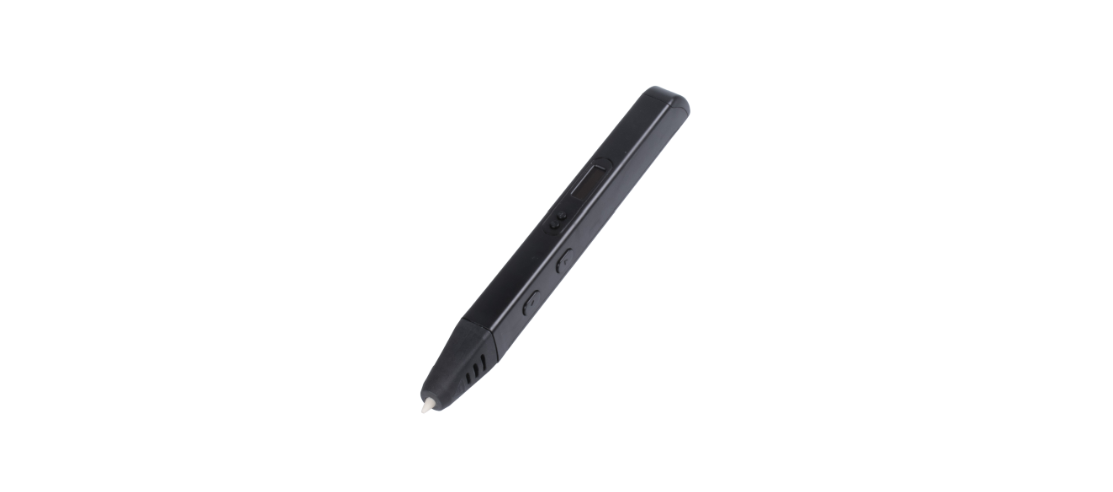

PROTECH TL4582 PLA-ABS 3D Pen Kit
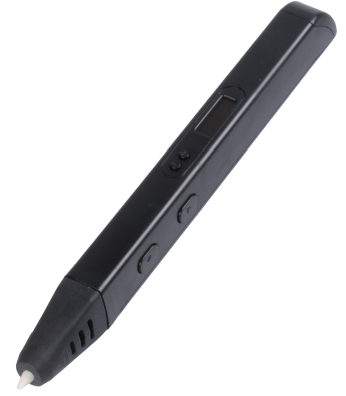
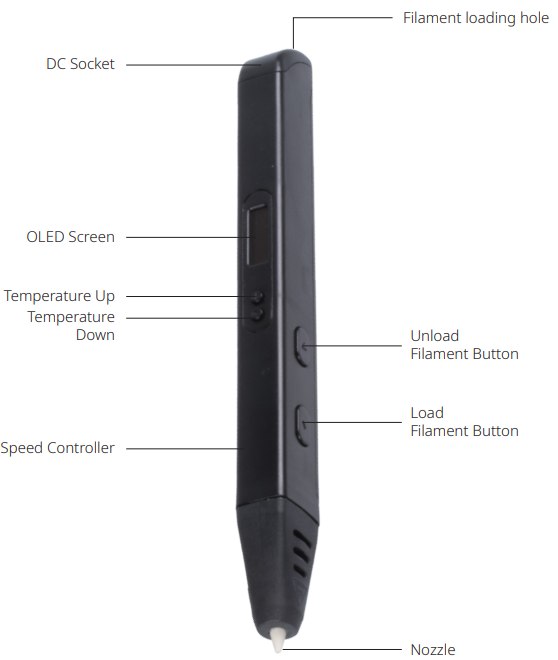
Overview
Operation
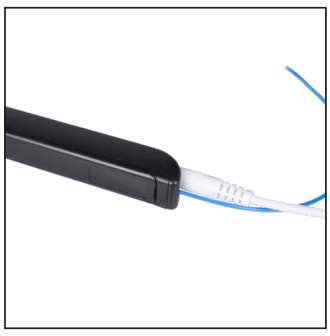
- Plug in the AC adapter or into a power bank that has an output of 2A or above.

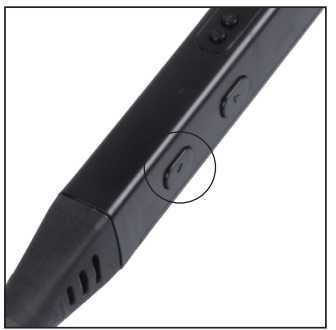
- Click the filament loading button once to start heating.
- When the actual temperature reaches the preset temperature, the pen is ready to work.
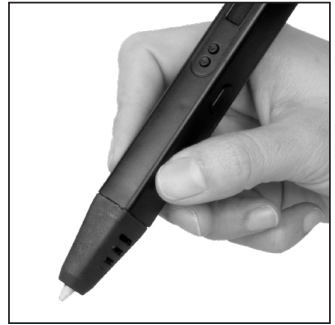
- Put the filament in through the filament loading hole.
- Keep pressing the double-click the filament loading button to load the filament.
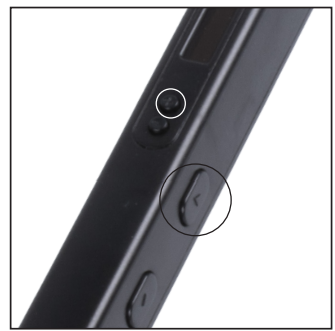
- The buttons marked as “+” and “-” are used for temperature adjustment.
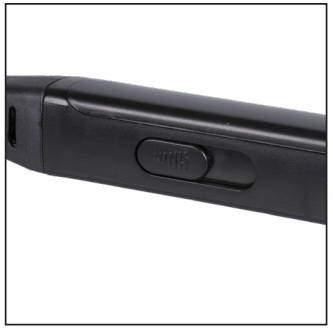
- The scope is 130ºC to 230ºC. The slide button is used for speed adjustment.
- Up is faster and down is slower.
- Keep pressing or double-clicking the filament unload button to unload the filament. Clicking the “+” and filament unloading button at the same time enables you to switch the temperature to fit either ABS or PLA.
- The pen will enter standby mode after 2 minutes of no operation.
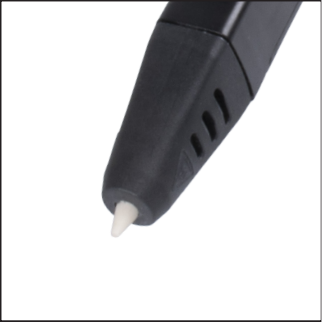
- Click the filament loading button to start heating the pen. Please do not touch the tip of the pen.
Package Content
- AC/DC Adapter
- Filaments
- User Manual
- 3D Pen
- Plastic Screw Driver
(for adjusting temperature and opening the back cover)
Filament Cut

Specifications
- Discharging mode: Hot melt extrusion molding
- Molding: Three-dimensional molding
- Print Range: Unlimited
- Feeding Speed: Adjustable
- Printing Material: PLA/ABS
- Electric Parameter: DC5V 2A 10W
- Nozzle Diameter: 0.7mm
- Filament Diameter: 1.75mm
- Filament Temperature: ABS 220ºC, PLA 190ºC
- Power Adapter: 100-240V 50/60Hz 0.5A
- Pen Dimensions: 175mm x 17mm x 20mm
- Pen Net Weight: 46g
Customer Support
- Email: support@whynter.com
- Website: WWW.WHYNTER.COM
- Tel: 800-443-6153
Product contents and specifications may change without notice. Copyright © 2024
FAQs
Q: What is the PROTECH TL4582 3D Pen used for?
The TL4582 is a 3D printing pen that uses PLA and ABS filament to create three-dimensional objects.
Q: Can I leave the pen on when not in use?
No. To prevent overheating, filament jams, or fire dangers, always turn off and unplug the pen after you’re done using it.
Q: Is the TL4582 suitable for children?
Children 8 years of age and older can use it under adult supervision because the nozzle can reach temperatures of up to 240°C.
Q: Can I use other filament brands with this pen?
Although performance may differ based on filament quality, any 1.75mm PLA or ABS filament is suitable.
Q: Does the pen have an auto-shutoff feature?
In order to avoid overheating and conserve energy, certain TL4582 units do have idle auto-shutoff after a few minutes.
Q: Can I create multicolor designs?
Yes, by switching out the filaments while sketching. Before adding a new colour, let the old filament fully extrude or retract.
Q: What warranty does the PROTECH TL4582 come with?
A one-year limited warranty covering material and workmanship defects is usually included with the pen. Depending on the store or area, warranty conditions may change.