

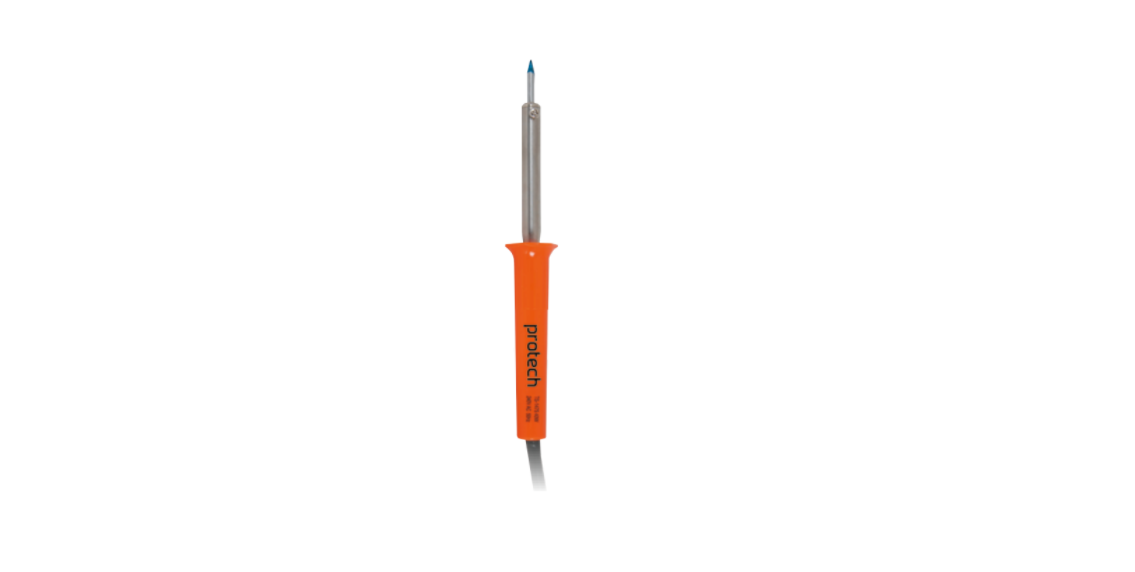

PROTECH TS1475 40W 240V Soldering Iron

Safety Instructions
- Before using your PROTECH TS1475 40W 240V Soldering Iron, please read all the safety and operating instructions thoroughly.
- Please ensure you follow the steps below before using the product.
- We recommend you keep the original packaging for storing the product when not in use.
- Please pay close attention to the section entitled Important Safety and General Instructions.
- Find a safe and convenient place to keep this instruction manual for future reference.
- Ensure you have all accessories listed in this manual.
- Unpack the product, but keep all packaging materials until you have made sure your new product is undamaged and in good working order.
- Plastic wrapping can be a suffocation hazard for babies and children, so ensure all packaging materials are out of their reach.
Box Content
- 1x 40W Soldering Iron
Soldering
Using your PROTECH TS1475 40W 240V Soldering Iron, the main causes of poor or defective soldering joints are incorrect techniques or trying to solder dirty components. Follow the hints below, and you will be soldering like a pro in no time.
- The components that you are soldering must be clean.
- If necessary, clean the items to be soldered with fine sandpaper or steel wool to expose a clean, shiny surface.
- Keep the tip of your iron clean at all times
- Note, your iron is supplied with a long-life, pre-tinned tip. Consequently, you should never file the tip of your iron to expose a clean surface.
- To clean the tip, preheat the tip for a few minutes, then wipe it clean on a damp sponge or cloth, which should expose a clean, shiny tip. Then apply a small amount of solder to re-tin the tip. You’ll make better soldered connections by occasionally re-tinning the tip .Use the right kind of solder.
- For electrical work, use 60/40 electrician’s resin solder. Do not use acid-cored or bar solder for electrical or electronic soldering work
To Solder
- Place the tip of the iron on your joint for a few seconds to pre-heat it, then apply the solder.
- If the solder does not run onto the joint, then the joint is not hot enough.
- When just enough solder is applied to cover the joint.
- Withdraw the iron and solder, and allow the joint to cool.
- The joint mustn’t be allowed to move while cooling.
- When cooled, the joint should have a clean, shiny appearance.
- Use only enough solder to make a good connection.
- No solder joint was improved by adding more solder than was necessary.
Your Iron
The PROTECH TS1475 40W 240V Soldering Iron is ideal for hobby work; however, special care should be exercised when soldering any electronic components, as these may be prone to damage if too much heat is applied. If you have never made a solder joint before, it is a good idea to practice beforehand using some old pieces of wire or other material.
For users interested in a lighter or lower-power option, you can also check out the PROTECH TS1465 25W Soldering Iron Instruction Manual for setup and usage guidance.
Fault Finding
If the solder forms a ball, then either the components are dirty or there is not enough heat applied to the joint. Clean off the ball of solder and the components, and resolder the joint. If the joint has a cracked, frosty, or crystalline appearance, then you most likely have a “Dry joint”. This will occur if the joint has moved while cooling or if not enough heat was applied. To correct this, reheat the joint and a little solder. If the solder won’t “take” to the joint, you either have not applied enough heat or the components are dirty. Allow the joint to cool, clean the component that you are soldering, and resolder the joint.
One-Year Limited Warranty
Should your PROTECH product prove defective within one year from the date of purchase, contact PROTECH’s Customer Support Team with the serial number and proof of purchase to make a warranty claim.
Under this warranty, PROTECH will repair or replace any parts found defective with new or remanufactured parts or exchange the defective product with a new, refurbished, or remanufactured product at our discretion.
This warranty is not transferable. After the expiration of the warranty, the cost of labor and parts will be the responsibility PROTECH CDM-600BW Freestanding Refrigerator of the original owner.
Please package the product carefully in its original packaging to avoid damage in transit. PROTECH is not responsible for damage resulting from shipper mishandling or improper packaging. Please retain the original box and packaging materials.
Warranty Does Not Cover
- Acts of God, such as fire, flood, hurricanes, earthquakes, and tornadoes.
- Improper power supply, such as a power surge, low voltage, defective household wiring, or inadequate fuses.
- Damage, accidental or otherwise, to the product while in the possession of a consumer, not caused by a defect in material or workmanship.
- Damage caused by consumer misuse, PROTECH CDM-600BW Freestanding Refrigerator tampering, lack of maintenance, or failure to follow the care and special handling provisions in the instructions.
- Damage to the finish of the case or other appearance parts caused by wear.
- Damage caused by repairs or alterations to the product by anyone other than authorized by the
manufacturer. - Removal, Replacement, Packaging, Freight, and Insurance costs for the warranty service.
- Products sold AS IS or from an unauthorized reseller.
- Products that have had their serial numbers removed or defaced.
Customer Support
- Email: support@whynter.com
- Website: WWW.WHYNTER.COM
- Tel: 800-443-6153
Product contents and specifications may change without notice. Copyright © 2024
FAQs
Q: What is the PROTECH TS1475 soldering iron used for?
It is intended for soldering wires, small metal pieces, and electronic components in professional, recreational, and repair electronics applications.
Q: Does the TS1475 heat up quickly?
Yes, depending on the surrounding circumstances, the 40W heating element can reach soldering temperature in around three to five minutes.
Q: Can this soldering iron be used for lead-free solder?
Yes, it works with both leaded and lead-free solder; however, lead-free solder usually needs to be heated to slightly higher temperatures and for longer periods of time.
Q: Does the TS1475 have temperature control?
No, this model is optimised for general electronics soldering jobs and has a fixed temperature. Steer clear of heat-sensitive components for extended periods of time.
Q: Is it safe to touch the tip?
No, the tip heats up to about 380°C (716°F). Before handling or changing the tip, let it cool completely and only use the insulated handle.
Q: Can this iron be used for heavy-duty soldering?
It works best with little wires and devices. A soldering iron with a higher wattage is advised for large connectors or metal sheets.
Q: Can the TS1475 be left plugged in continuously?
Leaving the iron plugged in while unattended is not advised. To lower the risk of a fire, use a suitable stand and disconnect after usage.
Q: Does the iron come with a stand?
Yes, you usually get a simple heat-resistant stand. When not in use, always put the iron in the stand.
1 Comment
Pingback: PROTECH TS1465 25W Soldering Iron | Safety, Setup & Tips