

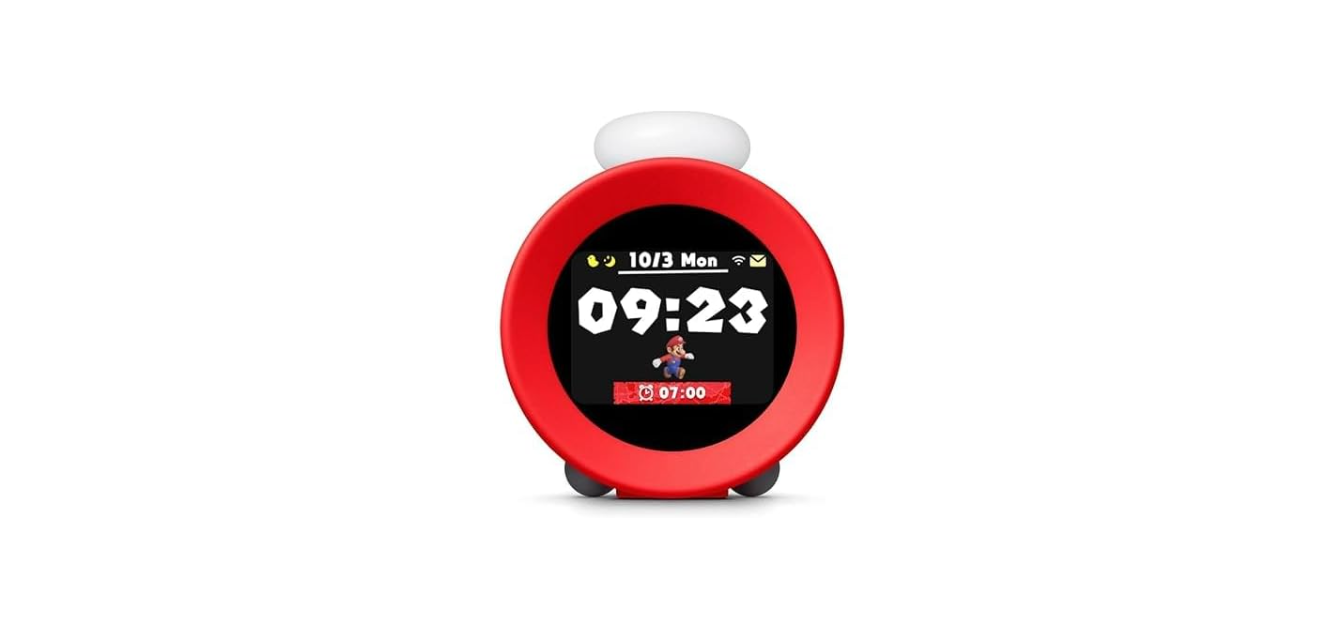

Nintendo Alarmo Sound Clock Alarm Clock

Health and Safety Information
Please read and observe the health and safety information. Failure to do so could result in injury or damage. Adults should supervise the use of this product by children.
- This product contains a coin battery. Do not replace the battery yourself.
- The battery must be removed by a qualified professional.
- Please contact Nintendo Customer Support for more information.
- If any fluid leaks on your hands, wash them thoroughly with water.
- Carefully wipe the fluid from the exterior of this product with a cloth.
- Do not expose this product to fire, microwaves, direct sunlight, high or extremely low temperatures.
- Do not let this product come into contact with liquid, and do not use it with wet or oily hands.
- Do not expose this product to excessive force.
- Do not pull on the USB cable and do not twist it too tightly.
- Do not touch this product, the AC adapter, or connected devices during a thunderstorm.
- Do not touch damaged areas. Avoid contact with any leaking fluid.
- Do not touch device connectors with your fingers or metal objects.
- Packaging items may be swallowed. The cable can coil around the neck.
- Do not use this product within 15 centimetres of a cardiac pacemaker.
- If you have a pacemaker or other implanted medical device, first consult a doctor.
- Wireless communication may not be allowed in certain places, such as hospitals.
- Do not play sound at high volume levels for long periods due to hearing damage risk.
- Keep the volume at a level at which you can hear your surroundings.
- Consult a doctor if you experience symptoms such as buzzing in your ears.
- Do not use or store this product in unstable areas.
How to Use

Insert the USB cable into the port on the underside of the product.

Follow the on-screen instructions to set up the product.
Customer Support
- Website: https://support.nintendo.com
- Ph: 1-800-255-3700