

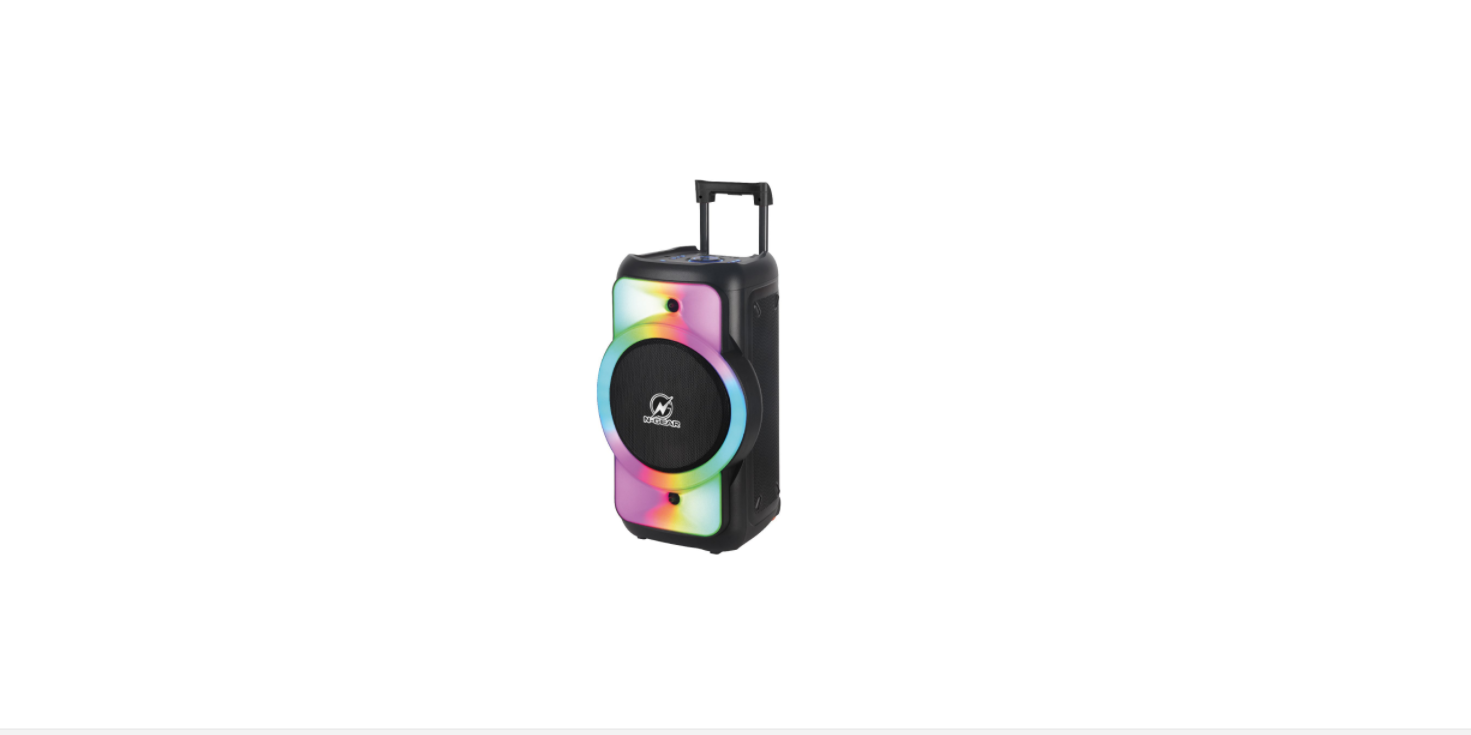

N-GEAR THE FLASH JUKE 12 Bluetooth Speaker
Safety Instructions
- Please use within the specified power range (refer to the back plate); otherwise will damage the product.
- Avoid tread, press, and drag, fold the power cable and other cables
- There are high-voltage parts inside. Please do not disassemble the product without authorization to avoid the risk of electric shock.
- Pay more attention to the use environment, do not play in high-temperature, high-voltage, and moist dusty environments.
- Turn off the product during thunderstorms, unplug from the power socket, and disconnect from other products.
- Avoid the crash with tough objects, dropping from a height, and tumoring.
- Do not touch the back plate and other heat dissipation parts when the product is working.
- Use in a well-ventilated area, do not cover or put other items on top of the product, and keep a proper distance from the product to dissipate heat.
- Forbidden to place liquid on the product, to prevent the product from being tilted/leaking, or the risk of electric shock.
- This product is not suitable for children to operate; please do not place this product in a place where children can reach.
- This product has a built-in battery. Do not overcharge for a long time.
- Infrequently used, please charge it regularly to maintain the built-in battery performance and working life.
Operating instructions
- The accessories or marks are installed/printed on the product (all or part, please refer to the actual product, which respectively support the corresponding functions if they have.
- Please follow the instructions to use as below. DC Power input, this is for use with an adapter or a battery.
- Storage Media: This product supports storage media such as U disk/SD card/TF card.d
- External input /output (3.5mm) line-in audio input jack / Mic / Guitar input
- Functions
Product Description
- DC9V/1.5A
- USB
- TF
- LINE
- MIC
- MENU
- REC
- MODE/MIC.PRI
- POWER
- VOLUME
- DISPLAY
- LED
- NEXT /CH+ 14.P/P TWS 15.PREV/CH
Function of remote
The power button supports models that can be turned on N-GEAR THE FLASH JUKE 12 Bluetooth Speaker and off by this button. On the Mute button, quickly turn off the volume with one click, press again to restore the original volume. 0-9 Number buttons, select songs when playing on storage media such as USB/SD/TF card; MODE -Mode button, select audio input/Wireless/radio, etc. functions; USB/SD-When using a USB disk and a memory card at the same time, choose to play the USB disk or the memory card audio.
- Play /Pause (previous channel/next channel switch in radio function;
- Previous /Next (Switch to previous/next channel in radio function);
- VOL- Volume up;
- VOL+ – Volume down;
- EQ- Preset EQ effect switch;
- REPE(RPT) – REPE(RPT)-Repeat.
Bluetooth connection
- Turn the power button to “ON”. In the front panel, press the model button to launch the Bluetooth application. The system voice of the device will say “Bluetooth mode”.
- Activate Bluetooth on your mobile phone and search for the device name ”JUKE 12”. Then connect it. The system voice says “Bluetooth connected” once connected successfully.
- Play the music from your mobile phone and enjoy.
Troubleshooting
| phenomenon | reason | solution |
| No Power | The power switch is not turned on | Turn on the power switch |
| Built-in Battery runs out | Charge the product via an adapter or a power cable | |
| The plug is not plugged in properly, or the power cable is defective | Reinsert or replace the power cable | |
| A power outlet is not an electric field | Replace the power outlet | |
| Other reason | Contact the after-sales dept. | |
| No sounds | Volume is turned off or in mute mode | Adjust the volume or turn off Mute mode |
| Source media/input connection selected
incorrectly |
Select the correct audio media/input
connection |
|
| Audio media/input connection selected
audio file |
Reinsert media with a supported format | |
| Other reason | Contact after-sales service | |
| Microphone | Microphone Volume is off or too low | Contact after-sales service |
| Poor contact | Reinsert the microphone jack | |
| Other reason | Contact after-sales service | |
| Distortion of sound | Poor audio signal or volume too large | Adjust audio files /signals or reduce volume |
| Battery running low | Fully charged before using | |
| Squeal from
Microphone |
The microphone volume is too loud or too
close to the speakers |
Adjust the microphone volume and keep it properly
distance from speakers |
Customer Support
- Website: https://ngearsafe.com/