



Bang & Olufsen Beocom EX Wireless Headphones
Introduction
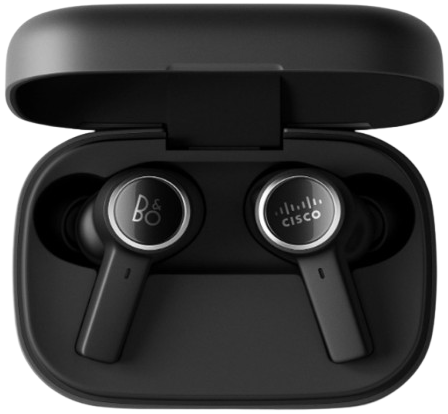
The all-new design marks a new era of true wireless B&O products that simplifies personal sound through superior versatility. The Beocom EX is designed for everyday life and perfected for use in your professional life. Whether you are working out, at the office, or travelling, these ultra-compact earbuds combine high-fidelity audio with powerful noise cancellation to help maintain your focus. With their superior versatility, design, and certifications, Beocom EX are crafted for the hybrid working everyday use – instantly becoming your primary sound companion for calls, video, and music.
Features
Adaptive active noise cancellation.n First-class call quality with 6 MEMS microphones. Adjustable Own Voice for calls and conferencing.g, Waterproof earbuds (IP5.7), Bluetooth 5.2 with multipoint connectivity for two devices, Certified for Zoom, Up to 6/20 hours playtime with ANC (Earbuds/Total)
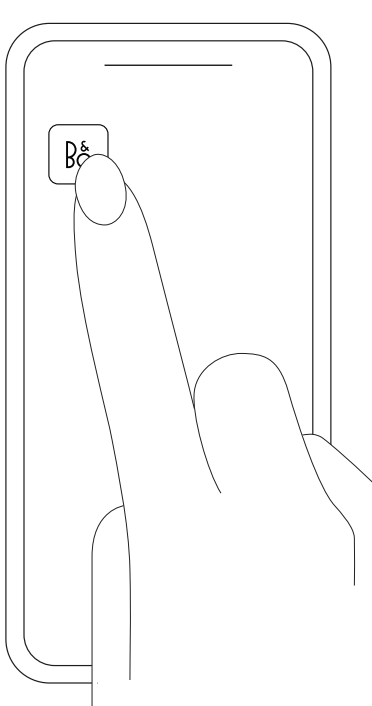
The app gives you the full Bang & Olufsen experience from setup to audio personalisation, product support, and new features right at your fingertips. When you first start the Bang & Olufsen app, you are asked to create a user account. Then tap the Add Product icon to add your product to the app.
First Time Setup
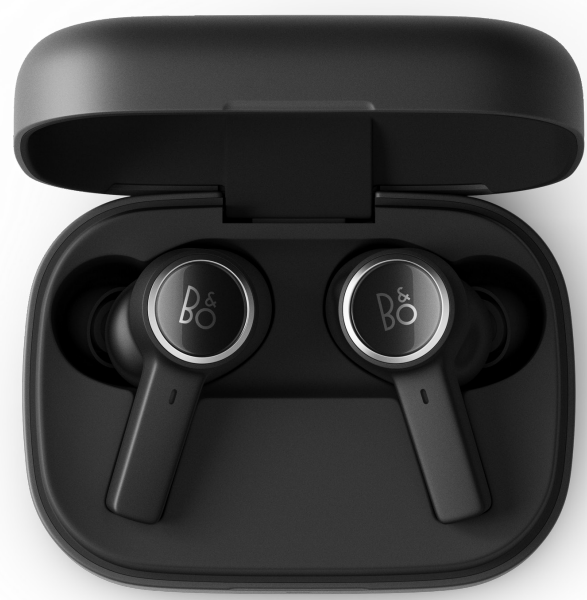
- When opening the charging case lid for the first time, your Beocom EX will automatically enter Bluetooth pairing mode, and the light indicator on the charging case will flash blue.
- To connect to your dongle when doing first-time setup, simply take the included dongle and insert it into the USB port.
- The dongle is pre-paired to the earphones, and they will connect automatically.
- After this, they will remain connected after the earphones are taken out of the case.
- To pair with another device, such as a mobile phone, please follow the instructions on page 9.
Music
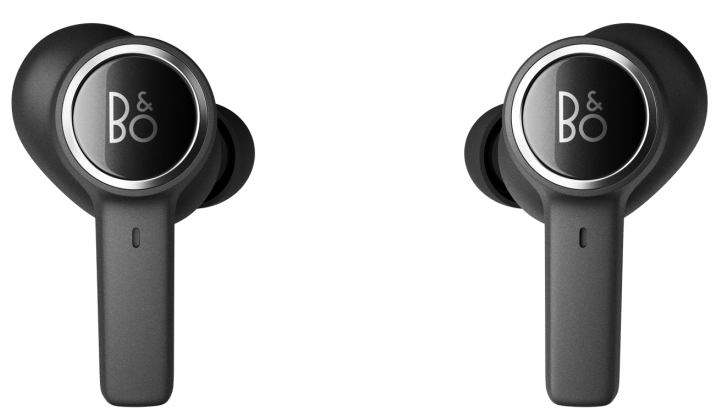
Use the touch interface on both earphones to control your Beocom EX.
| Play/Pause | Single press | |
| Volume up | Press and hold | |
| Volume down | Press and hold | |
| Next | Double press | |
| Previous | Double press | |
| Active Noise Cancellation, Transparency, Neutral | Single press (cycle) |
Call
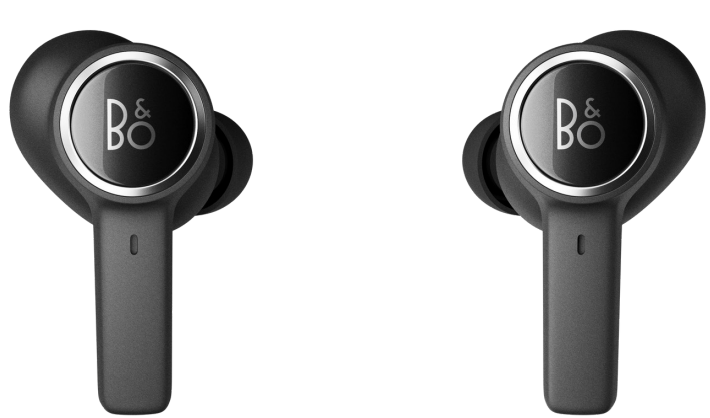
Use the touch interface on both earphones to control your Beocom EX.
| Left | Right | |
| Accept call | Single press | Single press |
| End call | Double press | Double press |
| Reject call | Double press | Double press |
| Volume up | Press and hold | |
| Volume down | Press and hold | |
| Own Voice, Active Noise Cancellation, Neutral | Single press | |
| Mute/Unmute* | Single press |
Single Earphone
Use the touch interface on the earphone you are wearing to access the following controls.
| Play/Pause | Single press | Single press |
| Accept call | Single press | Single press |
| End call | Double press | Double press |
| Next | Double press | |
| Previous | Double press | |
| Reject call | Double press | Double press |
Dimensions (mm)
- 17.5 W x 28 H x 7.5 D
Weight
- 3.8 g

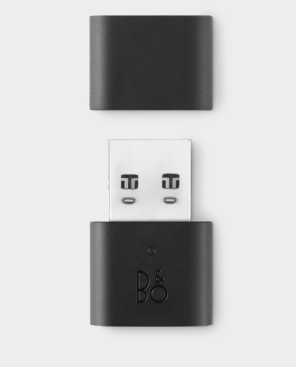
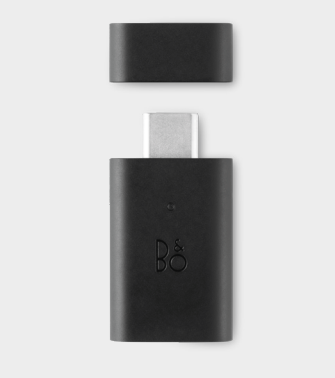
BEOCOM USB-C LINK
Dimensions (mm)
- 18.2 W x 6.635.6 H x 6.6 D
Weight
- 4 g
SPECIFICATIONS
- Materials: Polymer Metal
- Colour: Black
- Charge unit: 5V DC / 500mA USB
- Frequency range: 20 Hz – 20,000 Hz
- SAR: Max. power < 12 dBm
Bluetooth
- Bluetooth 5.2 10 m operating range
Sound codecs
- aptXTM Adaptive SBC
Bluetooth-supported products
- Compatible with Bluetooth-enabled devices of version 1.1, 1.2, 2.0, 2.1, 3.0, 4.0, 4.1, 4.2, 5.0, and 5.
Charge With Pad
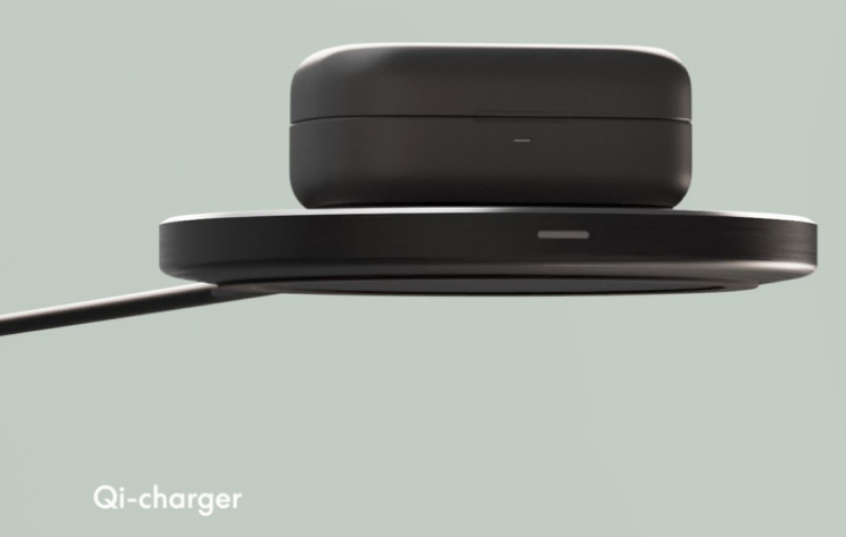
- The Qi-certified case can be charged wirelessly on a charging pad.
- Simply place the case on top of a charging pad connected to power.
- The indicator on the case will flash amber during charging and become solid green once fully charged.
- To charge your earphones, place them in the charging case.
Charge With USB-C
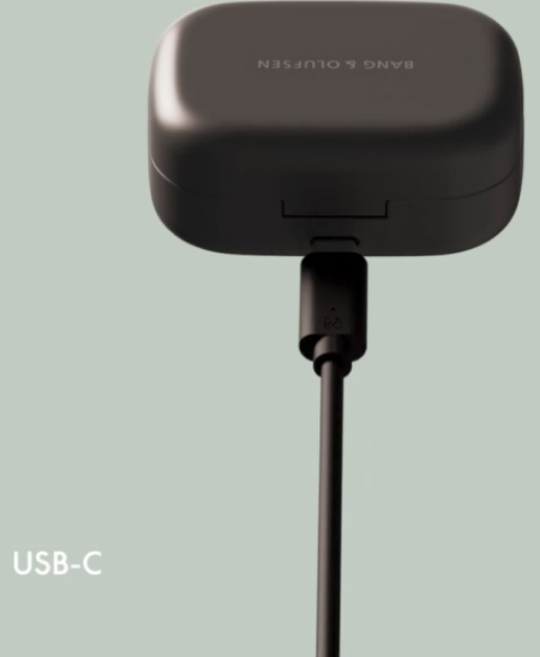
- Connect the included USB-A to USB-C cable to your charging case and to a charging adapter, and connect the charging adapter to a power supply.
- A charging adapter of a maximum of 5V / 3A can be used to charge your Beocom EX.
- The indicator on the case will flash amber during charging and become solid green once fully charged.
- To charge your earphones, place them in the charging case.
Bluetooth Pairing
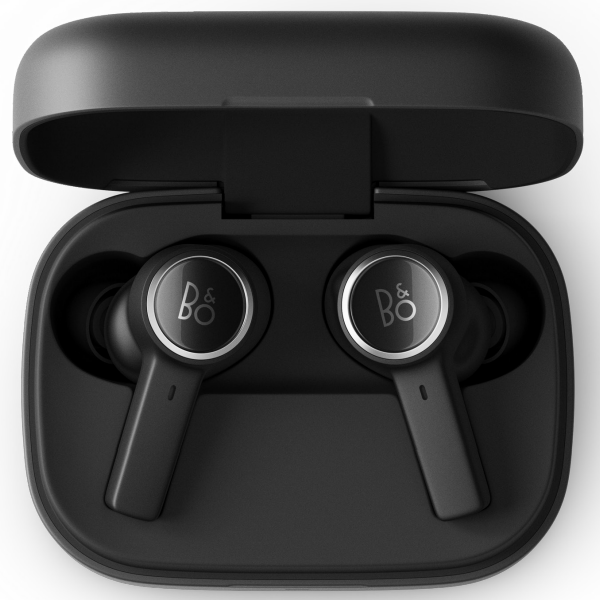
- Place both earphones in the charging case, and make sure that the case lid is fully open. Once the LED has turned off, press and hold the touch field on both the left and right earphones for 6 seconds to trigger
- Bluetooth pairing mode. The blue indicator will flash when pairing is initiated, allowing you to find Beocom EX on your device.
- Close and open the lid again if pairing mode is not triggered the first time.
Active Noise Cancellation
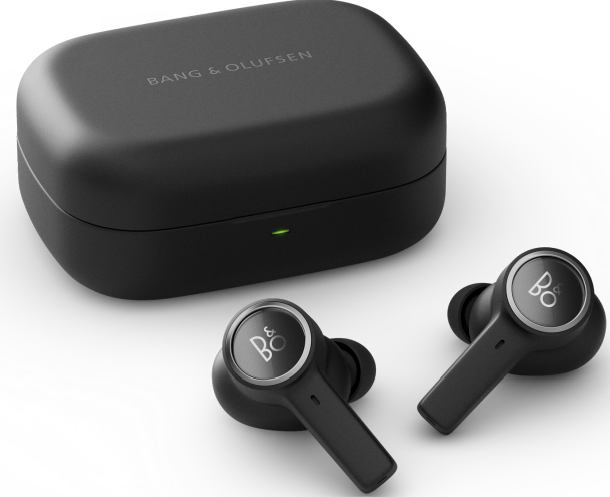
- Active Noise Cancellation (ANC) lets you tune out your surroundings and focus on your music, podcast, or movie — or simply enjoy silence.
- Switch on ANC by pressing the left earphone. Tap again to cycle through ANC, Transparency,cy, and Neutral modes.
- You can also control ANC on the product page in the Bang & Olufsen App, where you have the option of automatically adjusting the ANC level according to your environment.
Transparency Mode
- Transparency Mode lets you hear the world around you, without taking out your Beocom EX.
- Choose how much of the outside world you’d like to let in by tapping on the left earphone and cycling through Active Noise Cancellation, Transparency, and Neutral modes.
- You can also control Transparency Mode on the product page in the Bang & Olufsen App.
Own Voice
- Own Voice technology captures and adjusts the volume of your voice, while also filtering out background noises, to give you a clear and true representation of how you sound.
- You can turn Own Voice on and off, or adjust the levels, by tapping the left earphone while on a call. You can also control it on the product page in the Bang & Olufsen App.
Eartips
- Selecting the right ear tips for your Beocom EX is very important for the best sound experience, which is achieved when inserting the Beocom EX into your ear canals.
- Try out the different sizes included with your earphones to get the best isolation. The correct size will give you complete isolation.
- Eartips from Comply Foam™ improve isolation and therefore the sound experience. Silicone ear tips are particularly good for sports.
Charging Case Light Indicator
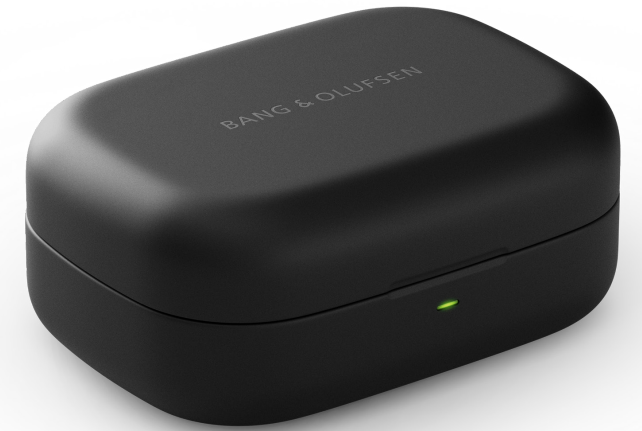
The light indicator on the front edge of the charging case has various meanings. Further details can be found in the article.
Factory Reset
- To restore Beocom EX to factory settings, place both earphones in the charging case and close the case lid.
- Fully open the charging case lid.
- Press and hold on the touch field on both the left and right earphones for 6 seconds, Bluetooth pairing mode will be triggered (light indicator flashing blue). Keep holding on to the touch fields.
- Factory reset will complete after 20 seconds (light indicator flashing red)
Customer Support
- Visit: http://www.bang-olufsen.com
- Ph:+45 96841122
- Timing: 9:00 – 12:00
- Company name: Bang & Olufsen UK Ltd
- Company address: 7 Albemarle Street, London, W1S 4HQ, United Kingdom
FAQs
How do I power on and off the Beocom EX?
Hold down the right earcup’s power button for two to three seconds. The headphones are powered on when a white LED illuminates, and they turn off when a red LED fades.
Can I connect the headphones to multiple devices simultaneously?
The Beocom EX can connect to two devices simultaneously thanks to its multi-point Bluetooth compatibility. The audio will automatically change to the device that is producing sound at the moment.
Can I use voice assistants with the headphones?
Indeed. Depending on your device, press and hold the multifunction button to activate Alexa, Google Assistant, or Siri.
Can I use the headphones wired?
The Beocom EX can play music without Bluetooth or when the battery is low thanks to its support for wired audio via the 3.5mm connector that comes with it.
What audio codecs are supported?
With compatible devices, the Beocom EX provides high-quality wireless audio through support for SBC, AAC, and aptX.
Are the headphones water- or sweat-resistant?
Although the Beocom EX is not completely waterproof, it can withstand mild dampness from rain or perspiration. Steer clear of submersion or prolonged exposure to water.
Can I update the headphones’ firmware?
Through the Bang & Olufsen app, yes. For seamless updates, make sure the headphones are turned on, linked to your device, and close to WiFi.
Can I fold the headphones for travel?
Indeed, the Beocom EX has an adjustable headband and foldable earcups for mobility and small storage.