

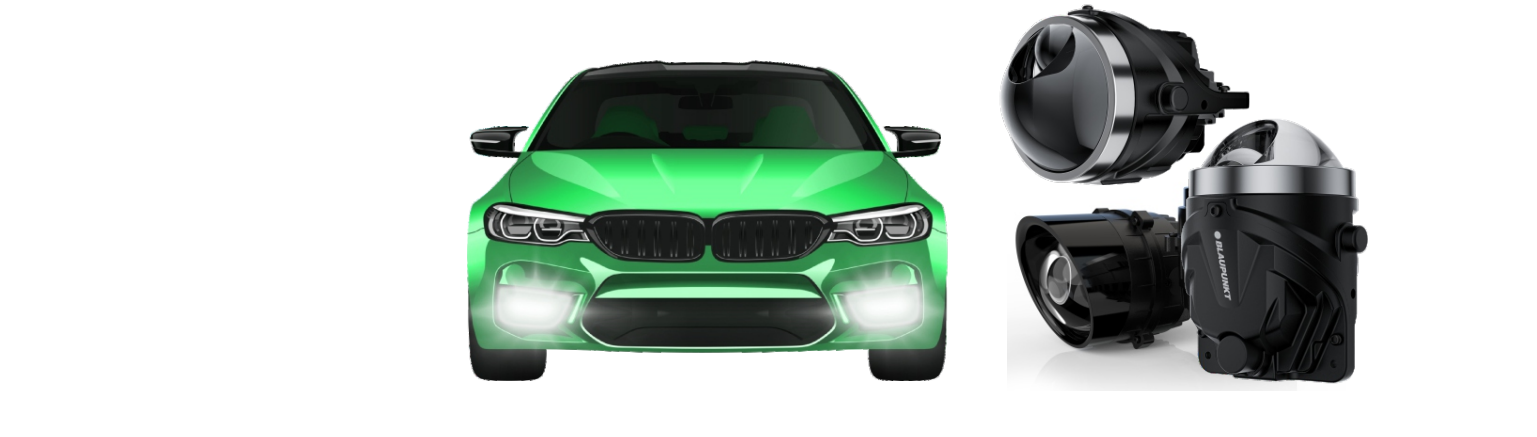

Blaupunkt AM 3000 PRO LED Lighting User Manual

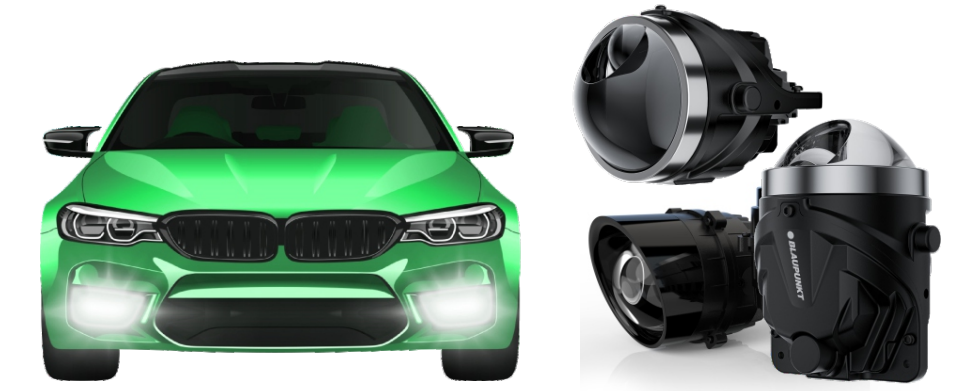
AM 3000 PRO – DOT
Step 5: Insert the new fog light. Firmly connect the new fog light connector; both male and female connectors are provided for easy installation. Should the old connector be damaged, please replace it with a new connector. Step 6: Insert the bolt into the X fog light housing or bezel. Use the threaded washer and nut to tighten the fog lamp with a ratchet or wrench. Do not over-tighten, as you may damage the fog light housing or bezel. The housing/bezel should be snug and securely fastened. Step 7: Re-connect the switch. Reconnect the fog light switch using the harness clip. The new fog light should now be functional. Step 8: Turn on the ignition and aim your lights. Test your new lights. Ensure that the angle is good for visibility and a wide-angle view. The fog lamp should light up the lower extremities, showing the edge of the road surface.
WARNING
- Do not touch the lights or the optic lens directly with your bare hands.
- Be sure that the car is completely turned off before installing new lights. The above installation steps are a general guide and for reference only; different vehicle models may have different disassembly requirements.
AM 3000 PRO – DOT
Experience a whole new dimension in brightness!
This fog light uses uniform light guide optics while setting the standard with its broad beam angle, guaranteeing a wider field of vision and greatly improved visibility in poor weather conditions. This fog light is the perfect replacement for most car models. The fog light is compatible with 12-volt automotive electrical systems and provides a bright and efficient LED light of 5,500 Kelvin. Thanks to the plug & play installation, the replacement of your existing fog lights is made very easy. These fog lights come with detailed instructions on how to install them and are designed for those with little to no wiring experience. Installing fog lights will be different on every car model. Follow Blaupunkt AM 3000 PRO LED Lighting Instruction these general steps as a guide to get started.
AM 3000 PRO – DOT DOT Specification
- Voltage: DC 12V
- Power: 50W each LED lamp
- Lumens: 7OOOLM
- Lens size: 3″ (76.2mm)
- Lamp Material: Aluminum Alloy
- High Power advanced Chipset
- oColorTemperature: 5500 Kelvin
- Up to 180% More Light
- CANBUS – Intelligent communication
protocol capable - IP68-Water resistant
- Compact design for better t
- Energy Saving, Quick start
- Superior Brightness
- 18 Months Warranty
AM 3000 PRO – DOT
AM 3000 PRO – DOT Installation
Important Safety Information: Please read this manual before installing and using the LED fog light. Failure to follow these instructions may result in damage to the product or your vehicle and could be a safety hazard. Step 1: Make sure your vehicle is parked and turned off. Locate the vehicle on a level surface. Engage the parking brake. Step 2: Disconnect the fog light switch. This disconnects the old fog light from the vehicle’s power system. It should be disconnected by detaching the harness clip. Step 3: Remove the nut / threaded washer and, if necessary, the bolt used to secure the old fog light housing or bezel. This will allow you to remove the fog light housing or the outer bezel. Make sure to keep all removed parts safely until installation is complete. Step 4: Remove the old fog light. Unplug the connector of the existing fog light. Take care not to scratch the bumper or body panels while removing the old fog light.