

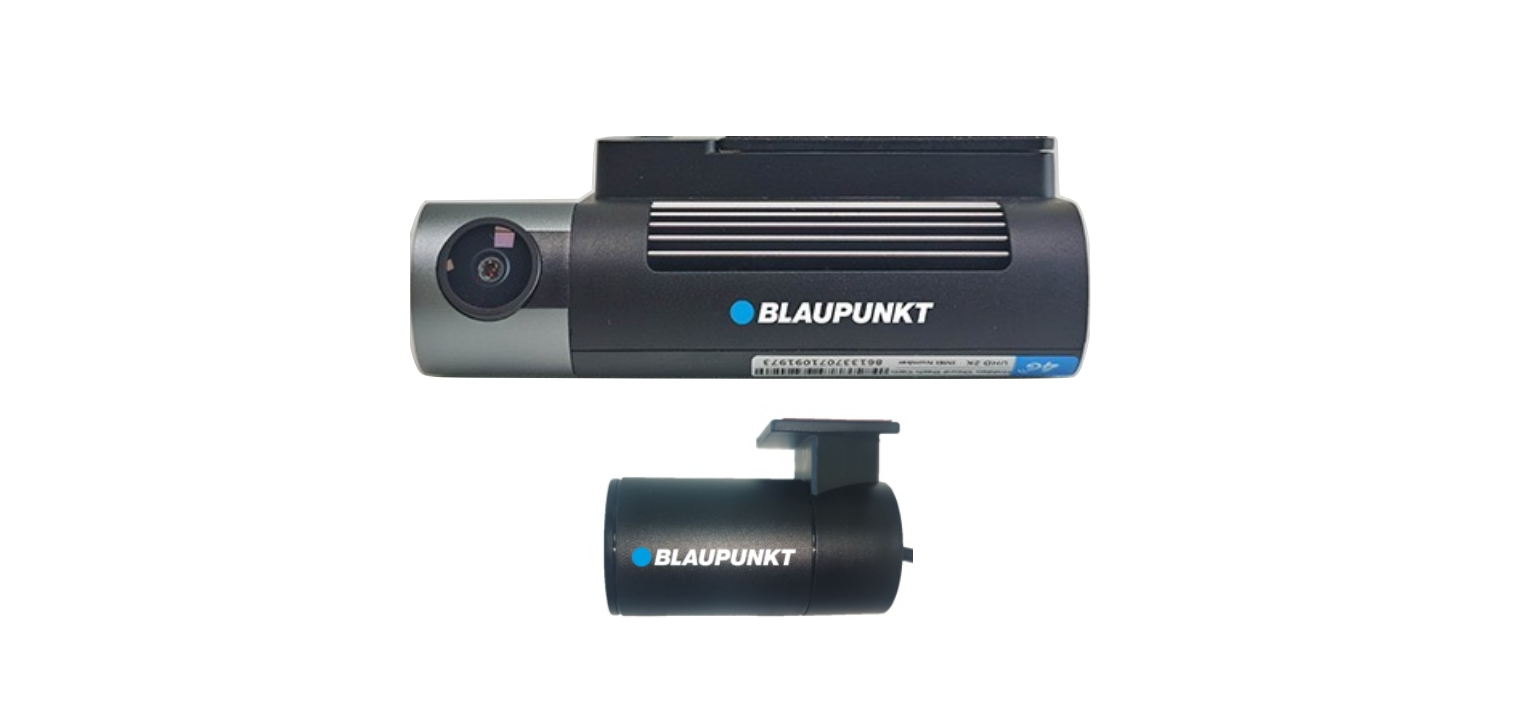

Blaupunkt BPM 110 Dash Cam With GPS Tracker
Key Features
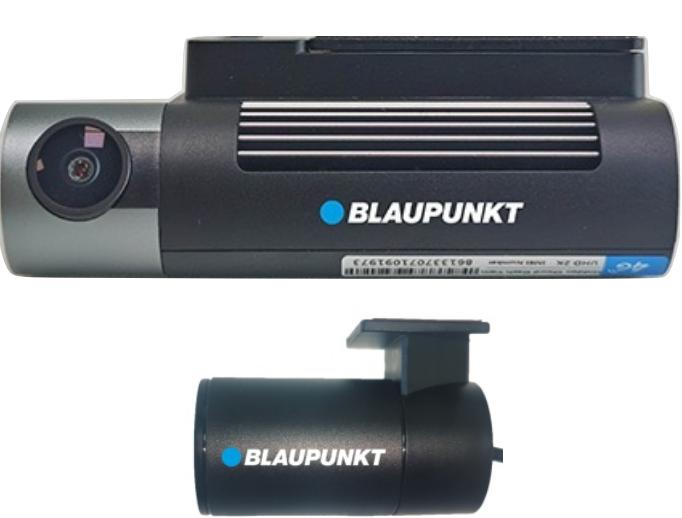
- Ultra compact design. Premium plastic body with metal heatsink.
- 2 channel : Front Camera Real 2K (2560p x 1440p); Rear Camera Full HD (1080p).
- Live Remote Streaming from Anywhere (via Mobile APP).
- Real Time Two-Way Communication (Dash Camera via mobile app).
- Remote real-time photo & video capture directly via mobile APP.
- Comes with Hardwiring for seamless parking monitoring & streaming even when the vehicle is OFF.
- Real-time GPS tracking of a vehicle with live movement on the map via a mobile App.
- Real-time monitoring & display of route taken, Speed, Odometer, and distance covered.
- Multiple Points of Interest (petrol pumps, police/emergency services, restaurants, etc) with navigation feature.
- Can create multiple child user accounts.
- Shows traffic, nearby vehicles, & nearby places of interest.
- Vallet mode (High alert mode – will send an emergency alarm on the mobile in case the vehicle is switched ON).
- Multiple Geo-fencing (virtual boundaries) with alerts for entry & exit from geo-fenced area.
- Real-time alerts and notifications, for e.g., Overspeeding, Ignition ON/OFF& similar with date, time & address stamp.
- Dashboard system for easy comparison between multiple vehicles & their usage over a period of time
- Multiple types of usage records – Daily movement summary, Trip movement, Stop movement, Events. All available for the previous 3 months on the APP itself.
Inside the box
- BPM 110 (4G enabled 2K Dash Camera x 1 unit

- Dash Camera Mounting Bracket with 3M double tape x 1 unit
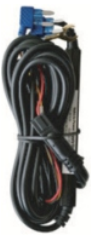
- Power Adaptor Cable x 1 unit
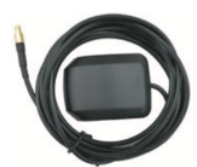
- GPS Antenna with connector x 1 unit
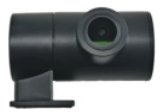
- Rear Camera 1K x 1 unit
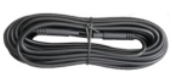
- Rear Camera extension cable x 1 unit
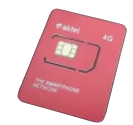
- Airtel 4G SIM (non-activated) x 1 unit
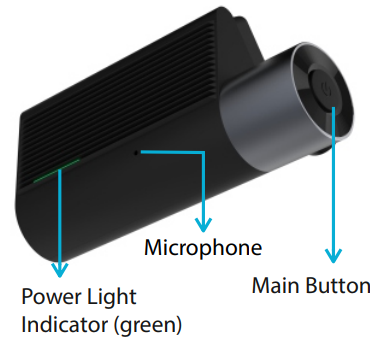
Description
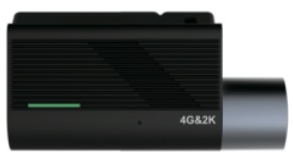
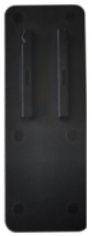
- Microphone
- Power Light Indicator (green)
- Main Button
- Press & Hold 3 seconds (Enables / Disables WiFi)
- Press & Hold 10 seconds (Restarts the device)
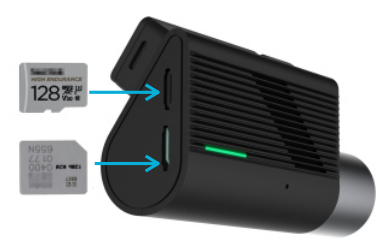
SIM card & Micro SD Card
Insert the SIM card and the Micro SD Card as shown in the picture. Max Micro SD card supported 512GB (Class 10).
Installation
- Before installation, park the vehicle on level ground and turn off the engine (do not park the vehicle on a slope or inclined roads).
- Please read the section on packing list and thoroughly inspect upon unpacking.
- Before installation, observe the vehicle’s surroundings and adhere to the following suggestions:
- The installation position and wiring of the product should not obstruct the driver’s visibility or adjustment of the rear-view mirror and sun visor.
- The lens for monitoring road conditions ahead of the vehicle must be within the working range of the windscreen wipers.
- The installation position should facilitate easy replacement and maintenance of the Micro SD card and Micro SIM card.
- To ensure proper online communication and data storage in the device, it is suggested to use a compatible Micro SIM card and a Micro SD memory card (Class 10 Micro SD Card, Recommended – SANDISK or similar).
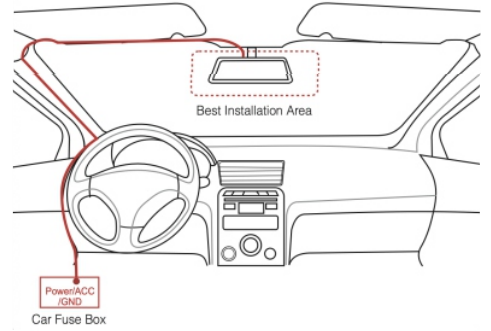
- Navigate the power cable of the BPM 110 via the roof through the A Pillar of the driver’s side to the vehicle’s Fuse box. Tighten the Earth wire thimble (Black) to any nut/screw/metallic part of the vehicle.
Downloading the Mobile APP
Please scan the QR code below to download the Blaupunkt DashCam Track APP for both iOS and Android phones.
User Registration / First-time USER ID & Password Creation
- The unique IMEI number of the device installed in your vehicle.
- The unique IMSI number of the SIM card is mentioned on the back cover of the SIM packet.
- A copy of your vehicle’s RC
- A copy of your Aadhar card (Mandatory for the SIM Activation)
- Your registered Mobile Number, Email Address, and Full Name.
Creating the Username & Password
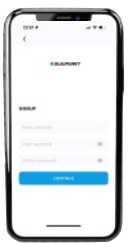
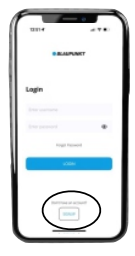
- Once the App has been downloaded, open the Application, and the LOGIN Screen should appear. Click on Sign Up.
- Enter your 10-digit mobile number and create your password, and confirm the password. After that, click on Create Account.
- Kindly accept the terms & conditions by pressing Yes, I agree button.
- You will receive a 4-digit OTP Kindly enter the same in the APP, and you should receive a “Success ”message.
- Provide the team with the following information
- Your Contact number (Should be the same as the USER ID you have created.
- Your Name & Email Address.
- An Image of the serial number of the Smart Blaupunkt BPM 110 Dash Cam With GPS Tracker Digital Video Recorder
- An image of the SIM card inserted
- Kindly ensure the vehicle is ‘ON’ and parked under the clear sky. Please do not park the vehicle under any obstruction (roof or basement) while the service technician configures your device. You may be requested to move the vehicle a little. The process should not take more than 25- 30 minutes.
Navigating the APP
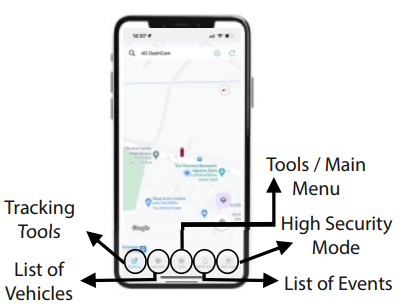
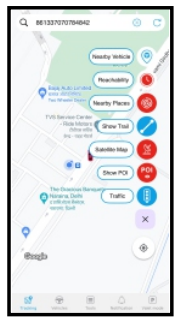
Tracking Page consists of
- Vehicle location on the Map with the physical address.
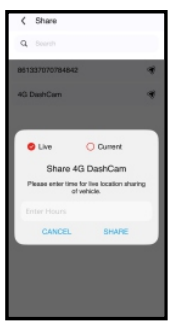
- Share current location
- Path replay, distance covered, Max speed, and idle time.
- Daily path & trip path.
- Current Speed & Odometer reading.
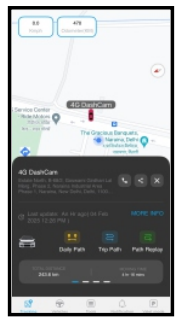
Vehicles Page consists of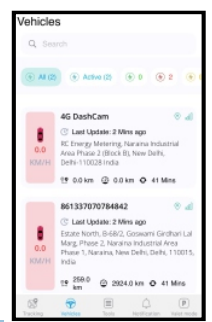
- List of Vehicles in a Username
- Address & Last update of vehicle location
- DashCam GPS & Network Status
- Ignition/Movement status of the vehicle
- Current speed of the vehicle
- By tapping on the vehicle, it will take you to the Map page & location of the vehicle.
Notifications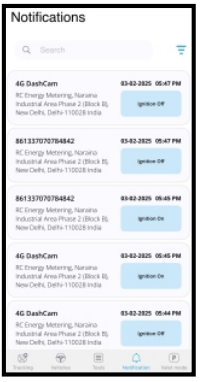
- Allows the user to select the vehicle & type of notification.
- Provides the vehicle number, time, address, and the type of notification.
- Users can filter the type of notifications they want to see.
Live Streaming Feature
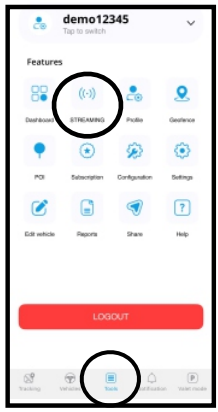
- Navigate to the ‘TOOLS’ section of the APP.
- Click on the ‘STREAMING’ Option.
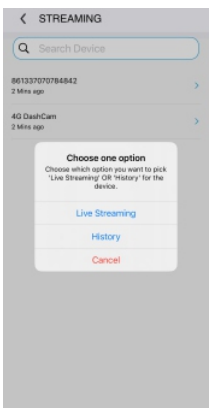
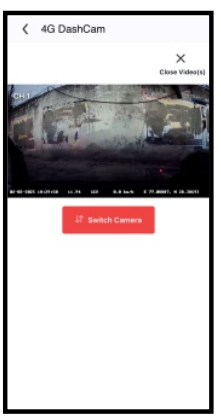
- Select ‘Live Stream’ to remotely view the cameras in real time. Or select ‘History’ to view the previous recordings.
Customer Support
- WhatsApp: 9156910994
- Toll Free: 1800 209 6820
- Email: support@blaupunktcar.in
FAQs
What is the Blaupunkt BPM 110 Dash Cam used for?
The BPM 110 is a small dash camera that tracks vehicle paths and records driving footage. It has built-in GPS tracking. It’s perfect for recording road trips, documenting accidents, and enhancing car security.
What resolution does the camera record in?
Even in situations with rapid motion, the BPM 110 captures crisp, vivid video at 30 frames per second in Full HD 1080p.
Can it record audio as well?
Indeed, it has an integrated microphone, and the settings allow you to turn audio recording on or off.
What is the field of view of the camera?
It can capture a wide picture of the road, including numerous lanes and surrounding activity, thanks to its wide-angle lens (up to 140 degrees).
. What type of memory card does it use?
A microSD card (Class 10 or higher) with a maximum capacity of 128GB is used by the dash cam.
What is loop recording?
By overwriting the oldest files when the memory card is full, loop recording ensures that you never run out of space and enables continuous video capture.
Can I protect important videos from being overwritten?
Indeed. The dash cam automatically locks certain files to prevent overwriting when it detects collisions or abrupt motion using a G-sensor.
How is the dash cam powered?
With the provided power adapter, it connects to the 12V outlet (cigarette lighter) in your car. For a neater configuration, some users choose hardwiring.