

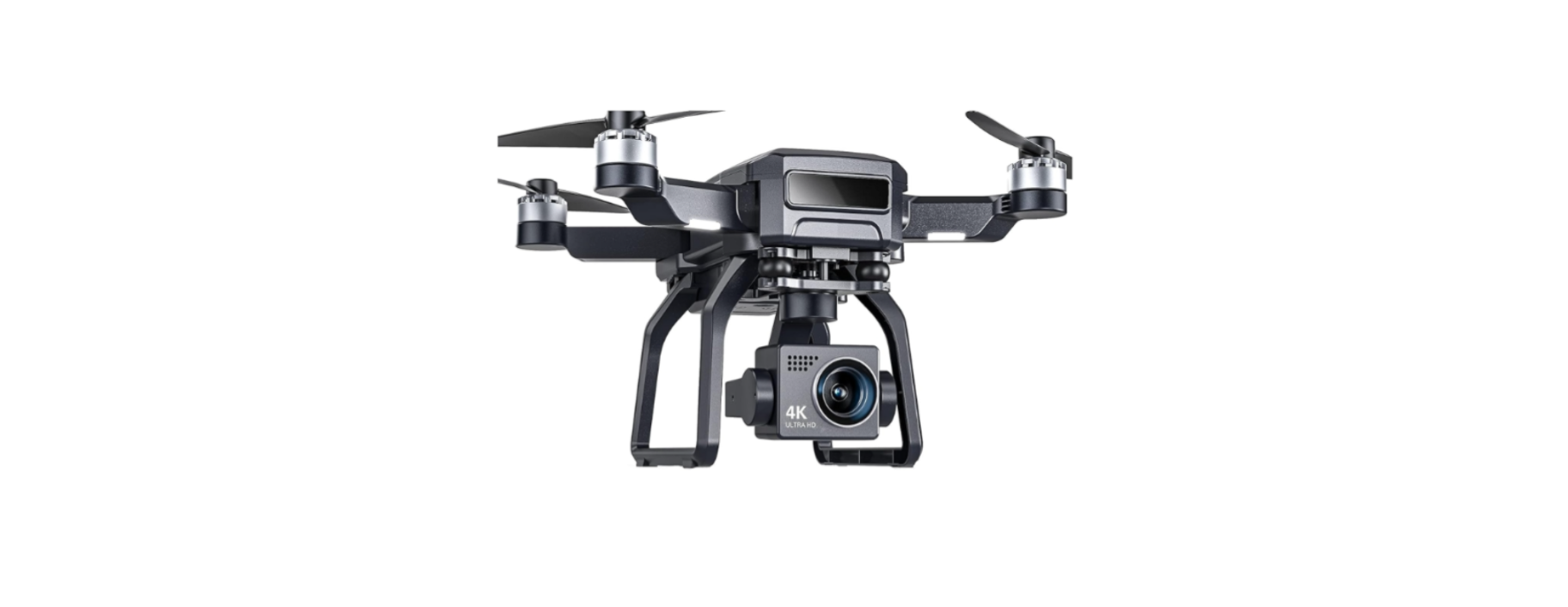

Bwine F7GB2 Auto Return GPS Follow Pro Drones
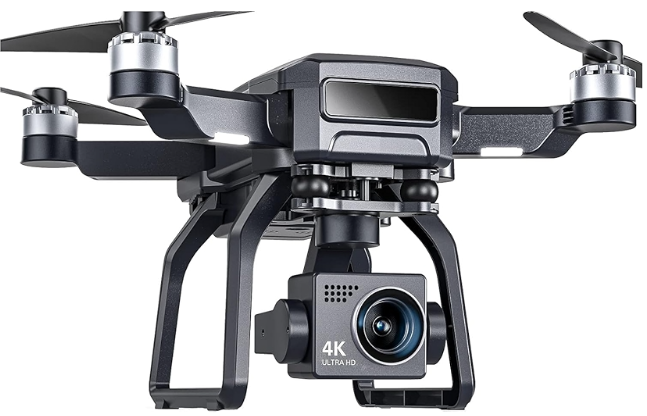
Package Contents
- Bwine F7 Drone × 1
- Remote Controller × 1
- Rechargeable Battery (7.4V 2000mAh) × 1
- Spare Propellers × 4
- USB Charging Cable × 1
- Screwdriver × 1
- User Manual × 1
- Propeller Guards × 4
- Carrying Case × 1
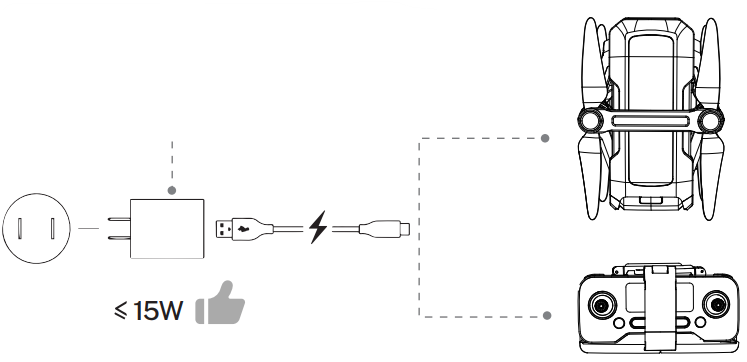
Charge the Batteries
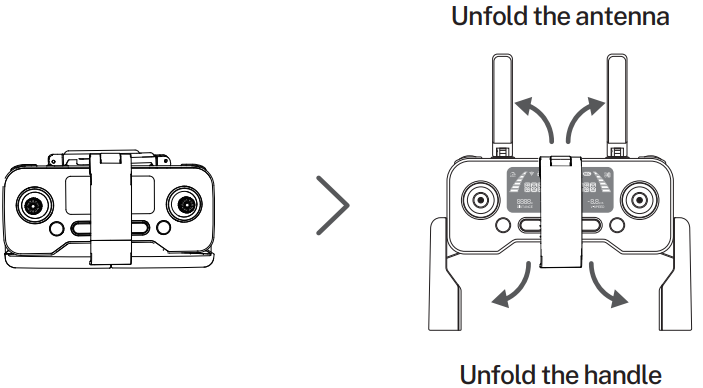
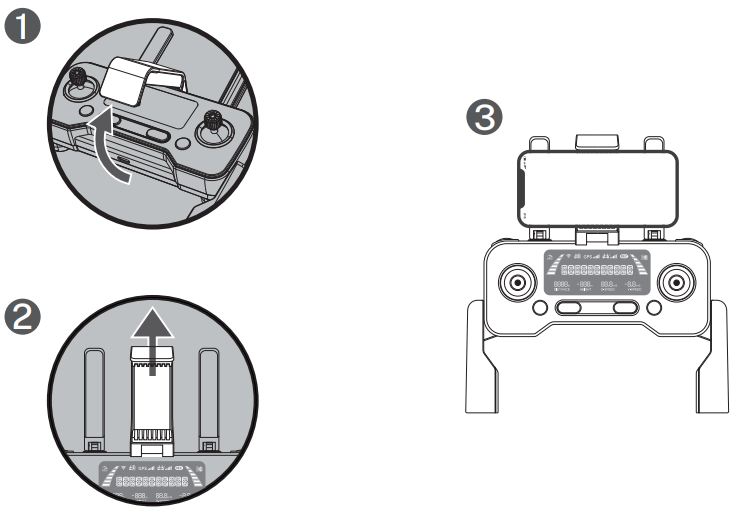
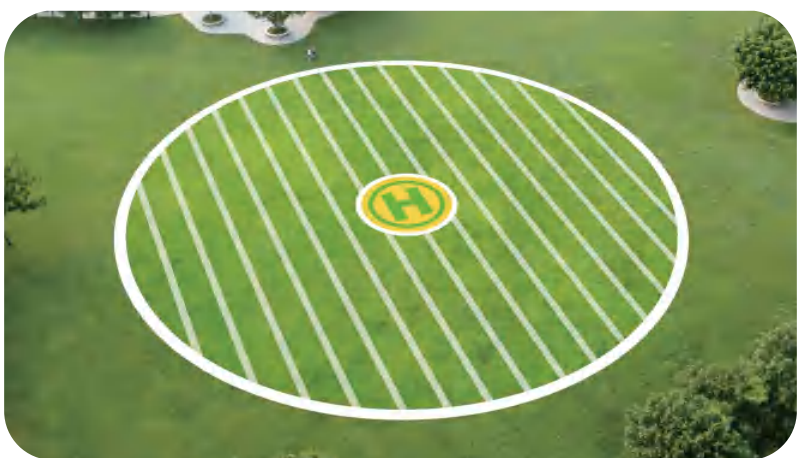
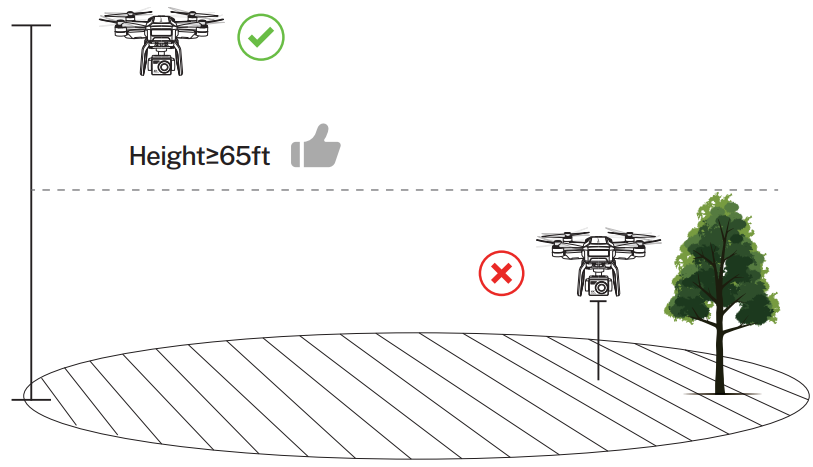
Select an Open Flight
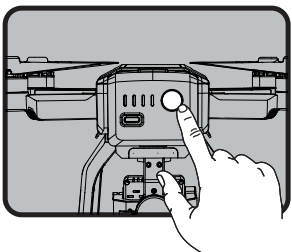
- Press and hold the button until the aircraft plays the startup sound.
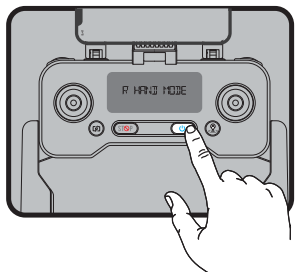
- Short-press 2 times to power on the transmitter.
Pair the Transmitter with the Aircraft
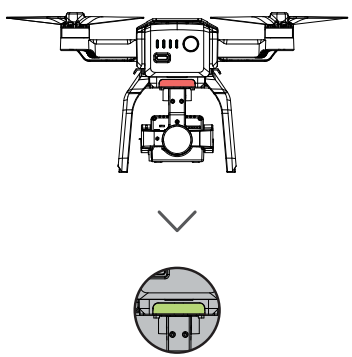
- The light on the back of the drone turns from red to green. ( About 40 seconds )
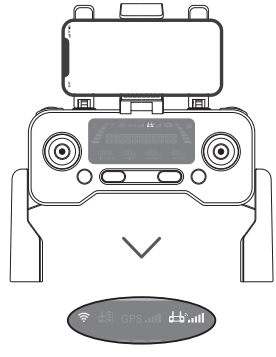
- The DI sounds of the transmitter stop, and the signal sign on the screen lights, pairing completed.
Connect to Wi-Fi
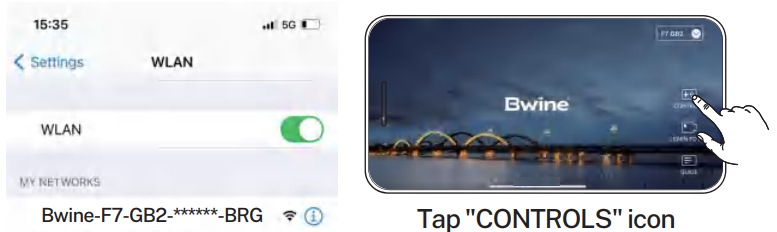 Connect the mobile device to the aircraft’s Wi-Fi and enter the App operation page. Please refer to the user manual (page 34) for more details.
Calibrate the Compass
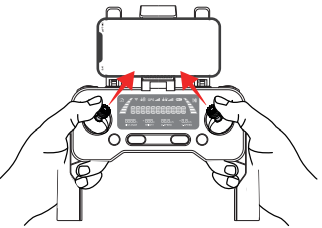
- Push joysticks to 1 & 11 o’clock position.
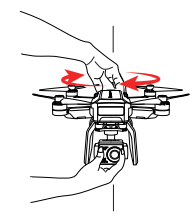
- Rotate the aircraft horizontally 360°. ( About 1-2 turns )
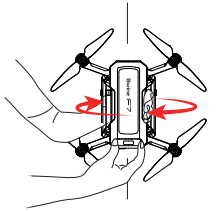
- Rotate the aircraft vertically 360°. ( About 1-2 turns )
Calibrate the Gyroscope
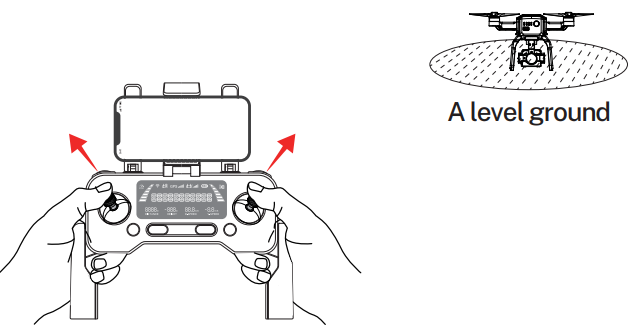
- Push joysticks to 11 & 1 o’clock position. ( About 2 seconds )
Gimbal Self-inspection
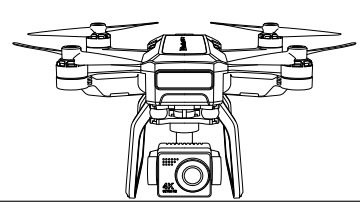
- Put on a level surface. ( About 20 seconds )
Search for GPS Automatically
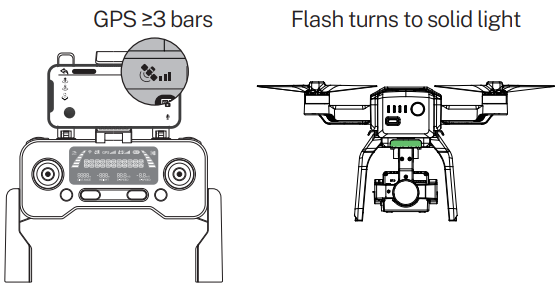
- The searching time depends on the flight environment.
- If unsuccessful, the motors can’t be started.
Start the Motors
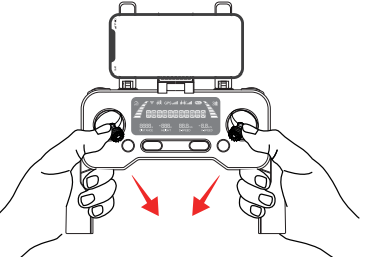
- Push joysticks to the 5 & 7 o’clock position. ( About 2 seconds )
Take Off
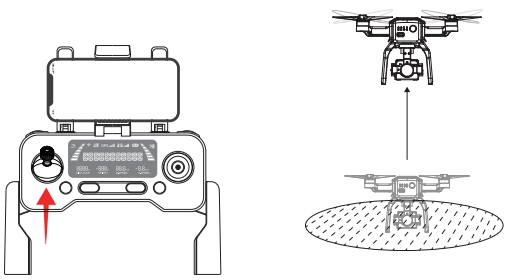
- Push up the left stick.
Flying Drones
Troubleshooting
| Question | Reason | Solutions |
| The motors cannot be started | Weak GPS signal | Turn on the aircraft in an open area with a strong GPS signal |
| The red light stays on | The aircraft hasa low battery. Please charge the battery in time | |
| The pink light stays on | The compass is not calibrated. Please refer to the “Calibration Before Flight” section of the user manual. | |
| The left and right joysticks are in place. | Push the left and right joysticks simultaneously to 5 o’clock and 7 o’clock for 2 seconds. | |
| Unstable flight | Flying too low, affected by aircraft airflow | Please fly the aircraft above 9.84ft(3 meters) |
| The gyroscope is not calibrated | Place the aircraft on a horizontal surface and conduct gyroscope/horizontal calibration. Please refer to the “Calibration Before Flight” section of the user manual. | |
| The propellers become deformed and incomplete. | Replace the propellers with new ones | |
| GPS signal is unstable. Flying near buildings and in obstructed places | Please fly the aircraft in an open area free of obstacles within the circle of radius 32.81 ft (10 meters) | |
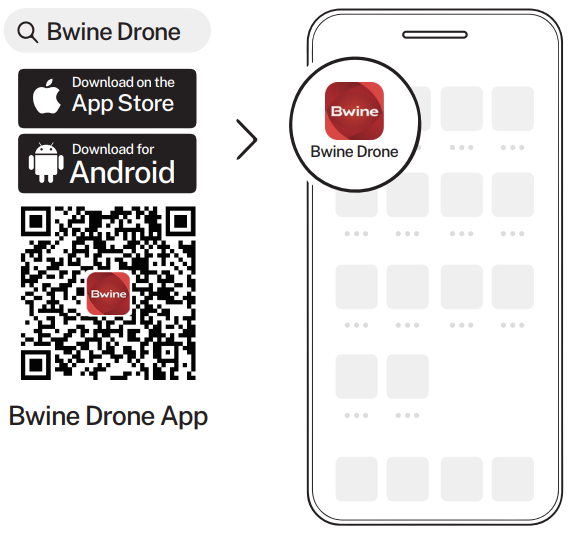
Download App
Customer Support
- Timings: Mon-Fri 7:00 AM – 5:00 PM (PST)
- Tel: +1 (619) 614-7960
- Website: https://www.bwine.net/
- Address: Room 1705, Rufeng Building, No. 573, Bulong Road, Ma’antang Community, Bantian Street, Longgang District, Shenzhen’
© 2024 Bwine Technology. All rights reserved.