



CACTUS CAC-120 Tracker Plus Smart Watch
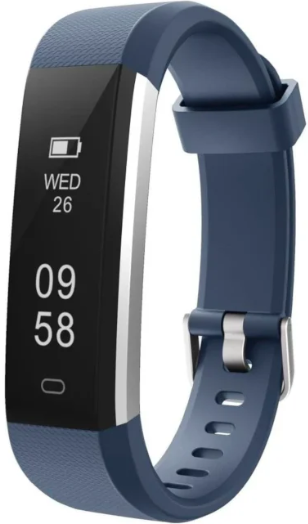
Setting
Use the VeryFitPro App on IOS or Android smartphone to set the SURGE as follows: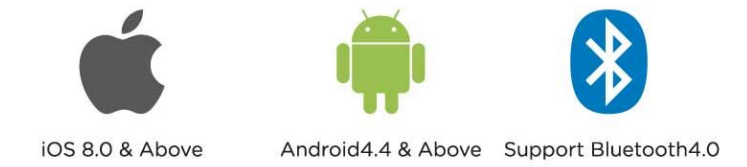
Download VeryFitPro
Search and download “VeryFitPro” from the App Store or the Android App Store. Scan the QR code and download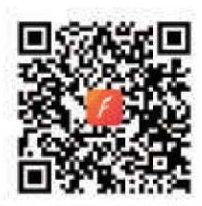
Product Activation & Installation
Before using your CACTUS SURG, ensure that it is fully charged. When it is fully charged, it will automatically power on. Detach the band: pull off the strap (on both sides) of the device body.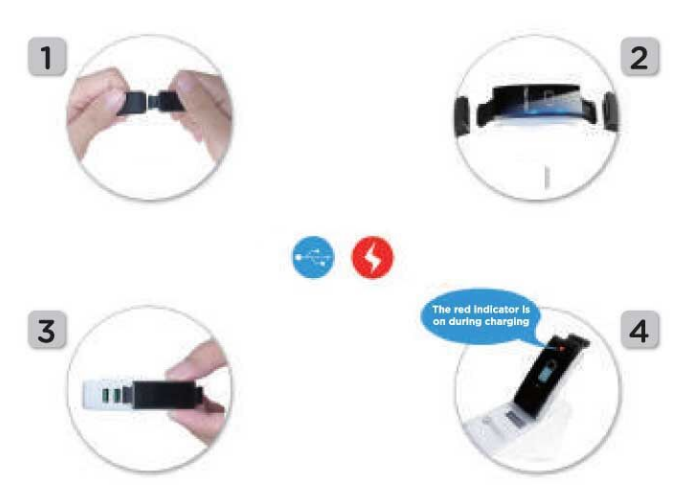
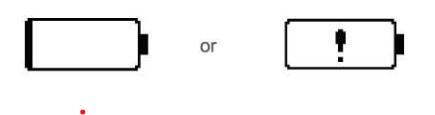
Charge the battery: Insert the chip-mounted end of the device body into the USB interface to activate the product by charging (be cautious not to reverse the polarity, and to comply with the required voltage and current: 5V / 500m.A) When inserted in the correct position to charge, a red light will come on. When fully charged (battery image will show full charge), attach both bands to the device. You are now ready to wear the CACTUS SURGE – adjust the length of the band and fasten the device around your wrist.
Touch key
Single-click the touch key: Interface switch. Press and hold the touch key: Enter.
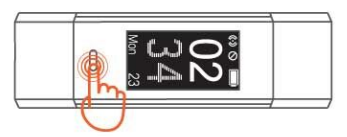
Make sure Bluetooth is ON in your smartphone, and open the VeryFitPro app on your smartphone.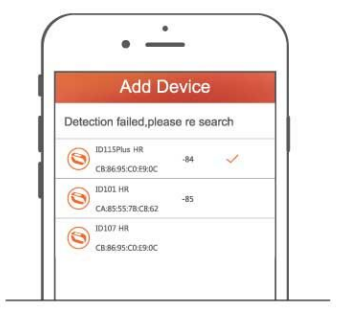
In the app, when adding a device and selecting the right band from the search list, please slide the screen of the SURGE to wake up the device and then complete the connection (“bind successful”)
Wearing Method
Wear the device on your wrist horizontally, the same method as wearing watches.
Heart Rate Monitoring
To monitor heart rate more accurately, please wear the device on top of your wrist and a bit tighter than usual when you are exercising.
Heart Rate Monitoring
Automatic heart rate monitoring is ON by default, and the device monitors heart rate all day automatically.
Interface
Click the touch key to display successively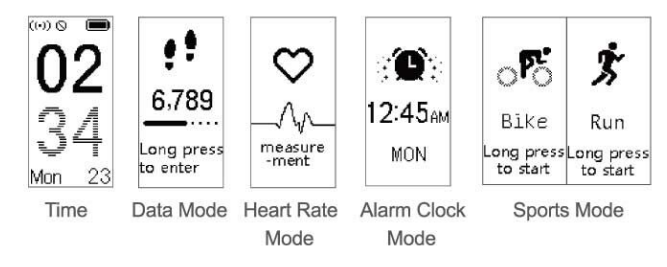
Function Introduction
Time Mode
Time dial can be switched on as follows: App>Device>More>Time Format. Choose 12-hour or 24-hour mode. Touch the screen to wake the device – the app will show a tick next to the time format ‹more setting done. Click the touch key to enter the next mode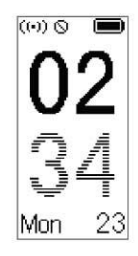
Data Mode
Click the touch key to enter the next mode: Heart Rate Mode. Press and hold the touch key for 2s to enter the sub-mode of “Data Reading”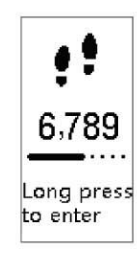
Data Reading Sub-Mode
Click the touch key to enter the next sub-mod.e To go back to the Data Reading Mode, click the touch key one more time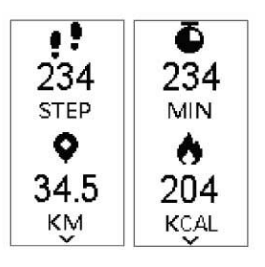
Heart Rate Mode
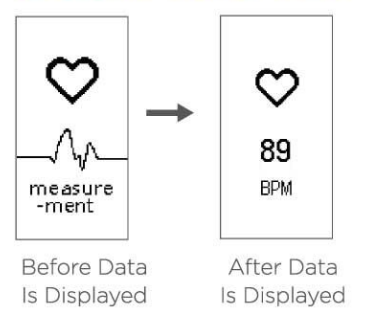
When in heart rate mode for 1s, the SURGE starts to monitor heart rate, and the figure like — is displayed before the correct data is reached. When the heart rate is detectedDatata is displayed numerically.
Alarm Clock Mode
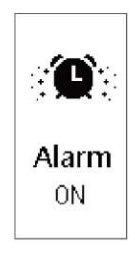
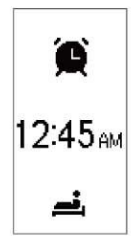
Click the touch key to enter the next mode: Sports Mode. Press and hold the touch key for 2 seconds to start/close the alarm clock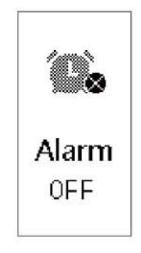
Sports Mode
Click the touch key to enter the next sports mode, and in case there are no other sports modes, it will go back to the time mode.
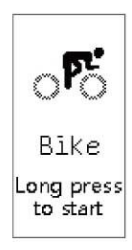
Sports Start Mode
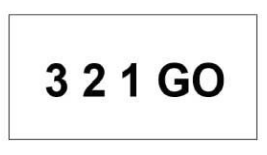
After the countdown interface of 3-2-1-G, the device has entered the sports Underway Mode.
Sports Underway Mode
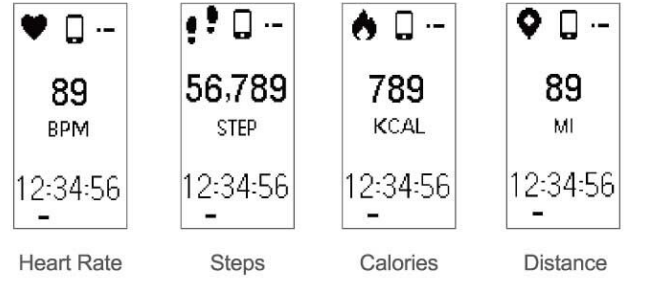
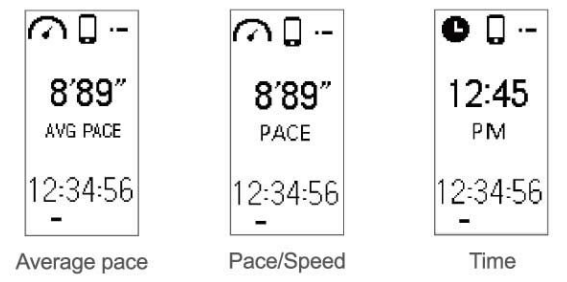
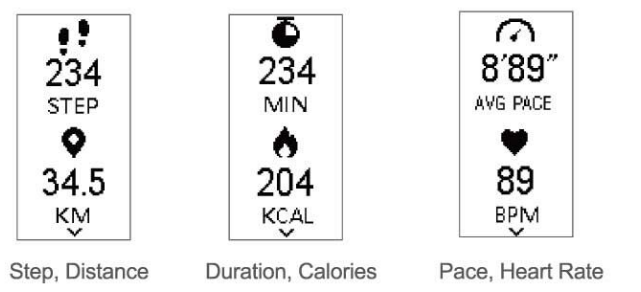
Click the touch key to enter the next sub-mode of “Sports Underway”. Press and hold the touch key for 2 seconds to enter any interface of Data Reading. Press and hold 2s to exit the sports mode.
On exiting Sports Mode
- If exercise lasts less than 1 minute notification will show “short training session not saved”.
- If exercise lasts more than 1 minute notification will show “Good Job”.
- Sports Data Display Mode – Click the touch key to enter the next Sports Data Display mode, and a single click of the final interface will return you to the first interface of Sports Mode

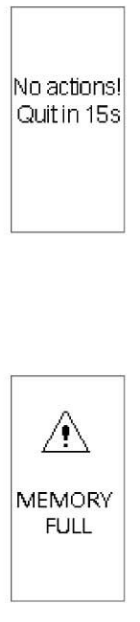
Event Reminder in Sports Mode
New activities will cancel automatic quitting from Sports Mode. If there are no new activities before the end of the countdown, automatic quitting occurs. 2) Reminder of full-ram force quit. Click the touch key to confirm the full-ram force quit.
Reminder of force quit for low battery
During sports activities, if the power is too low, Sports Mode will pause and remind the user to force quit from Sports Mode. Click the touch key to accept the force quit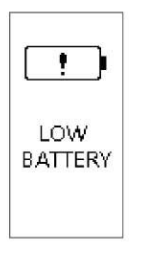
Reminder of inaccessible Sports Mode for
low battery.. The reminder will occur when the user tries to start Sports Mode when the battery is too low. Click the touch key to exit the inaccessible Sports Mode reminder.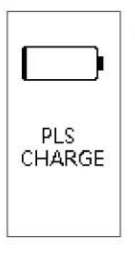
Unintentional operations during activity
This reminder will appear on the screen. Click the touch key to quit the reminder waiting mode.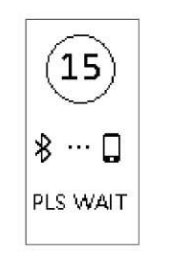
Camera Mode Control
To enter camera mode, allow VeryfitPro to access the camera and photos in phone settings, start the camera entry in the app, and the device will enter camera mode. You can then take an action photo by smartphone with any of the following methods: Shake your SURGE, lift your wrist, or click the touch key.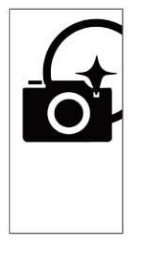
To exit camera mode, press and hold the touch key on your SURGE, or exit through the app.
More Alerts / Reminders
Caller Alert/Reminder
Click the touch key to remove the call reminder. Press and hold the touch key to hang up the call.
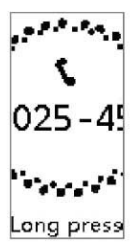
SMS Message Alert / Reminder
SMS notification must be switched ON in the app (SNS alert>SMS), and pairing must be successful and the setting confirmed. To read longer messages, click the touch key to see the remainder of the message.\

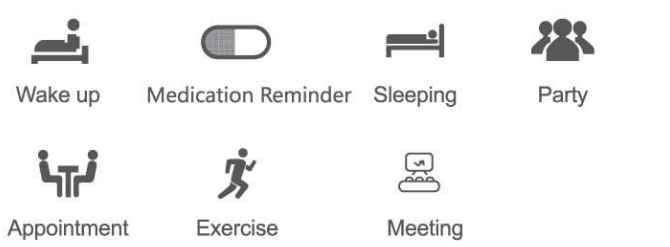
Alarm Clock
Sedentary Alert / Reminder
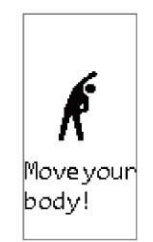
Sedentary alerts can be set in the app. Click the touch key to remove the vibration alert on your SURGE.
Target Completion Alert / Reminder
On achieving set goals, shake the SURGE to get the interface of the target completed displayed. Click the touch key to quit the reminder.

Low battery reminder
Device Error Notification
This interface will be displayed each time the device is opened, CACTUS CAC-120 Tracker Plus Smart Watch if an abnormality in its functioning is detected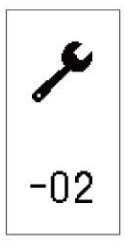
Status Code
- abnormality of the acceleration sensor
- abnormality of the heart rate sensor
- abnormality of the touch key IC
- abnormality of flash
Maintenance
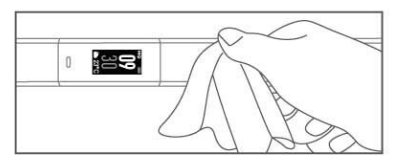
Our products are designed for daily use & wearing throughout CACTUS CAC-120 Tracker Plus Smart Watch the day. To keep your SURGE clean and for optimum functioning, we advise
- Keep your skin clean.
- Regularly clean the wristband of the SURG E, especially after exposure to perspiration or substances such as soap or detergent. Do not wash the SURGE with household cleaning agents – use soapless detergent, rinse thoroughly & wipe dry with a soft towel.
- For spots & stains, scrub with alcohol & then follow the above steps
Specifications
Model No.: ID115 Plus HR Battery Capacity: 65 mAh Working Voltage: 3.7 V Host weight: about 24g Sync: Bluetooth 4.0 Working temperature: -20 °C- 40°CC Waterproof: IP67 Working Time: 7days Product frequency band: 2402-2480MHz Maximum transmit power: -0.44dBm
Warranty
This product is warranted to be free from defects in materials and workmanship for a period of 1 year from the date of purchase. This warranty covers manufacturing and mechanical defects but excludes band and lens damage.
Declaration
The device meets the EU ROHS criterion. Please refer to IEC 62321, EU ROHS Directive 2011/65/, EU athe nd revised directive.
Customer Support
- Website: www.cactuswatches.com
- Ph: 0301-5542475
FAQs
What is the average battery life of the Tracker Plus Smart Watch?
With a full charge, the CAC-120 Tracker Plus usually lasts 3 to 5 days, depending on screen time, GPS tracking, and notifications.
How do I charge my Tracker Plus watch?
Make use of the magnetic charging cord that comes with it. Connect the USB end of the cable to a power source after aligning the charging pins with the contacts on the watch’s back. It takes about two hours to charge.
Which smartphones are compatible with the CAC-120 Tracker Plus?
iOS devices with version 10.0 or higher and Android devices with version 5.1 and up are compatible with the watch. To pair, Bluetooth 4.0 or later is needed.
. Does the Tracker Plus have GPS tracking?
Indeed. With the CAC-120’s integrated GPS, precise real-time position tracking is possible without the need for a smartphone.
Can I receive notifications on the watch?
Yes, when connected to your smartphone, the watch shows notifications for incoming calls, SMS, emails, and well-known apps like Facebook and WhatsApp.
How can I customize the watch face?
Launch the Tracker Plus app, go to the collection of watch faces, and pick your preferred style. To apply, sync it with the watch.
What do I do if the watch becomes unresponsive?
To restart, press and hold the power button for approximately ten seconds. Use the settings menu or app to do a factory reset if the problems continue.
Is the CAC-120 waterproof?
Although the watch is dust-tight and water-resistant to splashes and brief submersion, it is not appropriate for swimming or diving, according to its IP67 rating.