

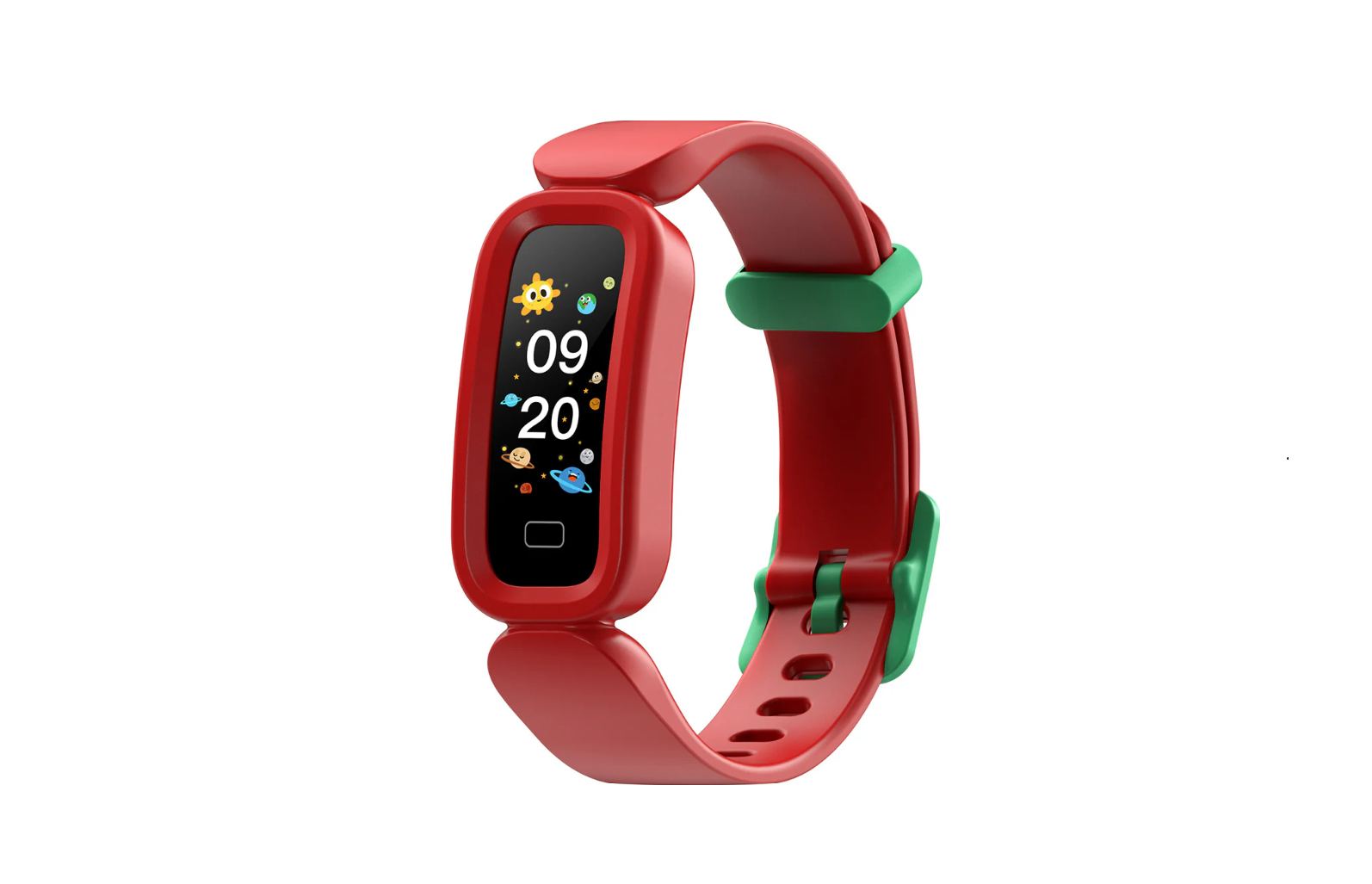

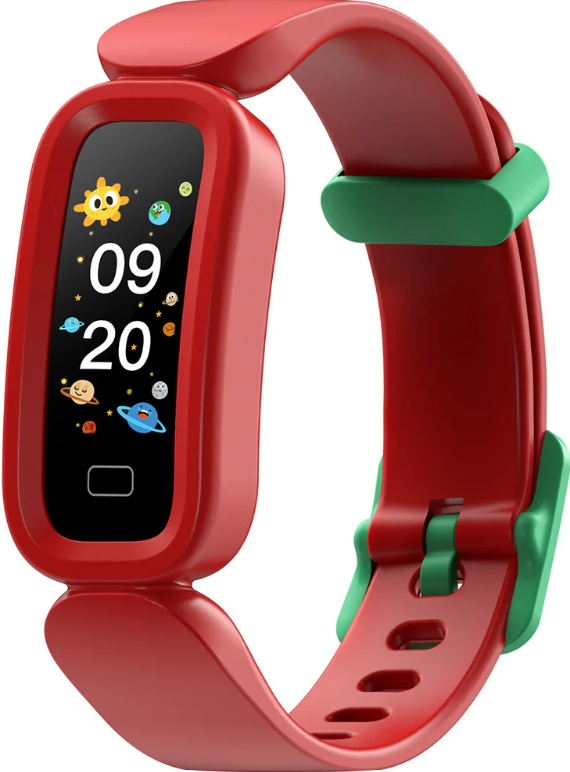
CACTUS CAC-137 Flash Kids Smart Watch
Setting
Use the Runmifit app on an iOS or Android smartphone to set the FLASH as follows. Hardware and systems of devices should meet the following requirements:
Compatibility
- iOS 9.0 & Above
- Android 4.4 & Above
- Supports Bluetooth 4.0 & Above
Download Runmifit App
- Search and download the Runmifit app from the App Store or the Android App Store.

- Scan the QR code below to download and install the Runmifit app. Give consent/permission to the app to use the Bluetooth data transmission function.
Charging your Device
 Charging your Device
Before using your CACTUS FLASH, ensure that it is fully charged. Use the supplied cable and attach the magnetic end to the charging points on the back of the watch, then connect the USB plug to a suitable power supply (PC or charger). Charge fully before first use. Please note: charging on a PC USB port may take longer than a phone USB power adaptor.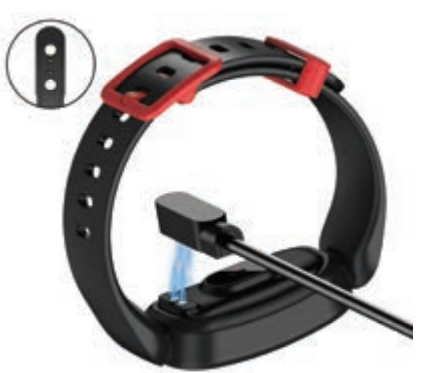
How to Use
The activity tracker is a single-touch device.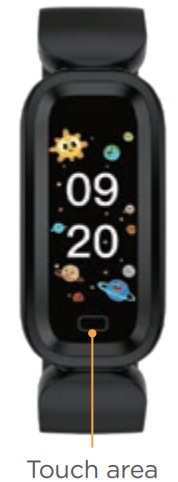
Power on
- Long-press the touch key to power on. The device will vibrate and display the main interface. Tap to switch pages / to toggle the current page to the next page / move across the options on the current page. Long-press the touch key to enter or confirm an option.
Shut down
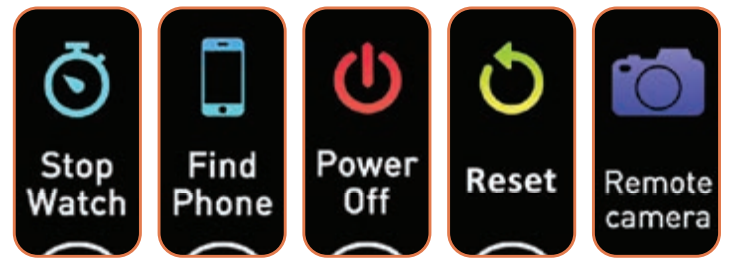
- Tap the touch button repeatedly until you get to the (More) menu, long-press the touch button to enter, tap until you get to Power Off, and long-press the Touch area to shut down the device.
Pairing your Device
- Make sure Bluetooth is ON in your smartphone, and open the Runmifit app on your smartphone.
- For pairing, please make sure to place the tracker near your phone and find the “Add Device” in the app.
- Then it will enter the Bluetooth searching page to find the device, tap the pairing name S90, and select Pair.
- To avoid signal interference, remove all other Bluetooth devices near the fitness tracker when pairing.
- When pairing for the first time, please open the app, register your email address, and accept the user agreement. You will receive a verification code by email. Enter this code in the ap,p login.
- Complete your personal details in the app to calibrate the device – your gender, age, weighand t, and height.
- After successful pairing, the app will automatically save the Bluetooth address, and when the app is open or running in the background, it will automatically search for and connect to the device.
- Data synchronization will occur automatically from time to time.
- You can also manually pull down the data to synchronize data on the app homepage.
- The FLASH activity tracker saves 7 days of offline data.
- Please ensure that the app is open so that synchronization of data can occur, and historical data can be viewed in the app.
- Please do NOT directly search for the device in the Bluetooth list in your phone settings when pairing. You need to enter the app to search for the connection and pair.
- To choose metric or imperial measurements, go to the app, go to your profile, Me, go to System setup, a nd select your choice.
Unbinding your Device
If you want to unbind the fitness tracker or pair the device with another phone, first unbind it in the app. Then go to Bluetooth settings > forget the device.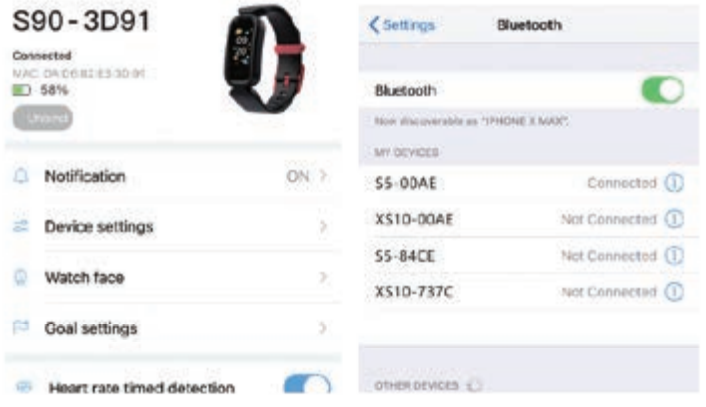
Major Functions
- Steps – daily step count, calculates distance, and calories burned.
- Sleep monitor – calculates time and quality of sleep (deep & light sleep) when worn during sleep. Data can be viewed in the app.
- Heart rate & blood pressure & blood oxygen. Automatic heart rate monitoring is ON by default, and the device monitors heart rate all day automatically.
- Heart rate measurement can be switched to manual in the app. Blood pressure and blood oxygen measurement are activated manually on the device.
- Please note that the FLASH is not intended to be used for medical purposes, and is not a medical device. All data and results measured are for user reference only.
- Multiple sport modes: choose 4 from a range of 16 options.
- Incoming call alerts, SMS & social media messages are optional when selected in the app and the device is within Bluetooth distance from the paired phone.
- Stopwatch – activated manually on the device
- Sedentary reminders, hydration reminders & alarms vibration alerts are optional when selected in the app and the device is in Bluetooth distance from the paired phone.
- Find my phone, Find my device, Remote camera shoot activation.
Features
Time Display and Screen Display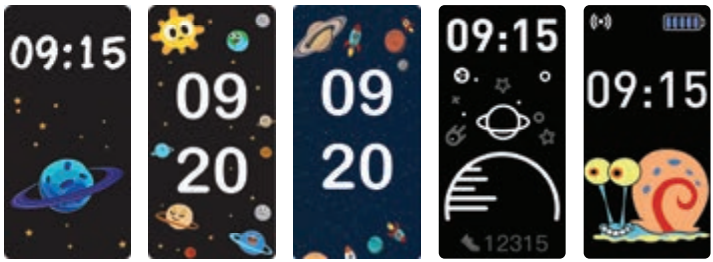
- Multiple dial display options in the app.
Steps, Distance, Calories Burned
- The device records and displays the number of steps you walk every day, the amount of calories you burn, and the distance covered
Heart Rate, Blood Pressure, Blood Oxygen
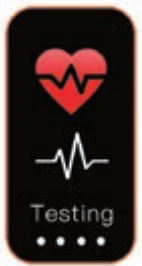
- Heart rate is detected automatically, unless switched off in the app. To activate manual heart rate measurement (beats per minute), long-press the touch key.
- Blood pressure – long-press the touch key to activate blood pressure measurement and wait for detection.
- Blood oxygen – long-press the touch key to activate blood oxygen measurement and wait for detection.
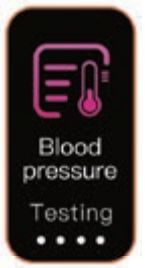
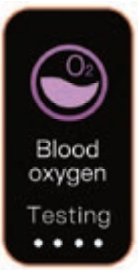
Sport
- 4 sports modes appear on the device from a range of 16 available – to make changes, go to More > sport mode > 16 modes available
- For sport session measurement, press and hold for 3 seconds on the selected exercise interface to start the exercise measurement; tap during exercise to pause the exercise; press and hold for 3 seconds to end the exercise
- Sport data can be viewed in the app, go to Health > Sport record.
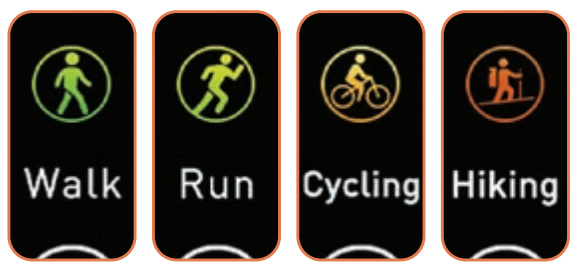
System Settings
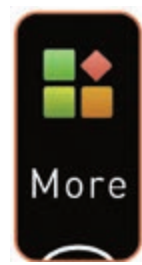
Long-press to enter More options
- Tap to switch pages
- Long-press to select an option
Intended Use
This smart device is intended for monitoring fitness-related metrics such as heart rate, blood pressure, blood oxygen, distance walked or run, calorie consumption, and quality of sleep. Data measured should not be used for any medical, ambulatory, or dietary reference.
Common Troubleshooting
- Connection Considerations
- Please ensure that the device is fully charged /fully battery and powered on.
- Make sure your phone’s operating system is iOS 9.0 & above or Android 4.4 & above
- Turn off the phone’s Bluetooth and then turn it on
- Reboot the mobile phone and ensure that Bluetooth is on
- Do not connect other Bluetooth devices at the same time
- Put the device close to the phone. Make sure that the distance between the device and the phone is less than 50cm
- Cannot Synchronize Data from the Device to the App
- When the app is open and connected to the device, the app will automatically synchronize the data. If you can’t synchronize, please switch CACTUS CAC-137 Flash Kids Smart Watch on Bluetooth or restart the phone, or you can quit the app completely and reopen it.
- Issues with Notifications, Incoming Caller Alerts, Reminders, and Alarms
- All reminder and notification features require you to authorize Runmifit in the permissions on the paired phone. For troubleshooting issues, please uninstall the app, re-download and install, and agree to all authorizations for Runmifit.
- If call notifications are turned on, and the device does not vibrate when the phone receives a call, then check that Bluetooth is turned on and linked with the device, and then check that the Runmifit app is working.
- If the message reminder function is turned on, and the device does not vibrate, please check that the app meets the following conditions: alerts are allowed when the screen is locked, and previews are allowed always (default).
- Variations in Step Count Data
- This device uses a three-axis accelerometer, and each acceleration of the human body is converted into the number of steps taken. This is a calculation for fitness-related metrics only.
Specifications
- Model No.: CAC-137
- Battery Capacity: 85 mAh
- Sync: Bluetooth 5.0
- Shell Material: Plastic
- Strap Material: TUE + TPU
- IP68 waterproof for swimming
- Working Time: 5 days
Warranty
This product is warranted to be free from defects in CACTUS CAC-137 Flash Kids Smart Watch materials and workmanship for a period of 1 year from the date of purchase. This warranty covers manufacturing and mechanical defects but excludes band and lens damage.
Customer Support
- Website: www.cactuswatches.com
- Ph: 0301-5542475
FAQs
What age group is the CAC-137 Flash Kids Smart Watch designed for?
This smartwatch, which combines entertaining features with safety features to help parents remain in touch with their children, is made for youngsters ages 4 to 12.
Can my child make and receive calls on this watch?
Indeed. With a working SIM card installed, the CAC-137 features two-way calling, so your youngster may make and receive calls from pre-approved contacts.
Does the watch have GPS tracking?
Indeed, the watch has real-time GPS tracking, allowing parents to use the companion app on their smartphone to keep an eye on their child’s whereabouts.
How long does the battery last?
The battery lasts one to two days when used normally. Screen use, GPS monitoring, and phone calls all affect battery life.
Can I control who my child communicates with?
Indeed. By using the app, parents may set up an approved contact list on the watch, limiting calls and texts to just family members and friends they can trust.
Does the watch support SOS emergency alerts?
Indeed. The youngster may instantly alert pre-programmed emergency contacts with their position by pressing the watch’s SOS button.
Is the CAC-137 water-resistant?
The watch is not waterproof, however, it does have some splash protection. Do not wear it when swimming or taking a bath, nor immerse it in water.
How do I update the watch software?
The companion app is used to manage firmware updates. The app will alert you when an update is ready and walk you through the installation procedure.