

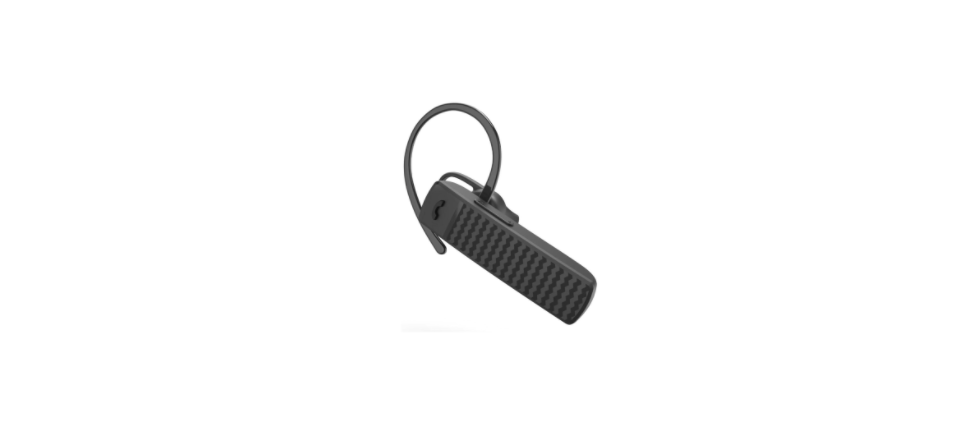

Hama 00184185 Bluetooth® Mono Headset
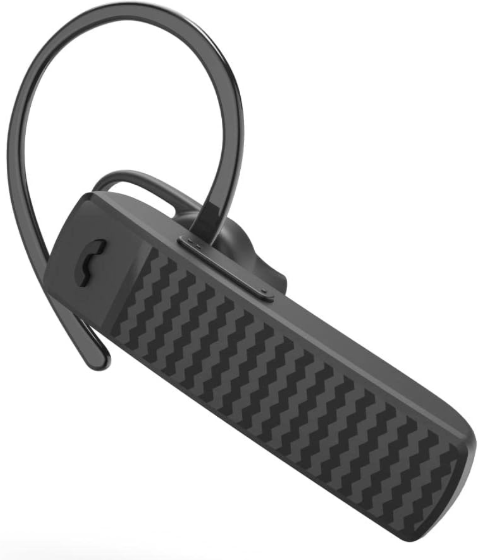
Safety Instructions
Before using the Hama 00184185 Bluetooth® Mono Headset, carefully read the following safety instructions to ensure proper use.
- The product is intended for private, non-commercial use only.
- Use the product for its intended purpose only.
- Children should be supervised to ensure that they do not play with the device.
- Do not use the product in areas where the use of electronic devices is not permitted.
- Do not attempt to service or repair the product yourself.
- Leave any service work to qualified experts.
- Do not open the device or continue to operate it if it becomes damaged.
- Do not drop the product and do not expose it to any major shocks.
- Dispose of packaging material immediately according to locally applicable regulations.
- Do not modify the product in any way. Doing so voids the warranty.
- Protect the product from dirt, moisture, and overheating, and only use it in a dry environment.
- Do not use the product in the immediate vicinity of heaters or other heat sources or in direct sunlight.
- Keep this product, as all electrical products, out of the reach of children!
- Do not operate the product outside the power limits given in the specifications.
- Do not use the product in moist environments and avoid splashes.
- Do not throw the battery or the product into a fire.
- Do not tamper with or damage/heat/disassemble the batteries/rechargeable batteries.
- Do not use the product while it is charging.
Battery Instructions
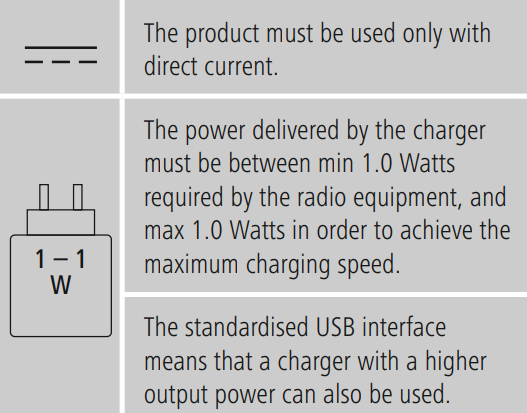
Only use suitable charging devices or USB connections for charging the Hama 00184185 Bluetooth® Mono Headset.
- Only use suitable charging devices or USB connections for charging.
- As a rule, do not charge devices or USB connections that are defective, and do not try to repair them yourself.
- Do not overcharge the product or allow the battery to completely discharge.
- Avoid storing, charging, or using the device in extreme temperatures and extremely low atmospheric pressure (for example, at high altitudes).
- When stored over a long period of time, batteries should be charged regularly (at least every three months).
Symbols
Technical Data
| Bluetooth® Headset | |
| Bluetooth® technology | Bluetooth® v5.3 |
| Supported profiles | A2DP, AVRCP, HFP |
| Frequency of Bluetooth® transmissions | 2402 – 2480 MHz |
| Range | < 10 m |
| Battery | |
| Battery type | 3,7 V lithium polymer |
| Min. capacity | 200mAh |
| Input | max. 5V 200mA |
| Charging time | ~ 2h |
| Standby * | ~ 250h |
| Music Play Time * | ~ 20h |
| Talk time * | ~ 14h |
| Weight | approx. 12 g |
Users looking for additional Hama Bluetooth audio devices may also find the Hama Freedom Light Bluetooth Earphones Instruction Guide helpful for setup and usage tips.
Warranty
Hama GmbH & Co KG assumes no liability and provides no warranty for damage resulting from improper installation, handling, or misuse of the Hama 00184185 Bluetooth® Mono Headset, or from failure to observe the operating instructions and safety notes.
Declaration of Conformity
Hama GmbH & Co KG hereby declares that the Hama 00222239 JAMAIKA Weather Station radio equipment type [00222239] complies with Directive 2014/53/EU.
Customer Service
- Website: https://de.hama.com
- Ph: 49 9091 502-0
FAQs
Q: Can the headset connect to more than one device at a time?
Indeed, the headset can link with two devices at once thanks to its multi-point connection capabilities. During calls, you can swap between devices.
Q: How do I charge the headset?
Use the charging cord that comes with the headset to connect it to a USB power source. When charging, the LED indication will turn red; when it is fully charged, it will change to blue.
Q: How do I reject an incoming call?
To decline a call without responding, press and hold the multifunction button for two seconds.
Q: What is the Bluetooth range?
Under ideal circumstances with no obstructions, the headset’s range is about 10 meters (33 ft).
Q: Can I use the headset while charging?
The headset can be used while charging because it enables pass-through operation.
Q: Is the headset compatible with all smartphones?
Any Bluetooth-enabled computer, tablet, or smartphone that supports the HFP (Hands-Free Profile) or HSP (Headset Profile) can use it.
Q: How do I know when the battery is low?
When the headset needs to be recharged, the LED indicator will flash red, and a low-battery tone may occur.