

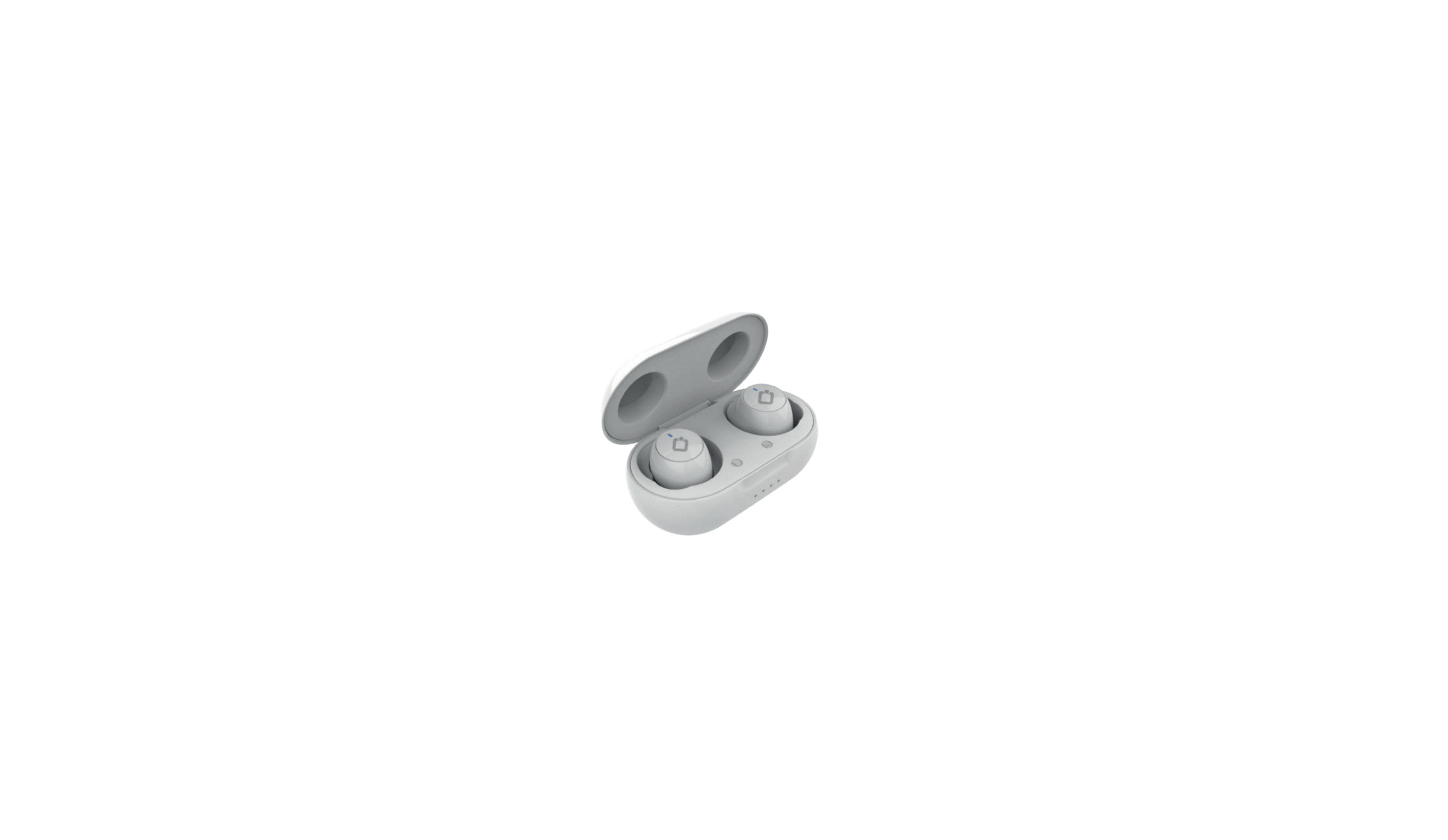

INNOVA W21 INNHOP Wireless Earbuds

Brief instruction
- Charging the earbuds: Charge the earbuds fully before use. Insert the earbuds in the case: Charging will start, as indicated by the illumination of both red LEDs.
- Charging the case: Using the supplied cable, connect one end to the charging box and the other end to the PC or a power adapter (not supplied). Four blue LEDs will illuminate progressively, indicating the progress of charging. When all four blue LEDs illuminate steadily, charging is complete.
- Power on: The earbuds will switch on automatically when they are removed from the charging case.
- Power off: The earbuds will turn off automatically when inserted into the charging case.
- Pairing with a smartphone:
- Take the two earbuds out of the case: they will automatically turn on and pair with each other. At this point, they will be ready for pairing with the smartphone.
- Now turn on your phone’s Bluetooth and search the list of found devices for “AUR-34”. Select it to complete the pairing. After the first pairing (with BT turned on), the earbuds will automatically connect to the phone when activated.
Earbud functions

Guarantee
Special importance in the durability of the products have the elements that compose it and that suffer from degradation and loss of capacities due to their use, being understood as normal wear that they lose capacity, especially in the case of rechargeable batteries, depending largely on infinity of external factors (hours of use, charge and discharge cycles, use of inappropriate chargers, temperatures of use, not respecting the recommended charging times, etc…)
For the guarantee of wear and tear parts, it must be taken into account that the loss of autonomy of the battery as a result of its aging does not imply a manufacturing defect, so it is considered considered normal that after 6 months have a loss of 10%, at 15 months 20% – 30% at 24 months 45%, all corresponding to proper use of the battery and the charge and discharge cycles carried out.
If, after 24 months from its purchas,e the battery presents symptoms different from those detailed, it will be understood to be exempt from guarantee for the reasons stated above and will be left out of the inspection process, becoming the customer who, if they so wish, must reliably demonstrate that the battery presented defects other than those detailed in this manual before those 24 months.
Declaration of conformity
Through this INNOVA CELLULAR, it declares that the AURICULARES TWS CON CAJA DE CARGA INNHOP (AUR/34) complies with the essential requirements and any other applicable or enforceable provisions of Directives 2014/30/EU, 2014/53/EU (RED) and RoHS (EU) 2015/863 amending Annex II to Directive 2011/65/EU.
To see the complete declaration of conformity, you can access it through the following link:
- http://www.innovacelular.com/images/web/descargas/descargas/ declaracion/declaracion_aur-34.pdf
Customer service
- Working hours: Mon to Thu from 08:00 to 14:00 and from 15:30 to 17:30, and Fri. from 09:00 to 14:00
- Website: sac@innovacelular.com
- Tel: +92 304 4090409
FAQs
Q: What are the INNOVA W21 INNHOP Wireless Earbuds designed for?
Ans: True wireless stereo (TWS) earbuds, the INNHOP W21 are made for music playback, calls, voice assistant access, and easy on-the-go listening via Bluetooth.
Q: Do the earbuds automatically reconnect to my phone?
Ans: Indeed. If Bluetooth is enabled, they will immediately reconnect to the last device when removed from the charging case.
Q: Are the earbuds water-resistant?
Ans: Indeed, the INNHOP W21 typically has an IPX4 grade, which makes them sweat- and splash-resistant and perfect for mild rain and exercise. Do not immerse them in water because they are not waterproof.
Q: Can I adjust the volume directly from the earbuds?
Ans: Certain W21 models allow for touch-based volume control (e.g., tap and hold left to decrease, tap and hold right to increase), depending on the version. For specifics, consult your handbook.
Q: Do the earbuds support voice assistants?
Ans: Indeed. Siri, Google Assistant, and other compatible assistants are often activated by long-pressing one of the headphones.
Q: What Bluetooth version do they use?
Ans: Bluetooth 5.0 or later is commonly used by the W21 and provides a steady connection, reduced latency, and energy efficiency.
Q: Where can I get replacement parts, ear tips, or support?
Ans: For technical help, charging cables, or replacement ear tips, visit INNOVA’s official website or get in touch with their customer service.
Q: How do I clean and maintain my INNHOP W21 earbuds?
Ans: The earphones and charging contacts can be carefully cleaned with a cotton swab or a gentle, dry cloth. Steer clear of harsh chemicals and water. Frequent cleaning guarantees ideal charging and avoids wax accumulation.