

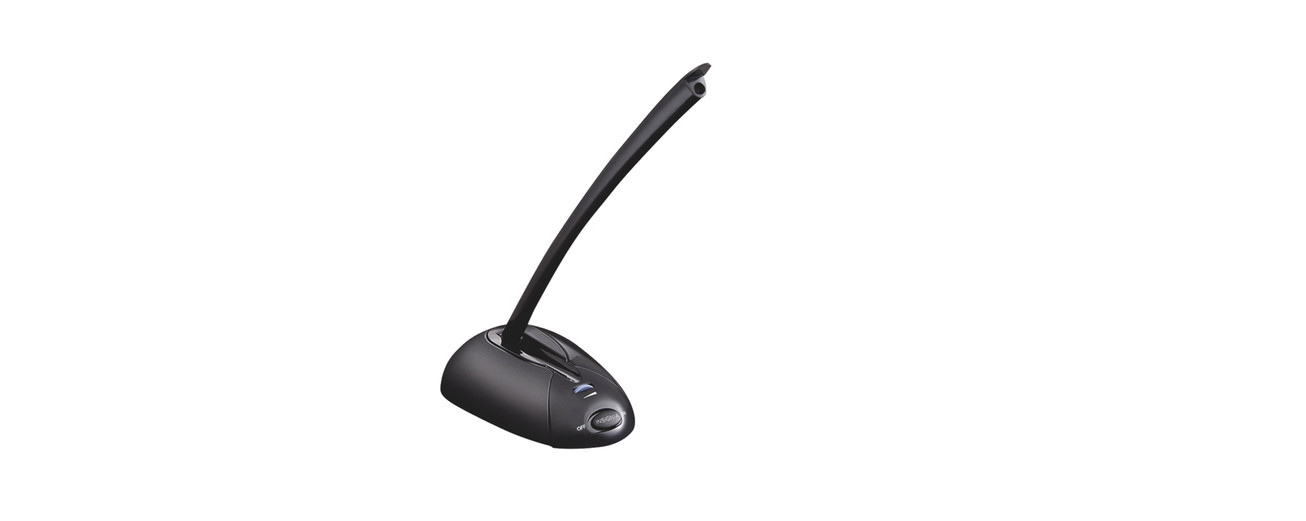

INSIGNIA NS-PAUM50 Desktop Microphone
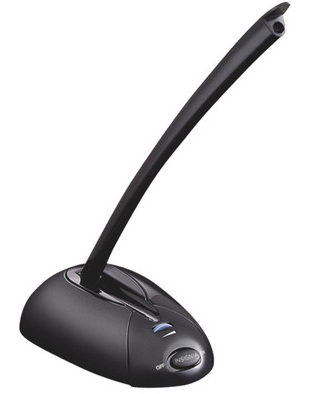
Package Content
- USB Microphone
- Quick Setup Guide
Installation
Plug the USB connector into an available external USB port on your computer or laptop. On most computers, drivers are installed automatically, and your microphone will be ready to use.
Adjusting the Volume
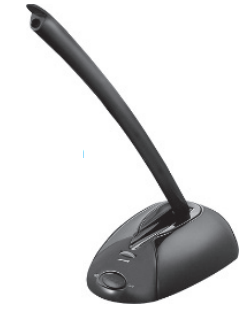
You can adjust the volume by turning the volume knob on the microphone. Your computer may also have volume controls in the operating system or within software that uses the microphone.
Troubleshooting
If your computer or the recipient is not picking up audio from the microphone, attempt the following fixes:
- Check the volume levels of your computer’s speakers.
- Check if your computer’s speakers are muted in the operating system.
- Check your operating system’s audio input settings.
- Check the microphone’s volume and on/off settings.
- Restart the computer.
One-Year Warranty
Definitions
The Distributor* of Insignia-branded products warrants to you, the original purchaser of this new Insignia-branded product (“Product”), that the Product shall be Insignia NS-AF5DSS2 Digital Control Air Fryer free of defects in the original manufacturer of the material or workmanship for one (1) year from the date of your purchase of the Product (“Warranty Period”).
How to obtain warranty service?
If you purchased the Product at a Best Buy retail store location or from a Best Buy online website, please take your original receipt and the Product to any Best Buy store. Make sure that you place the Product in its original packaging or packaging that provides the same amount of protection as the original packaging. To obtain warranty service, in the United States and Canada, call 1-877-467-4289. Call agents may diagnose and correct the issue over the phone.
Where is the warranty valid?
This warranty is valid only in the United States and Canada at Best Buy branded retail stores or websites to the original purchaser of the product in the country where the original purchase was made.
Customer Service
- Tel: 1-877-467-4289
- Visit: http://www.insigniaproducts.com
INSIGNIA is a trademark of Best Buy and its affiliated companies. Registered in some countries. Distributed by Best Buy Purchasing, LLC 7601 Penn Ave South, Richfield, MN 55423 U.S.A.
©2021 Best Buy. All rights reserved.
FAQs
Q: What type of microphone is the NS-PAUM50?
Condenser desktop microphones like the NS-PAUM50 are perfect for online meetings, podcasts, video chats, streaming, and voice recording.
Q: Can I use this microphone with smartphones or tablets?
Yes, provided that USB OTG (On-The-Go) adapters are compatible with your device. To connect the microphone to your tablet or smartphone, you might require an OTG cable.
Q: Does the NS-PAUM50 have a mute button?
Yes, the microphone base has a handy mute button. If an LED light is provided, pressing it instantaneously silences the microphone.
Q: Can I record multiple people at once?
Yes, the microphone can record several voices in a compact space because of its omnidirectional pickup pattern. Make sure all speakers are reasonably close to the microphone for optimal clarity.
Q: Can the NS-PAUM50 be used for gaming or streaming?
Yes, it is appropriate for voiceovers, gaming conversations, and streaming. It offers crystal-clear audio for platforms like Teams, Zoom, Twitch, and Discord.
Q: Can I use this microphone for professional music recording?
Voice applications are the main purpose of the NS-PAUM50. It may not provide studio-quality audio for professional music production, even though it can record musical instruments.