

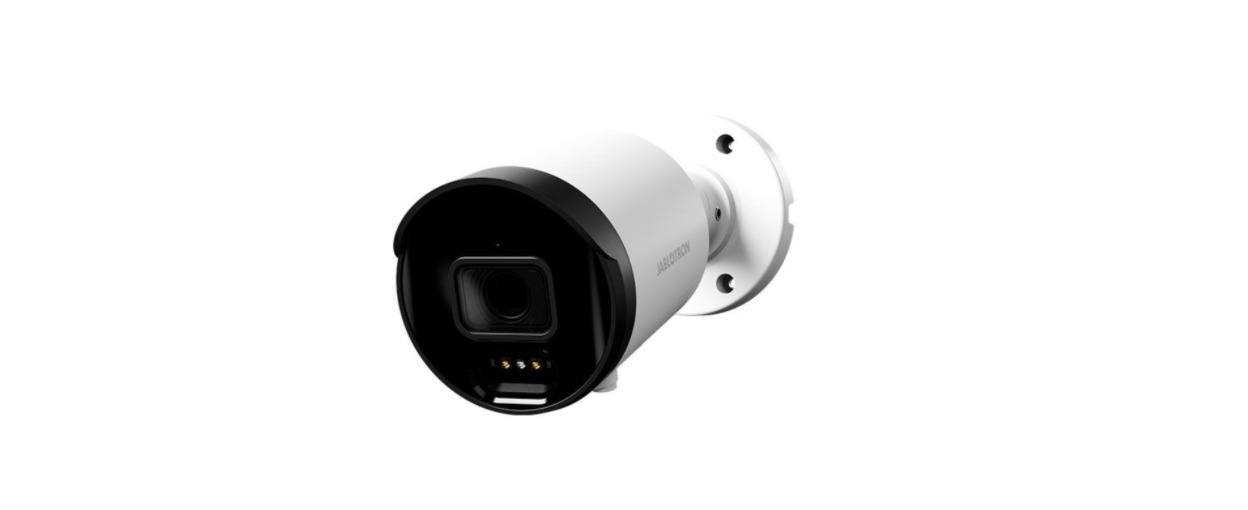

JABLOTRON JI-114C Network Outdoor Camera
Introduction
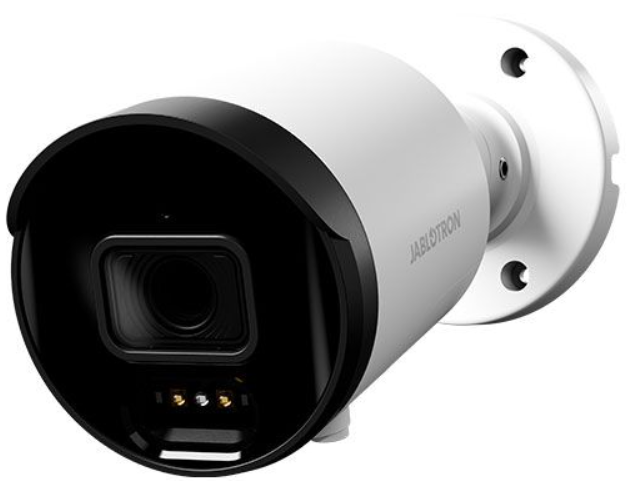
The JI-114C IP camera is used for video verification of events from the JABLOTRON security system. Video recordings may be made in resolution of up to 5MPx; resolution is subject to camera settings. The footage is transmitted via LAN and the Internet to a secure storage server. The user may access a live video feed via the MyJABLOTRON application, as well as the recordings made during pre-set events and, subject to the utilized subscription service, to the continuously stored footage from the camera. The camera is equipped with an IR illuminator to ensure video image capture even in low light conditions. The camera is intended for installation only by a trained technician with a valid Jablotron certificate.
Description

- IR illuminator;
- camera lens;
- bayonet cap;
- cable seal;
- waterproof connector cover;
- blanking plug;
- side hole for cable passage;
- O-ring;
- power connector;
- LAN connector;
- mounting socket cover;
- cable seal;
- screws for camera sensing
Installation
Using the Mounting Socket
- Use the self-adhesive template to mark the mounting holes of the mounting base.
- Drill holes in the selected location with a Ø 6mm drill bit and fix with dowels from the package.
- Open the mounting base by removing the screws.
- Pull the LAN cable through the back of the JABLOTRON JI-114C Network Outdoor Camera socket. Screw the back of the socket onto the selected place on the wall with the three screws provided in the packaging, and crimp the RJ-45 connector with crimping pliers (see Fig. 2).
- Plug the RJ-45 connector into the LAN connector. Secure the connection with the waterproof cover (5) with the bayonet cap (3) and screw it tight. If the utilized router or switch does not provide PoE (power over Ethernet), connect the camera power connector to an external 12 V DC power supply (min. 0.5 A).
- Screw the lid of the mounting socket to the bottom of the socket.
- Screw the bottom of the camera to the mounting socket with the three provided screws.
- Register the camera to MyCOMPANY to access the camera preview and adjust the camera view as required using the screws on the camera.
- Remove the protective film and polish the camera of any dirt and fingerprint marks, if any are present.
Fitting
- camera connector;
- O-ring;
- connector;
- waterproof cover;
- cable seal;
- bayonet cap;
- internet cable;

Connecting to the System
Depending on the type of control panel, use the recommended software or application; see the control panel manual.
Technical Parameters
Power supply from PoE data connection (48V) (according to IEE 802.3af standard) alternatively via 12 V DC power connector Rated current consumption 250 mA Maximum current draw 458 mA Number of pixels 5 Mpix Camera resolutions and bitrates 1–5 MPx, 448–3072 kbps (see setting in app) FPS 15 Lens 3.6 mm (91° angle of view) Lens type M12 plate lens Sensing chip 1/2.7″ Progressive CMOS WDR – half-light compensation yes
Camera setup options horizontal: 91°, Vertical: 46° Communication interface LAN IR illumination range 30 m Environment outdoor general Operating temperature range -35 °C to +60 °C Average operating humidity up to 75 % non-condensing Degree of protection IP67 Dimensions 155 x ø 71 mm Camera weight 358 g Weight of socket 317 g In compliance with EN 55032, EN 50130-4, EN IEC 63000
Customer Service
- Tel.: +420 483 559 999
- Fax: +420 483 559 993
- Website: www.jablotron.com
- Address: Pod Skalkou 4567/33 46601 Jablonec nad Nisou, Czech Republic
Hereby, Jablotron Ltd. declares that this TP-98 complies with the essential requirements and other relevant provisions of Directive 1999/5/EC.
FAQs
Is this camera suitable for outdoor use in all weather conditions?
The camera is indeed weatherproof and designed to function dependably in challenging outside conditions, such as rain, dust, and extremely high or low temperatures.
Where is the best place to install the JI-114C camera?
Install the camera in a spot that provides a clear view of the intended surveillance area.
Can I install the camera myself?
Yes, provided you feel at ease with network configuration and mounting. Pay close attention to the user handbook.
How do I connect the camera to my network?
Use an Ethernet cable to connect the camera to your switch or router. For easier wiring, the camera supports PoE (Power over Ethernet).
Can I access the camera remotely?
Yes, you can see recorded footage and live video feeds from any location with an internet connection by using the Jablotron app or website.
Does the camera have night vision capability?
Indeed, the JI-114C has infrared LEDs to provide sharp black-and-white photos at night or in low light.