

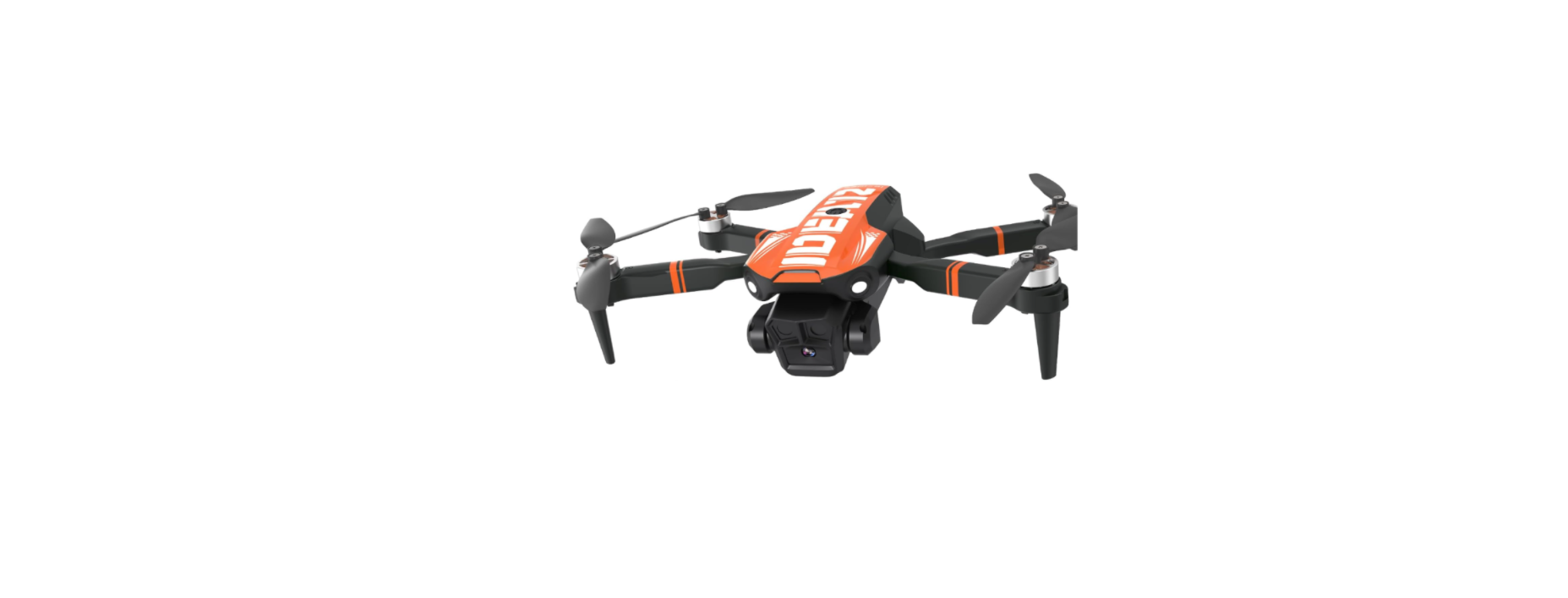
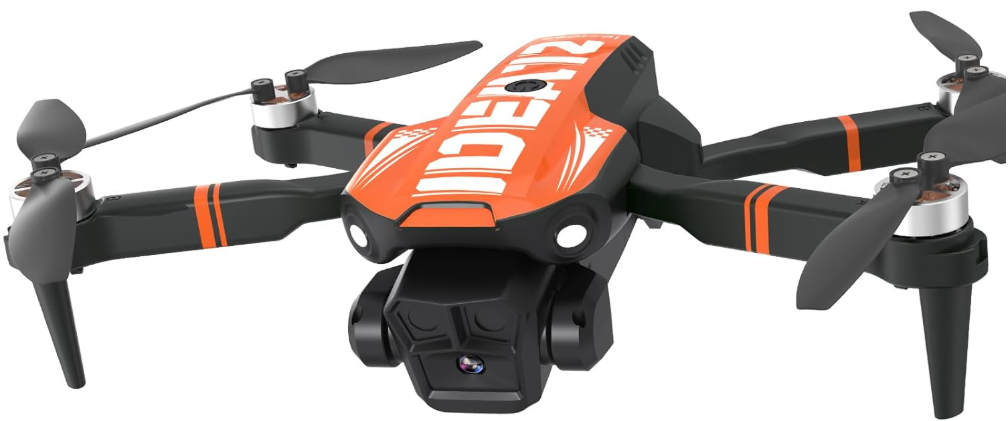
 LE-IDEA IDEA16 1080P Camera FPV Foldable Drone
Safety Instructions
This product is suitable for people who have experience in operating drones and are over 14 years old. Please use only original parts and accessories. Please keep the packaging and this user manual for future reference.
The drone is a high-risk object; it must be kept away from the crowd when flying. Artificial assembly or damage, electronic control, or improper operation which not allowed, all of them are likely to cause damage to the aircraft, personal injury, or other unpredictableaccidents. Pilots must be careful and need to understand the responsibility for accidents due to their own negligence.
Lithium batteries are different from the general battery, which consists of a thin layer of thin paper wrapped with its chemical endoplasm. Which reduces its weight but makes it more vulnerable in the face of rough or inappropriate operations. The inappropriate operation of this battery will cause an explosion. Away from obstacles and crowds The flying drone has an uncertain flight speed and state; here is a potential risk.
Fly away from the crowds, high-rise buildings, high-voltage wires, etc., meanwhile, avoiding flying in windy, rainy, thunderstorms, and other bad weather to ensure the safety of pilots, the surrounding population, and the property.
Safe operation. Please operate the drone according to your own status and fight still. Fatigue, poor spirit, or improper operation will increase the risk of an accident.
Keep away from high-speed rotating parts. When the propellers are in high-speed spinning, please keep the drone away from the pilot, the surroundings, the crowd, and objects to avoid danger and damage.
Store Properly
- Please do not leave batteries exposed to direct sunlight.
- Do not immerse the batteries in water or allow them to get wet.
- Please keep the battery out of reach of children or pets.
Overview
Usage Instructions
- When charging the rechargeable battery, do not use it for children alone; it must be carried out under the supervision of an adult, and it must be kept away from flammable materials when charging.
- Please do not short-circuit or squeeze the battery to avoid an explosion.
- The model can only use the recommended charger.
Charging
- First, connect your USB cable to the drone battery, then connect it to your favorite charging source.

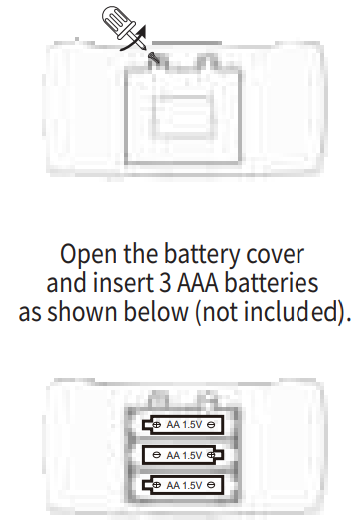
- Remove and put the battery in the correct way
- The power terminals must not be short-circuited.
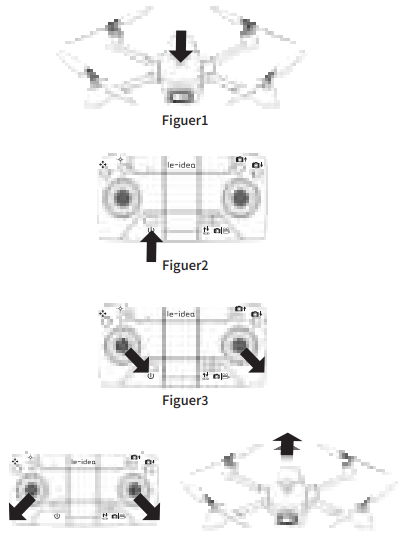
- Turn on the drone switch and place it on a flat surface; the drone light will flash.
- Push the throttle and joystick outward at the same time to take off the drone.
Hover Up & Down
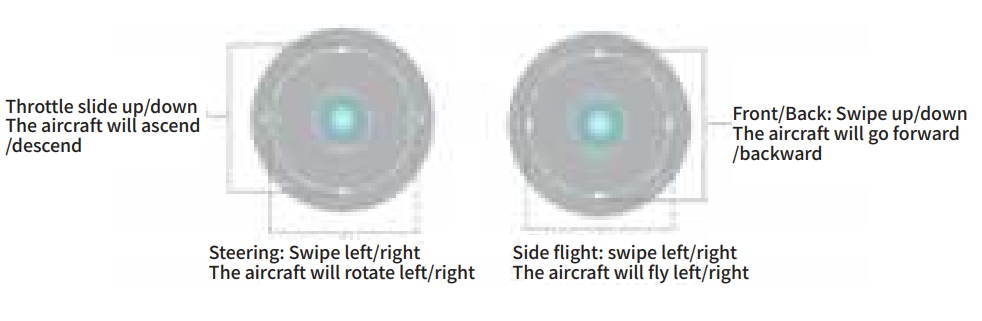
Push the THROTTLE STICK up to fly the drone up, and pull the THROTTLE STICK down to fly the drone down.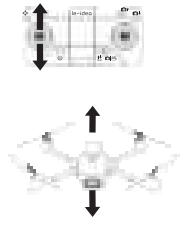
Flying Forward & Backward
Push the DIRECTION CONTROL STICK up to fly the drone forward, and pull the DIRECTION CONTROL STICK down to fly the drone backward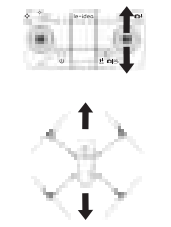
Left to Right
Move the DIRECTION CONTROL STICK to the left to fly the drone to the left, and move the DIRECTION CONTROL STICK to the right to fly the drone to the right.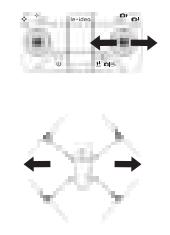
Roatation
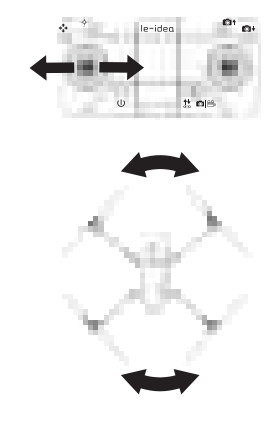
Move the THROTTLE STICK to the left to rotate the drone to the left, and move the THROTTLE STICK to the right to rotate the drone to the right.
Adjusment
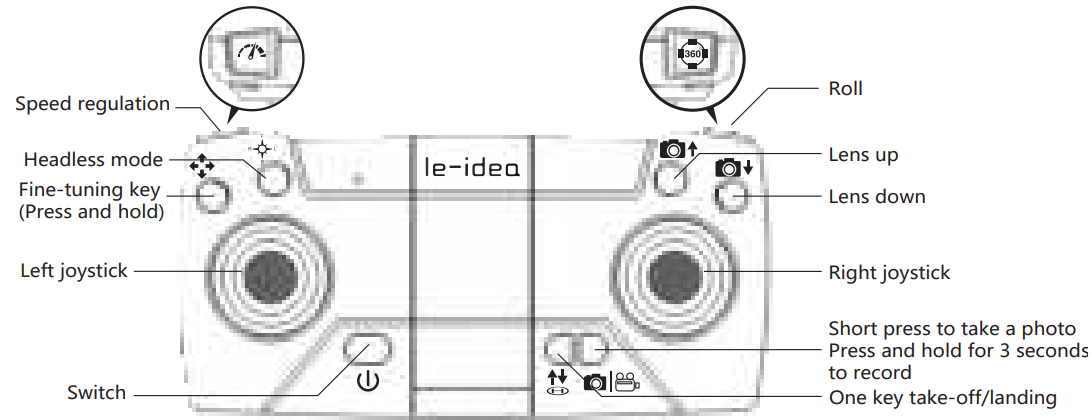
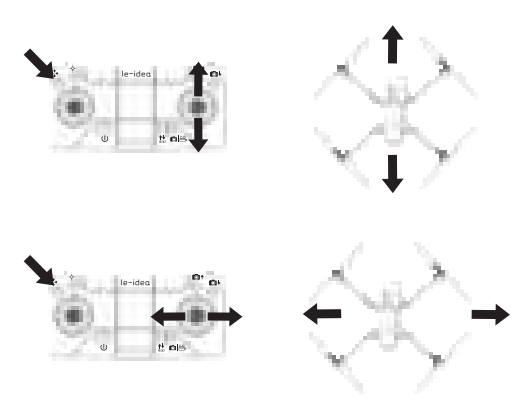
- Press and hold the fine-tuning button, push the right joystick forward until the aircraft is stable, and release the fine-tuning button to exit the fine-tuning function.
- Press and hold the fine-tuning button, push the right joystick backward until the aircraft is stable, and release the fine-tuning button to exit the fine-tuning function.
- Press and hold the fine-tuning button, push the right joystick to the left until the aircraft is stable, and release the fine-tuning button to exit the fine-tuning function.
- Press and hold the fine-tuning button, push the right joystick to the right until the aircraft is stable, and release the fine-tuning button to exit the fine-tuning function.
Functions
• 360°Flip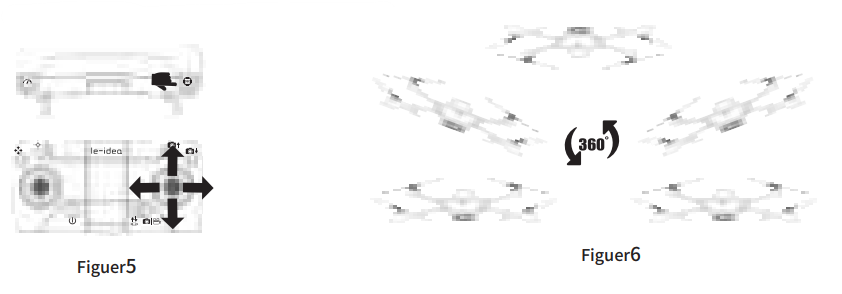
Long-press the 360°Flip button to flip the drone. The remote control will Di twice, indicating the drone is in Flip Mode. ext, move the direction stick up or down, and the drone will flip up or down (Figure 5). Move the direction stick to the right or left, and the drone will flip left or right.
Speed Modes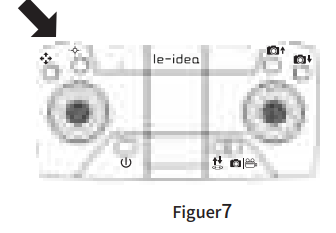
Press the remote controller key to make two sounds of “Di” and “Di”, which is the middle gear. “Di”, “Di” and “Di” press three times for fast gear, and one “Di” to return to slow gear.
 Short presss the button, the mobile phone APP will make a clicking sound, and the camera will take a picture and store it in the mobile phone album. Press and hold for 3 seconds to start recording, press and hold again for 3 seconds to save the recording to the phone album, and stop recordin
Headless Mode
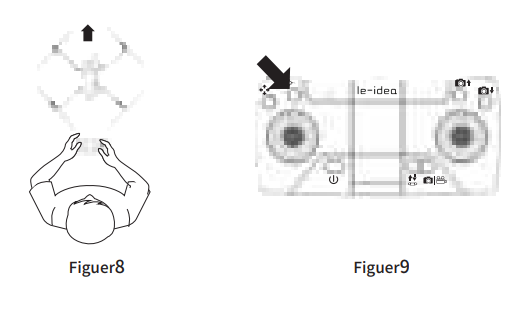
Definition of the direction before takeoff: Make the forward direction of the aircraft in front of you. The remote controlwill bei continuously and the drone lights will begin to flash to indicate mode selection. Press the remote control again to make a “Di” sound to exit the headless mode.
One Key Take-off/land
After the drone is calibrated, when the one-key take-off/landing button is pressed, the drone will automatically start and rise to a certain height. 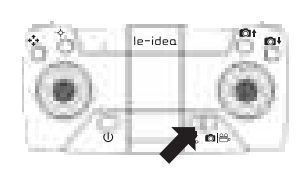
Description of Links

Long press 3 seconds to turn on the power, enter (Mobile or IPAD) “Settings” option, open the wireless network, find the name of the device “WIFI-4K-*****” in the wireless network search list, and connect it. After the connection is successful, exit the settings. Open the “Fly Plus” software icon on your mobile phone and enter the control interface. (Try to stay away from other signal sources when flying)
Function introductions of the APP control interface
Control mode
Remote control
The device has been evaluated to meet the general RF exposure requirements. The device can be used in portable exposure conditions without restriction.
Drone
This equipment complies with FCC radiation exposure limits set forth for an uncontrolled environment.
RockerFlight Modes
Gravity Sensing 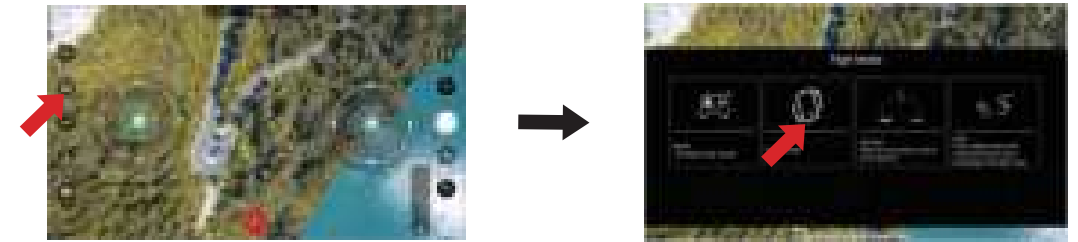
Gravity Sensing Mode: When the aircraft is successfully connected to the mobile APP, turn on the gravity sensing mode and tilt the phone to control the aircraft to fly forward, backward, left, and right.
360° Flip
360° Flip: After clicking the 360° flip mode, slide the right joystick to the maximum in any direction,
And the flight will roll in the corresponding direction.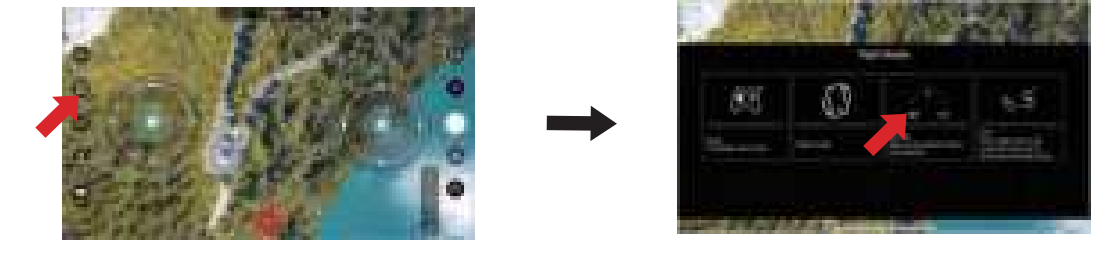
Track Mode
Trajectory Mode: Draw a line on the screen, and the aircraft will fly according to the drawn trajectory.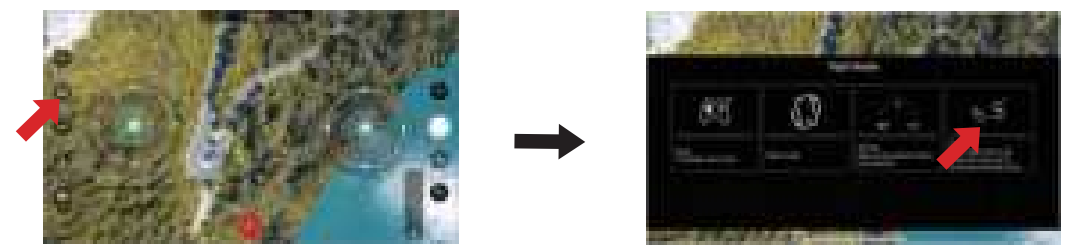
Download and Install the CameraFCC Warning

This device complies with part 15 of the FCC Rules. Operation is subject to the following two conditions:
This device may not cause harmful interference, and (2) this device must accept any interference received, including interference that may cause undesired operation. Any Changes or modifications not expressly approved by the party responsible for compliance couldvoid the user’s authority to operate the equipment.
- Eorient or relocate the receiving antenna.
- Increase the separation between the equipment and receiver.
- Consult the dealer or an experienced radio/TV technician for help.
Preface
Thank you for purchasing the LE-IDEA series drone. Please read this manual carefully before operating it, and please keep this manual properly for future adjustment and maintenance. Any questions, we would like to hear from you!
Customer Service
Website: https://www.le-idearc.store/