

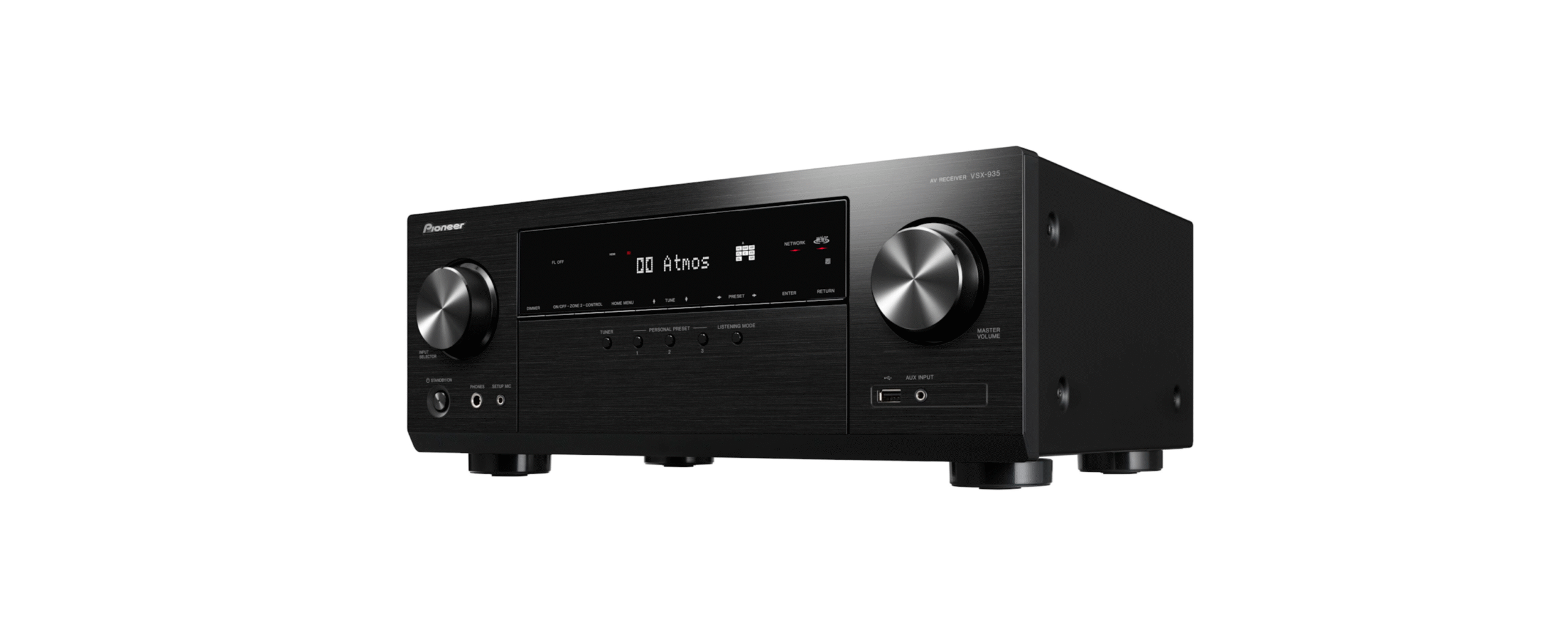

Pioneer VSX-935 Firmware Update Installation

Introduction
We are pleased to offer this firmware update for the best possible performance of your AV Receiver. This update may be installed via USB or Network. VSX-935 (Current Version R135-0916-0280-0033) The 03/12/2025 update will address the following and includes previous updates:
- A problem where sometimes no sound is produced while an iPhone is playing music via Bluetooth has been fixed.
- Stability is improved, and minor bugs are fixed.
- Addition of Amazon Music HD
- Dolby Atmos Music Playback Capability for Amazon Music HD and Tidal Native Playback
- Source-Based Tone Mapping for HDMI 2.1a
- Improved Amplifier Power Supply Sequence
- Google Cast 2.0: The method for network connection will be changed.
- Support Tidal MAX
- Minor bug fixes and improve stability.
04/23/2024 update
- Minor bug fixes and stability improvements.
09/05/2023 update
- Fix the issue of displaying messages related to OSD signals when connecting the Optoma projector.
- Fix the issue where enabling Bluetooth transmission would prevent the HLG display. Minor bug fixes and stability improvements.
03/30/2023 update
- Minor bug fixes and stability improvements.
- Add ALLM, VRR information to OSD Info/Status/One Shot display for input signals.
- Add Auto Phase Control Plus fixed timing to the OSD Info/Status display for output signals.
09/09/2022 update
- Improve the stability of the Bluetooth Transmitter function.
- Minor bug fixes and stability improvements.
05/18/2022 update
- Minor bug fixes and stability improvements.
01/12/2022 update
- Chromecast built-in version update to 1.52GM2.
- Improve reception capability in certain TuneIn Radio stations.
- Fix the issue that prevents Deezer from playing back in the condition of not log-in state.
- Minor bug fixes and stability improvements.
10/14/2021 update
- Chromecast built-in version update to 1.52.
- Fix the no sound and video issue via the eARC connection from the SONY TV.
07/20/2021 update
- Fixed the problem that the audio format of TIDAL playback becomes AAC.
- Fixed the problem where audio would not be output from the TV speakers when playing High Bit Rate Audio signals, such as Dolby TrueHD, in TV audio output mode.
Firmware Update Instructions
- Update the firmware via network or USB connection.”Updating the firmware via network”
- You can update the firmware by connecting Pioneer VSX-935 Firmware Update Installation the unit to a network. “Updating the firmware via USB connection”
- You need a 128 MB or larger capacity USB storage for updating.
FAQs
Q: Why should I update the firmware on my Pioneer VSX-935?
Ans: Updates to the firmware increase system stability, provide new functionality, address issues, and improve compatibility with the newest video and audio formats.
Q: How do I check the current firmware version on my VSX-935?
Ans: To see the installed firmware version, navigate to the Setup Menu > System Information or Firmware Version on the receiver.
Q: Where can I download the latest firmware update for the VSX-935?
Ans: Updates for the firmware can be found on the VSX-935 product page of the official Pioneer support website.
Q: How long does the firmware update process take?
Ans: Depending on system performance and update size, the average update time is 5 to 15 minutes.
Q: What happens if the power goes out during the update?
Ans: A power outage during the upgrade could result in malfunctions or mistakes in the system. The best course of action is to provide a steady power source throughout.
Q: Will firmware updates improve compatibility with new devices?
Ans: Indeed, updates frequently improve compatibility with new streaming devices, home automation systems, and audio/video formats.