

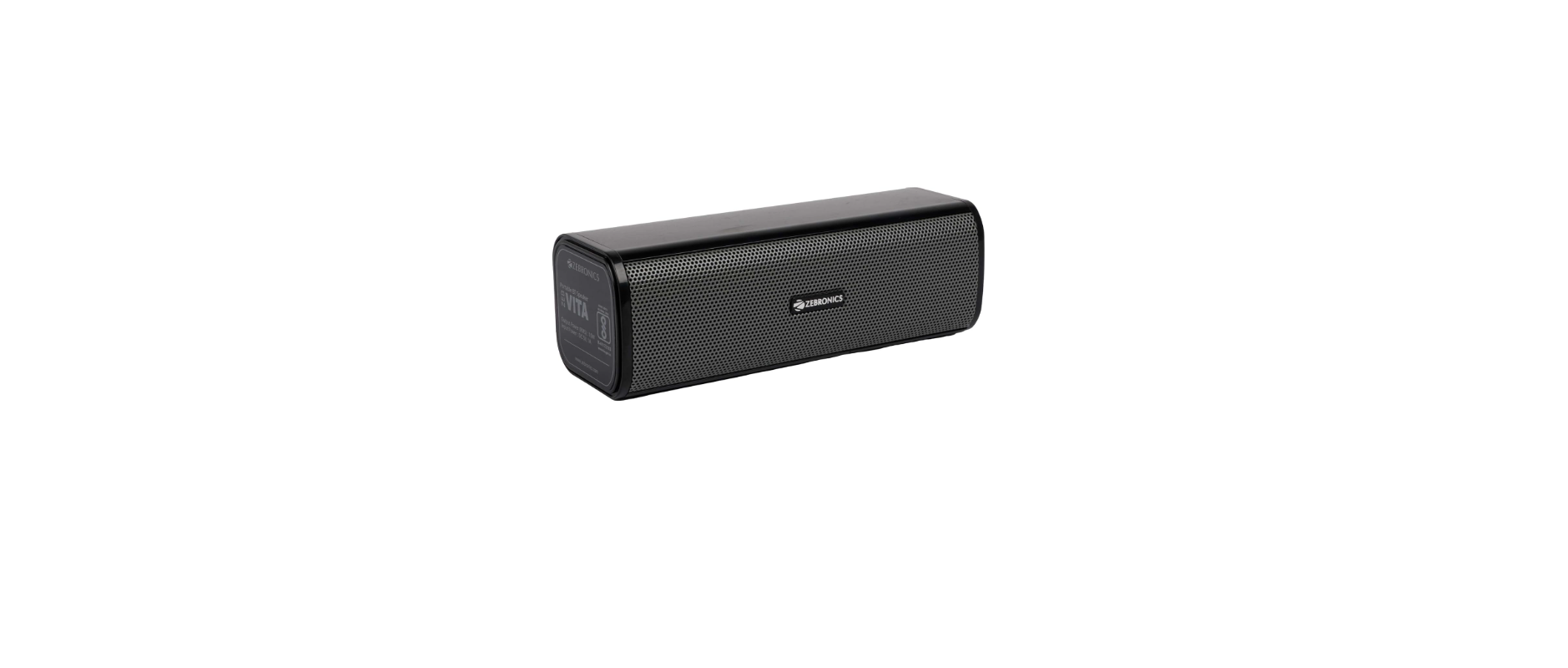

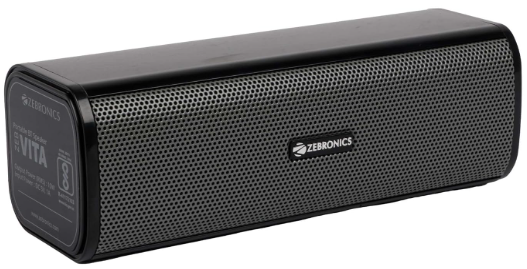
ZEBRONICS ZEB-VITA 202 Portable BT Speaker
Features
- BT v5.3 |AUX |USB | mSD
- Up to 15h* backup
- Call Function|
- TWS Function
- Dedicated Volume Knob
- Dual Passive Radiator
- Type C Charging
- 16W RMS Output|
- 8 RGB Modes
Max Supported
- USB/mSD memory size: 32GB
- Supported Audio formats: MP3
- Charging time : 3h
- Playback time: 15h*
Product Dimension
- (WXD XH) : 43 × 8.5 x 5.1 cm
- Net. Weight: 650g
Package Contents
- Speaker: 1 U
- Charging cable: 1 U
- QR Code Guide :1 U
Port & Button Description
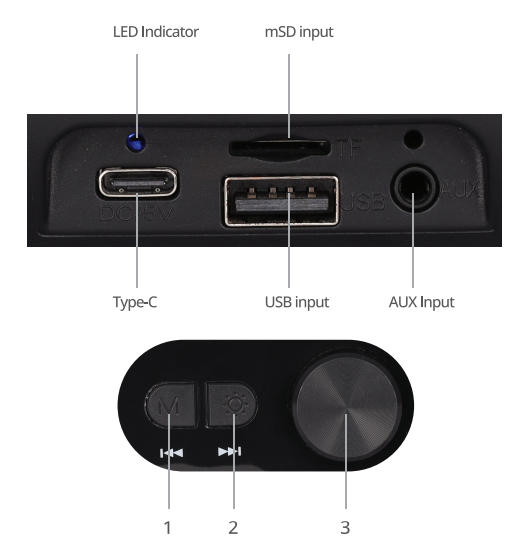
- Mode / Previous Track
- Press the button to switch between modes.
- Long-press the button to move to the Previous track.
- LED / Next Track
- Press the button to change the LED modes.
- Long-press the button to move to the Next Track.
- Multifunction Knob
- Long-press the Knob to Power ON/OFF the Speaker.
- Turn the Knob Right to increase the volume.
- Turn the Knob Left to decrease the volume.
Bottom Function
Over On/off:
- Long-press the Control Knob to turn the Speaker ON/OFF. Bluetooth:
- Once the speaker is on, please make sure that the speaker is in BT mode.
- Now, search for the nearby BT Device in your mobile and tap on the BT Name ZEB- VITA 202 to connect.
Instructions for Use
BT Mode
- Switch on the BT on your mobile phone or other source device and search for the BT name “ZEB- VITA 202” and tap to connect your source device with the speaker.
TWS (True Wireless Stereo) Function
- Keep both speakers in BT discoverable mode.
- Double-press the MF knob on either of the speakers to enable the TWS Mode.
- After a few seconds, you will hear a notification tone on both speakers once both are successfully paired via TWS.
- Now turn ON the phone’s BT in the settings and search for “ZEB- VITA 202” and tap on it to pair with it.
- If you would like to disconnect the two speakers from TWS, double-press press Mode button.
Note: Requires two speakers for the TWS feature
Micro SD / USB mode
- Insert the Micro SD card / USB drive into the respective ports of ZEB- VITA 202, and the speaker will automatically start playing the MP3 files from ZEBRONICS ZEB-VITA 202 Portable BT Speaker the Micro SD card/USB drive.
Charging the Speaker
- Connect the Type-C – USB charging cable to the Type-C charging port of the speaker and insert the other end into a USB Power source/mobile adapter.
- Red LED glows constantly, indicating the speaker’s battery is charging. The Red LED will turn off once it is fully charged.
Specifications
- Output Power (RMS): 16W
- BT Version: v5.3
- Driver Size: 52mm x 2
- Speaker Impedance: 49
- Frequency Response: 100Hz-18kHz
- S/N Ratio : ≥70dB
Customer Support
- Website: www.zebronics.com
- Tel: 044 40000004
FAQs
Q: What type of speaker is the ZEB-VITA 202?
Ans: With its tiny bar style and multi-source music playback capabilities (including Bluetooth, USB, microSD, FM radio, and AUX input), the ZEB-VITA 202 is a portable wireless Bluetooth speaker.
Q: What Bluetooth version does it support?
Ans: Bluetooth v5.0, which is usually supported by the ZEB-VITA 202, guarantees dependable connectivity, quicker pairing, and a longer range (up to 10 meters in open space).
Q: How do I switch between different modes?
Ans: To choose between playback modes, use the speaker’s “Mode” (M) button. A verbal cue or a display light will be used to identify each setting.
Q: Can I make or receive calls using the speaker?
Ans: Yes, hands-free calling is supported, and the speaker has an integrated microphone. To answer or end calls when using Bluetooth, hit the Play/Pause button.
Q: What is the battery life of the ZEB-VITA 202?
Ans: Depending on volume level and usage mode, the speaker can play music for up to 6–8 hours on a full charge.
Q: Can I use the speaker while it’s charging?
Ans: It is possible to utilise the speaker while charging, albeit this could slow down the process. In order to maintain battery health, don’t play at full volume while charging.
Q: What is the output power of the speaker?
Ans: With two drivers, the ZEB-VITA 202 typically produces about 10W RMS output, which is adequate for interior use, small parties, and personal listening.
Q: Does it support stereo pairing (TWS mode)?
Ans: No, True Wireless Stereo (TWS) pairing is not supported by the ZEB-VITA 202. It only works as a speaker on its own.