

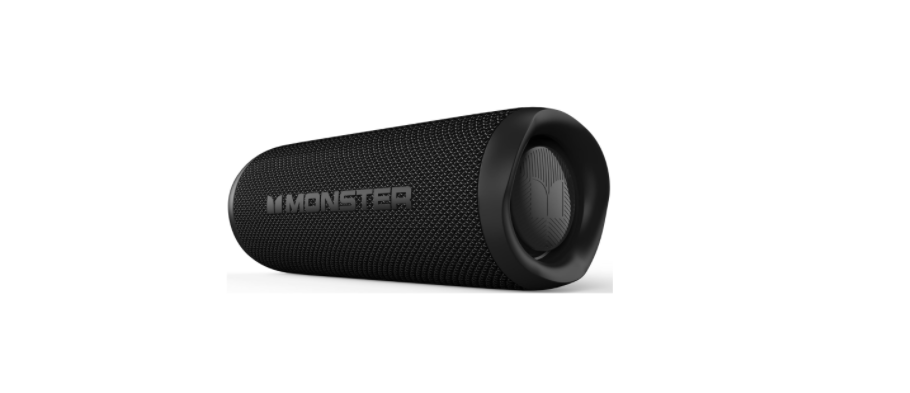

MONSTER MS62145 Portable Bluetooth Speaker
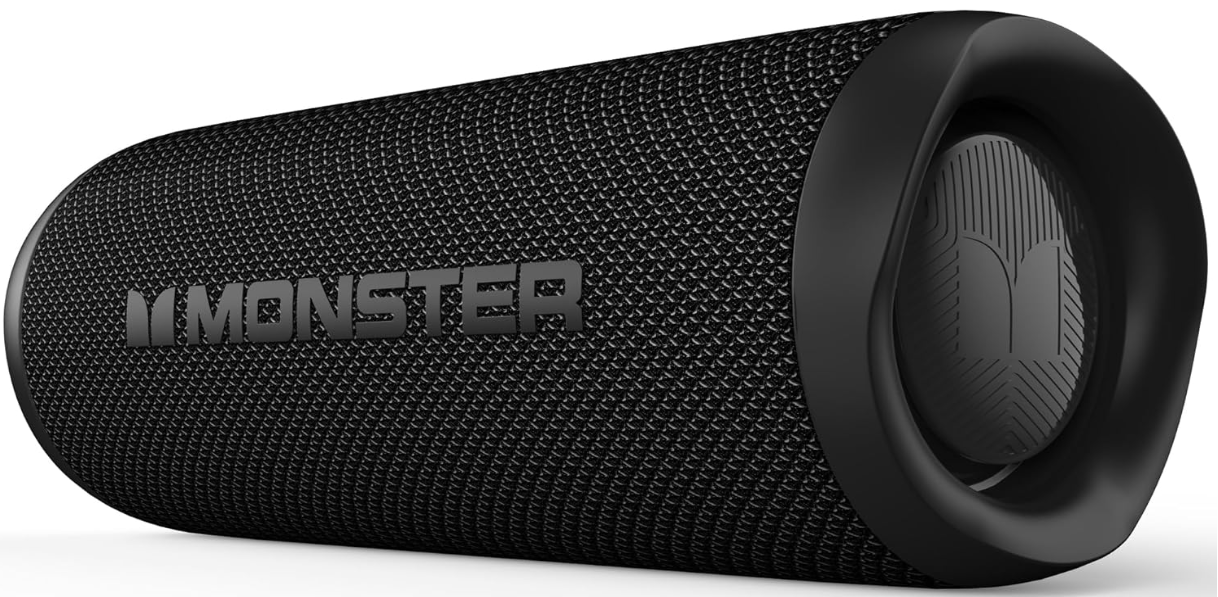
Functions
Power On/Off
Long press: Power on/off Short press: Play/pause Double click: Mode switch Hold for 10 seconds to clear all paired device records
Previous song/Volume down
Short press: Volume down Long press: Previous song
Next song/Volume up
Short press: Volume up Long press: Next song
- Charging Indicator Light
- USB-C Charging Input
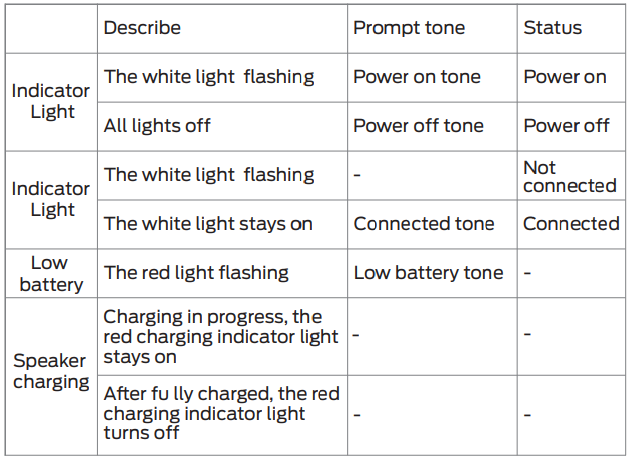
LED Indicator/Prompt Tone Guide
Power/Charging
For better enjoyment, fully charge the speaker before use. Please use a 5V/1A or above power adaptor (not included).
Power On/Off
To turn on the speaker, press and hold the Power On/Off Button for 2 seconds. You will hear a power-on tone. To turn off the speaker, press and hold the Power On/Off Button for 2 seconds; you will hear a power off tone.
Bluetooth Connection
- When first used and turned on, the speaker will automatically enter a waiting mode for connection.
- When connecting, enable the Bluetooth function of the mobile phone, search for “Monster Nano”, and connect. After the connection is successful, you will hear a voice prompt, and the white light stays on.
Music Control
- Short-press music can be played or paused.
- Long-press to go to the previous song.
- Long-press to go to the next song.
Call Mode
- Answer a call: Short-press the ” ” button.
- Reject a call: Double-click the ” ” button.
- End the call: Short-press the ” ” button.
Volume Control
- Short press the ” ” button to turn up the volume.
- Short-press the ” ” button to turn down the volume.
Timer Mode
To set the timer duration, short-press the ” “button to cycle through 30, 60, 90, Infinite, and 30 minutes.30 minutes: green indicator light on,60 minutes: white indicator light on,90 minutes: blue indicator light on, Infinite: indicator light off. Double-click the ” ” button again to switch to Bluetooth mode.
Power Saving Settings
In Bluetooth mode, when no device is connected, the speaker will be switched off automatically in 15 minutes.
- If the speaker needs to be reset, press and hold the ” ” button for 10 seconds.
- It is not recommended to replace the battery privately.
- The battery must not be exposed to sunshine, fire, or similar overheated environments.
FCC Statement
Changes or modifications not expressly approved by the party responsible for compliance could void the user’s authority to operate the equipment. This equipment generates, uses, and can radiate radio frequency energy and, if not installed and used in accordance with the instructions, may cause harmful interference to radio communications. However, there is no guarantee that interference will not occur in a particular installation.
- Reorient or relocate the receiving antenna.
- Increase the separation between the equipment and receiver.
- Consult the dealer or an experienced radio/TV technician for help
This device complies with part 15 of the FCC rules. Operation is subject to the following two conditions: (1) this device may not cause harmful interference, and (2) this device must accept any interference received, including interference that may cause undesired operation.
IC Caution
Radio Standards Specification RS-Gen, issue 5 – English: This device contains licence-exempt transmitter(s)/receiver(s) that comply with Innovation, Science and Economic Development Canada’s licence-exempt RS(s). Operation is subject to the following two conditions: This device may not cause interference. This device must accept any interference, including interference that may cause undesired operation of the device.
Customer Service
- Website: support@mct-audio.com