

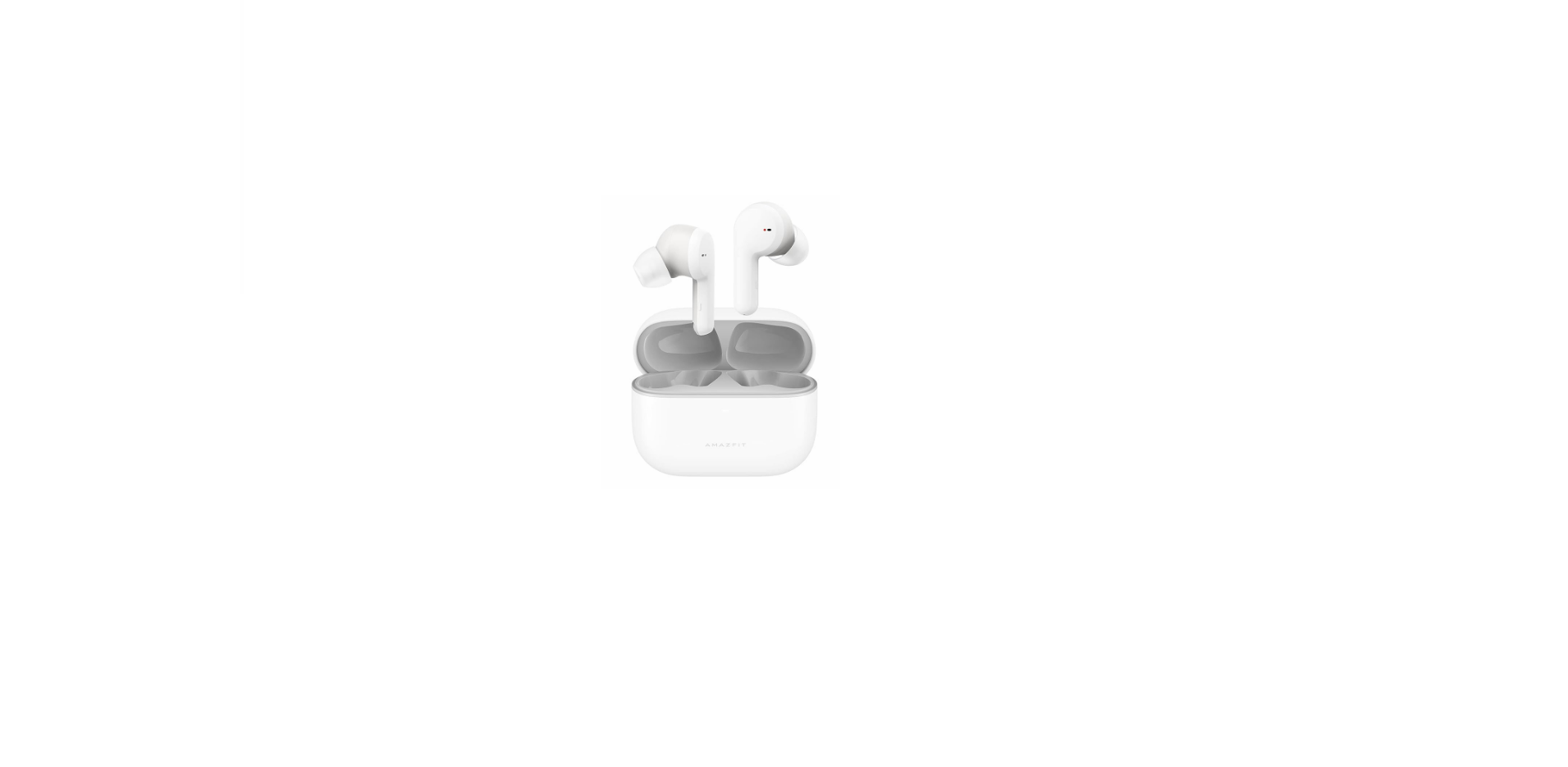

Amazfit PowerBuds Pro Wireless Earbuds

Safety Instructions
Before using and operating this product, please read and follow the precautions below to ensure the best product performance and avoid dangerous or illegal situations. Usage and operating environment:
- Do not expose this product to running water or immerse it in water.
- Do not wear this product while bathing or engaging in water sports.
- This product and its accessories are small parts.
- Keep this product and its accessories out of the reach of children.
- When not in use, store the earbuds in the charging case and keep them away from children and pets.
- This product is not a toy. Children should use it only while under adult supervision.
- Do not use earbuds or charging cases that have been damaged or modified.
- Damaged or modified batteries may cause unpredictable hazards such as fire, explosion, or injury.
- Do not overheat the product (for example, avoid direct sunlight, keep away from fire, etc.).
- Keep the product a safe distance from medical equipment.
- Consult your medical device manufacturer for restrictions on the use of medical devices.
- Use only accessories approved by the product manufacturer for use with this model.
- If not properly cleaned, the headset may cause ear infections.
- Clean the earbuds regularly with a soft, dust-free cloth.
- Do not wet the earbuds or use sprays, solvents, or abrasives on the device.
- If you begin to experience skin problems, immediately discontinue use.
- If these problems persist, consult your doctor.
Packaging Contents

About the Product
Earbuds

Charging case

Usage
App installation
Scan the QR code to the right with your phone to download and install the latest version of the app.
- Open the app on your phone and register or log in with your account.
- Open the charging case and remove the earbuds.
- In the app, select “Add Device”, then “My” > “My Device” to add the Amazfit ZenBuds.
- You can control the rhythm playback or experience more functions in the app.
Charging
- Place the earbuds into the charging case, after which the earbuds will automatically enter the charging state.
- Use the USB Type-C charging cable that comes with the product to charge the charging case.
- When charging, the three white power level indicator lights will flash in sequence.
- When all three white indicators are lit, charging is complete.
Viewing Battery Level
- Viewing earbud battery level: After connecting the earbuds to your device, view their battery level in the app.
- Viewing charging case battery level: Open the charging case and check the white indicator lights to see whether the case is charged.
- When the left indicator light flashes to indicate low power, please charge immediately.
Wearing Comfortably
Select the correct sizing plugs for your ears, then adjust the angle of the earbuds slightly to ensure that they fit closely in your ear when you use them for the optimum noise-blocking effect.
Care and Maintenance
- Keep this product and its accessories dry.
- Do not dry the product using an external heating device such as a microwave oven or hair dryer.
- Do not place this product or its accessories in areas with excessively high or low temperatures, which may cause the product to malfunction, catch fire, or explode.
- Before cleaning and maintenance, stop using the product, close all applications, and disconnect all connections from other devices.
- Do not use harsh chemicals, cleaners, or strong detergents to clean this product or its accessories.
- Use a clean, dry, soft cloth to wipe the product or its accessories.
- Do not expose the product to magnetic stripe cards (such as bank cards, phone cards, etc.) for long periods of time, or the magnetic stripe cards may be damaged by the product’s magnetic field.
Basic Parameters
Model: earbuds A1943; charging case A1945 Battery capacity: earbuds 10mAh; charging case 280mAh 1.06Wh Input: earbuds 5V 0.01A; charging case 5V 0.2A Charging case output: 5V 0.02A System requirements: Android 5.0 or iOS 10.0 or later Wireless connection: Bluetooth 5.0 BLE Functional ambient temperature: 0°C-45°C
Warranty and Return Policy
Amazfit products are provided with a 1-year warranty period from the date of your purchase in compliance with local consumer laws of the country or region where you are located. The Amazfit Limited warranty covers Amazfit products against manufacturing defects beginning on the original purchase date.
The warranty period is 1 year or other period as the applicable customer laws in the customer’s country of purchase require. Our warranty is in addition to the rights provided by applicable customer laws.
Regulatory Notice
This device complies with part 15 of the FCC Rules. The operation is subject to the following two conditions:
- This device may not cause harmful interference, and
- This device must accept any interference received, including interference that may cause undesired operation.
- FCC ID: 2AC8UA2005
- IC: 21806-A2005 CAN ICES-3(B)/NMB-3(B)
Any changes or modifications Amazfit Band 5 Activity Fitness Tracker not expressly approved by the party responsible for compliance could void the user’s authority to operate the equipment.
This equipment generates, uses, and can radiate radio frequency energy and, if not installed and used following the instructions, may cause harmful interference to radio communications. However, there is no guarantee that interference will not occur in a particular installation.
- Reorient or relocate the receiving antenna.
- Increase the separation between the device and receiver.
- Consult the dealer or an experienced radio/TV technician for help.
- Operation is subject to the following two conditions:
This device may not cause interference. This device must accept any interference, including interference that may cause undesired operation of the device.
Disposal and Recycling Information
Instead, you should protect human health and the environment by handing over your waste equipment to a designated collection point for the recycling of waste electrical and electronic equipment, appointed by the government or local authorities. Correct disposal and recycling will help prevent potential negative consequences to the environment and human health.
Customer Support
- Website: en.amazfit.com
- Technical support: support.amazfit.com
- E-mail: support@amazfit.com
- Manufacturer: Anhui Huami Information Technology Co., Ltd.
- Address: Room 1201, Building A4, National Animation Industry Base, No. 800 Wangjiang West Road, Gaoxin District, Hefei, China
FAQs
Q: Can I use the PowerBuds Pro for calls?
Indeed. For crystal-clear call quality, they have an integrated microphone with noise suppression. You can answer, end, or reject calls using touch controls without ever touching your phone.
Q: How do I charge the PowerBuds Pro?
After inserting the earbuds into the charging case, attach the case to a USB-C cord. It takes around two hours to fully charge. Up to 9 hours of playback time is offered by the earphones, and an additional 18 hours are provided by the case, for a total of about 27 hours.
Q: Are the earbuds sweatproof for workouts?
Indeed. They are appropriate for running, working out at the gym, and mild rain because of their IP55 water and sweat resistance. Stay out of the water.
Q: How do I update the firmware?
Go to PowerBuds Pro → Firmware Update in the Zepp App. Make sure your phone is plugged in, and your earbuds are in the charging case. When updating, keep their charge at 30%.
Q: Can the earbuds track my heart rate?
Indeed. Heart rate sensors are a feature of PowerBuds Pro. They store data in the Zepp App for later review and offer real-time monitoring while working out.
Q: Can I use one earbud independently?
Indeed. Every earbud can work independently. Basic controls, calls, and music playing are fully supported in single-ear mode, albeit some capabilities, like ANC, might not be as strong.
Q: Are these earbuds compatible with iOS and Android?
Indeed. Devices running iOS 12+ and Android 7.0+ can use PowerBuds Pro. The Zepp App provides access to full capabilities.
Q: How do I adjust fit for comfort and sound quality?
There are various ear tip sizes available for the earphones. Choose a size that fits snugly and securely. Accurate heart rate, bass response, and ANC efficiency are all enhanced by proper fit.