

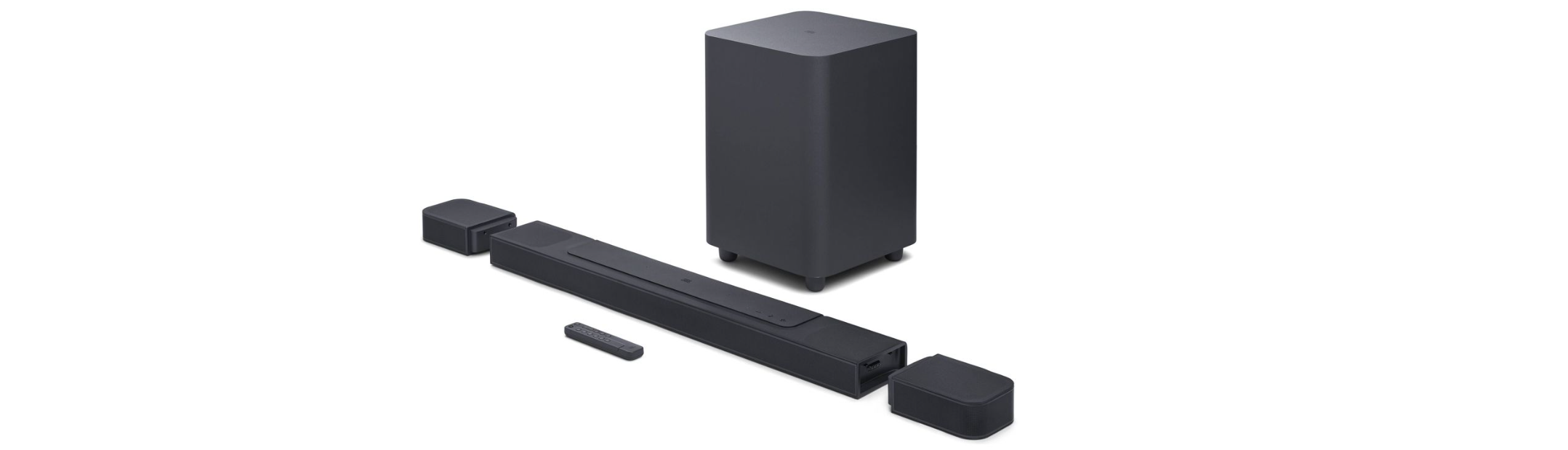

AUNA 10030851 Areal Bar 950 Soundbar
Safety Instructions
- Read the operating instructions carefully before putting the device into operation, and keep them for future use.
- Make sure that you include the operating AUNA 10030851 Areal Bar 950 Soundbar instructions when you sell the unit.
- Check whether the voltage of your socket corresponds to the voltage stated on the type plate of the device.
- After unpacking the device, check for any transport damage.
- Never use the appliance if it is not functioning normally or has been damaged in any way. Switch off the unit, disconnect the power cord from the power outlet, and contact customer service.
- Place the unit on a flat, stable surface that is not subject to vibration.
- Never place the unit on uneven or unstable surfaces, as this could cause it to fall over or drop.
- The socket you use should be near the appliance and easily accessible.
- If you are unsure about installation, operation, or appliance safety, contact customer service.
- Do not expose the unit to extreme temperatures. Place the appliance at a safe distance from heaters and gas and electric ovens.
- Do not expose the device to direct sunlight.
- Do not place hot objects or objects with an open flame, such as candles or night lights, on or near the appliance. High temperatures can melt the plastic and cause a fire
Description

- USB connection
- AUX connection wireless connection
- DC connection
- Optical connection
- Remote device control
- LED wireless connection

- Remote device control wireless connection
- LED wireless connection
- DC input
- Skip back one track in BT mode.
- Skip forward one track in BT mode.
- Source selection: AUX / USB / BT / OPTICAL
- Press to select the title in USB mode.
- LED display
Remote Control

- STANDBY: Switch off the subwoofer
- 1-0: Selection of the title number
- EQ on/off: Audio effect selection
- Input: Selection of input source (USB, SD, FM, AUX, BAT)
- Volume: Increase or decrease the volume.
- Jump back one title
- MUTE: Turn off the sound.
- 100+: Select and play tracks
- RPT: Repetition of a title
- Title jump forward
- Play or pause the title of an MP3
Operation
- Connect the mains unit to the sound bar and the subwoofer.
- Press the On/Standby button on the unit or on the remote control to switch on the tower.
- Press and hold the remote device control button for 15 seconds. The red LED flashes quickly. When the lamp has stopped flashing and is lit, the sound bar and the subwoofer are connected. The next time the unit is switched on, it will connect automatically.
- Connect external audio sources to the sound bar with an audio cable. The LED changes from red to violet.
- Use the source selection button (3) to select USB mode or optical mode. The LED lamp flashes slowly in red. In optical mode, the LED flashes violet at a high frequency.
- Go to BT mode with the source selection button (3). The LED turns blue and flashes slowly. On your mobile device, select the BT device named Areal Bar 950. When the units are connected, the LED lights up constantly.
Technical Data
- Item number 10030851
- Power supply 220-240 V~ 50/60 Hz
- Power consumption 60 W
- S/N ratio ≤ 80 dB
- Speaker impedance 4 Ohm
- BT specifications Frequency band Maximum radio-frequency power 2402–2480 MHz <20 dBm
Disposal
For information on AUNA 10006791 388-BT HiFi Stereo System about the recycling and disposal of this product, please contact your local authority or your household waste disposal service.
This product contains batteries. Find out about local regulations for disposing of batteries.
Deceleration of Confirmty
- Manufacturer: Chal-Tec GmbH, Wallstrasse 16, 10179 Berlin, Germany.
- Importer for Great Britain: Berlin Brands Group UK AUNA 10006791 388-BT HiFi Stereo System Limited PO Box 42 272 Kensington High Street London, W8 6ND United Kingdom
- Website: use.berlin/10034620
- Tel: (01) 320-0700