

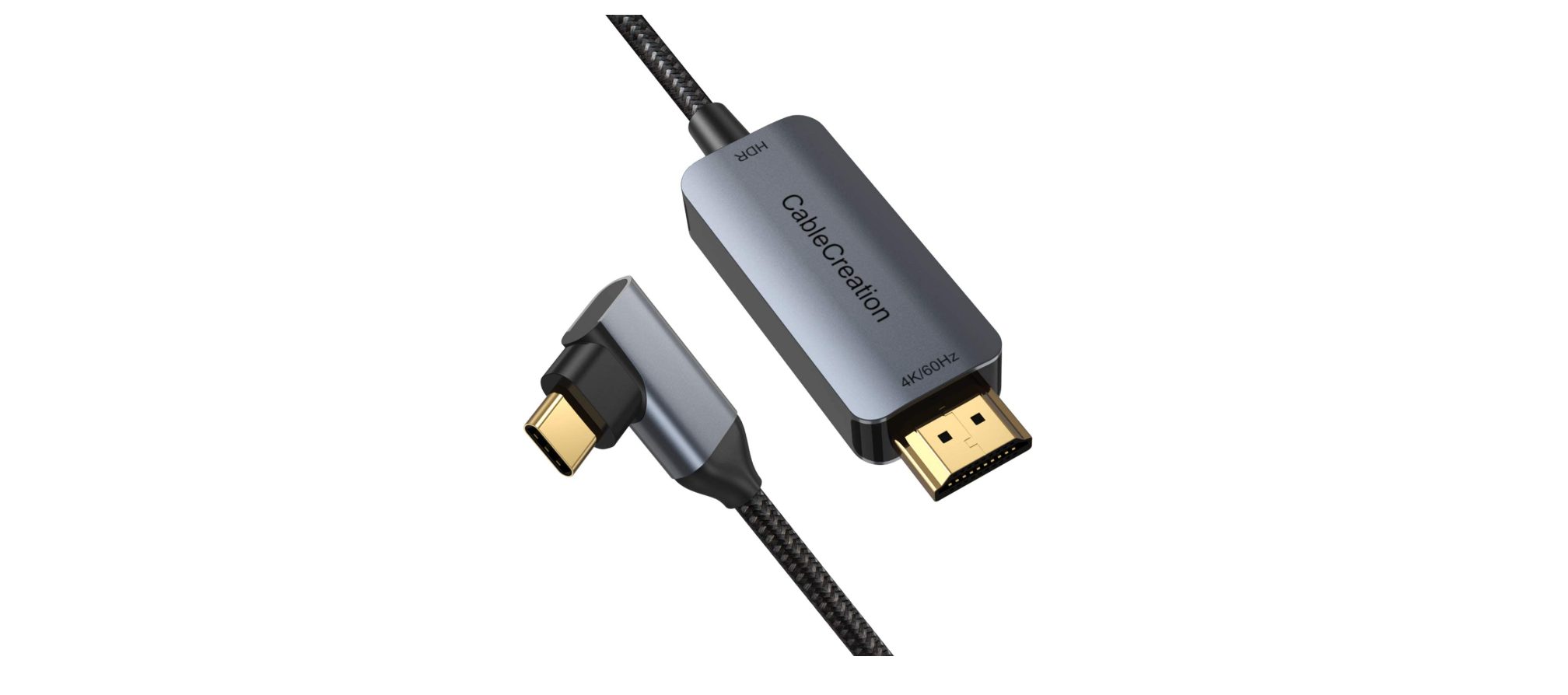

CableCreation USB-C to HDMI Cable

Introduction
This Type-C docking offers an integrated solution for power, data, and video. It allows you to connect a Type-C host PC to VGA, HDMI, Mini DisplayPort displays for video transmission, and to USB-A devices for data transmission. It also helps the host PC to get access to Ethernet through the RJ45 port. Besides, the SD/MMC and Micro SD card slot helps to read the information of the external memory in the host PC, and the USB-C female port can charge the host computer.
Smart Phones
Some phones, like Samsung S10, Samsung S8, LG G5, because of the limitation of Samsung’s own issues and the adapter/adapter cable, you can just use the mirror function. However, for some other phones like Huawei Mate 10, Huawei P20, you can use the mirror or extend function.
MacBook, iMac series, iPad Pro with Type-C port
For macOS laptops like the 12-inch MacBook, 13-inch MacBook Air with Thunderbolt 3 port, 13-inch & 15-inch & 16-inch MacBook Pro, iMac, iMac Pro, and Mac Mini, you can go to the Apple icon, System Preferences, Displays, Arrangement, and mirror displays. This is the way to mirror your Display. If you did not choose mirror Displays, your HDMI monitor would just be another monitor of your Mac. The following screenshot was about the Mirror Displays options.
For iPad 11-inch & 12.9-inch
- You can hook this adapter and your HDMI monitor.
- Your HDMI monitor would mirror your iPad Pro.
Chrome OS
You can refer to the following links about how to set.
- Visit: https://support.google.com/pixelbook/answer/9134069?hl=en
- Visit: https://support.google.com/chromebook/answer/1060909?hl=en
Sound issues
You can go to the Apple iconSystem PreferencesSoundOutput, choose your TV as the sound output. Or you can choose your built-in speaker as the sound output, per your requirements.
- SONY TV
LaunchpadOtherAudio MIDI SetupDisplayPortOutput, please choose 2 ch16-bit Integer, then your TV would have sound. - Windows 10 laptop
You can right-click the audio icon on the bottom right, Open Sound Settings, SoundOutput choose your corresponding TV as the sound output. (Windows 10 Pro 1903, just for your reference) - iPad Pro with USB-C port
When you’re watching an online video, sound passes through from your iPad to your TV automatically.
My cellphone could not charge over the cable.
Yes, the USB-C to HDMI cable is only intended to mirror or extend your laptop or cellphone screen; it does NOT support a charging function.
My PC or Mac would not work when I closed the lid.
Note that when you close the lid of your Windows 10 laptop, your laptop would go to sleep, and then your TV or monitor would not show anything. For a macOS laptop, if you want to close your lid and also want your external monitor, please plug your wall charger into your laptop.FFormoreddetailsefer to the following link.
Troubleshootings
- My HDMI monitor would not work. You can check CableCreation USB-C to HDMI Cable the following steps to make it.
- Confirm your laptops or smartphones support Type-C DP alt mode function.
Here is a list of the Type-C hosts supporting Type-C DP alt mode for your reference. (This link was just for your reference; it may have been changed by Wikipedia or other unknown reasons. Dec 4, 2019) - https://en.wikipedia.org/wiki/USB-C#Video
- Set the correct input source.
Most HDMI monitors or TVs have different input ports; you should choose the correct input source. For example, your TV has three HDMI ports: 1, 2, 3. When you connect HDMI 1, you should choose HDMI 1 as the input source with the remote control. When you are connecting your projector, please be more patient, since the projector’s response speed is lower than the monitor’s. You can also use an HDMI monitor to make a comparison test. - Make the connection stable, secure, and tighten.
You had better not move your laptop or phone when the HDMI monitor is working. If you had to move your laptop and phone, and your HDMI monitor did not work, then just feel free to disconnect the adapter, plug it, a nd have a try, then keep the connection stable. - Set the correct resolution settings.
Our cable supports 4K@30Hz, but if it didn’t work, you can reduce your external monitor or TV’s resolution to 1080P or lower resolution to check if it works or not.
- Confirm your laptops or smartphones support Type-C DP alt mode function.
- It does not work for Nintendo Switch
- Yes, our USB-C to HDMI Cable is NOT compatible with Nintendo Switch
- How to extend or mirror?
- Press the “Windows” key +” P” key on your keyboard, and you will see different options as follows. You can choose the function you like.


Customer Support
- Website: https://www.cablecreation.com/
-
Customers help: brandservice@cablecreation.com