

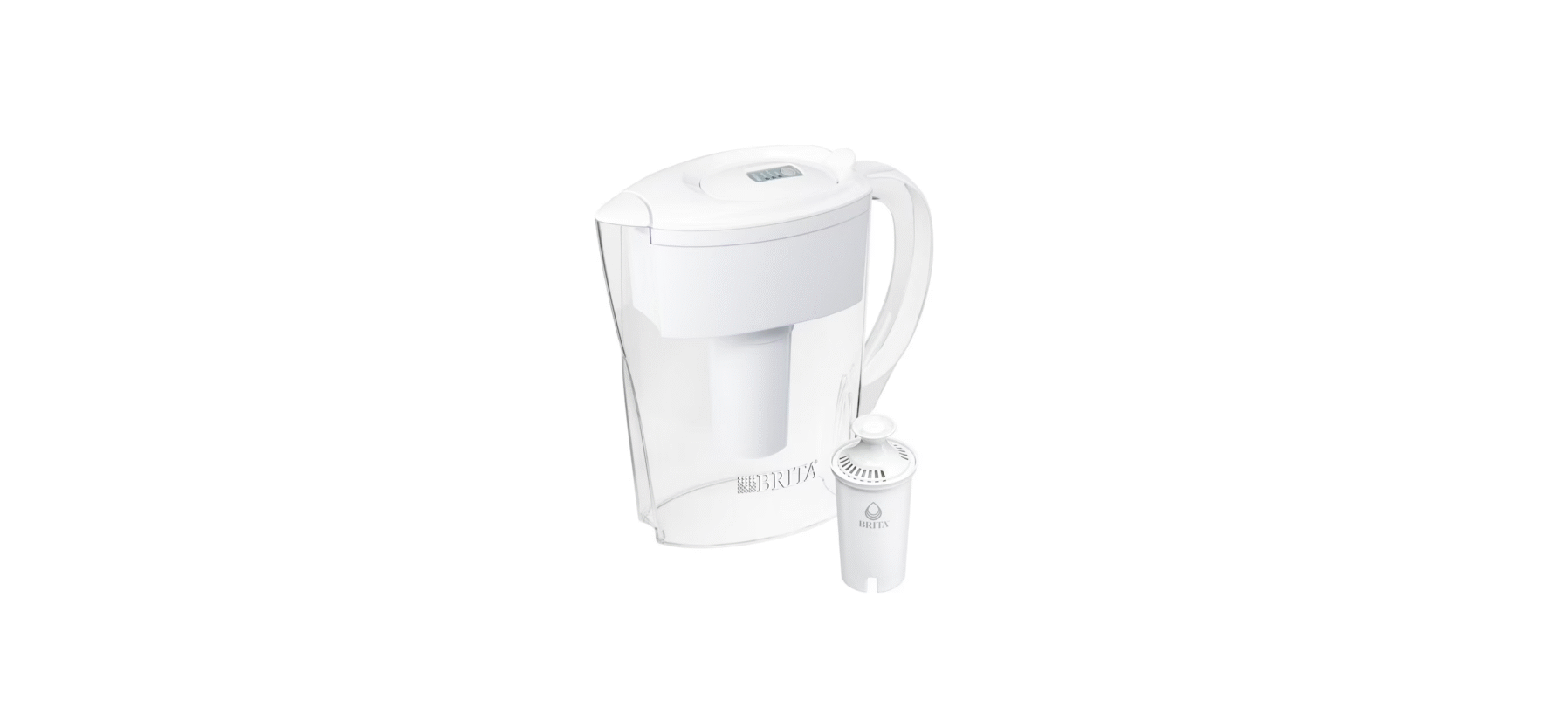

INSIGNIA NS-WFPTCC1 Water Filtration Pitcher

Safety Instructions
- Use cold water only. The operating temperature INSIGNIA NS-WFPTCC1 Water Filtration Pitcher of this pitcher filtration system is 41~100° F/ 5~38° C.
- Do not use with water that is microbiologically unsafe or of unknown quality.
- This filter cannot filter other liquids other than tap water.
- We recommend that you store your pitcher in the refrigerator or in a cool area that is not in direct sunlight to get refreshing, great-tasting water.
- If the filter dries out, soak it in cold tap water for 10 minutes to remove bubbles before use, to activate the filter and ensure the best filtration performance.
- If there is a lot of turbidity in tap water (such as cleaning the water tank or not using tap water for a long time), flush it for a few minutes until the water turns clean before using it.
- If the pitcher is not going to be used for a long period, put it in a clean container with a lid.
- Place the container in the refrigerator to prolong the cartridge life.
- The filter must be protected from freezing.
- A frozen filter may crack or leak.
Substance Reduction
- The system has been tested and certified by NSF International according to NSF/AStandard 42.
- The certification of the indicated substances in water entering the system was reduced to a concentration less than or equal to the permissible limit for the water leaving the system, as specified by NSF/ANSI standard 42.
- While testing was performed under standard laboratory conditions, actual performance may vary.
- Tested and Certified by NSF International against NSF/ANSI Standards 42 in Model NS-WFPCCT1 for the reduction of the claims specified on the Performance Data Sheet.
Package Content
- Water filtration pitcher
- Water filter
- Quick Setup Guide
Features
- Filters chlorine and odors while improving the taste of your drinking water
- BPA-free and NSF42-certified for your safety and peace of mind
- Spout opens automatically to prevent accidental spills
- The ergonomic handle is easy to grip for your comfort
- Filter (included) lasts 90 days or about INSIGNIA NS-WFPTCC1 Water Filtration Pitcher 200 gallons (757 L) and is easily replaced (works with NS-WPRF3PK Insignia Replacement Filters)
Water Filter
- Soak the filter in cold tap water for 10 minutes to remove bubbles.
- This will activate the filter and ensure the best filtration performance before use.
- Hand-wash the pitcher, lid, and reservoir with a mild detergent.
- Insert the filter into the reservoir. Press firmly to make sure that the seal is tight.
Use
- Fill the reservoir with cold tap water. Discard the first two reservoirs of water.
- Press and hold the button on the lid for three seconds until the blue light flashes to activate the indicator.
LED Indicator
Press the button on the lid to see the filter indicator status. After filtering 200 gal. (757 L) If the water or the red smart indicator light is on, you should change the filter.

Smart Indicator
- Remove the smart indicator by squeezing the clamping jaw and lifting the indicator away from the lid.

- During the re-installation, make sure that the clamping jaw is completely inserted into the groove.
Specifications
- Dimensions (H × W × D): 10.4 × 5.3 × 10 in. (26.4 × 13.5 × 25.4 cm)
- Filter capacity: 200 gallons(757 liters)or three months
- Temperature: 41~100° F/5~38° C
Data Sheet

Troubleshooting
- The water filter may be clogged. Check the indicator to see if it’s time to change the filter cartridge.
- Take out the filter and shake it intensely in order to shift the granules inside, which may improve the speed of water flow.
- Clean the pitcher.
- Make sure that the filter is installed correctly.
- Replace the filter.
- Replace the filter indicator. If the pitcher is still in the warranty period, we can replace it for free.
One Year Warranty
Definitions
The Distributor* of Insignia-branded products warrants to you, the original purchaser of this new Insignia-branded product (“Product”), that the Product shall be free of defects in the original manufacturer of the material or workmanship for one (1) year from the date of your purchase of the Product (“Warranty Period”).
How to obtain warranty service?
If you purchased the Product at a Best Buy retail store location or from a Best Buy online website, please take your original receipt and the Product to any Best Buy store. Make sure that you place the Product in its original packaging or packaging that provides the same amount of protection as the original packaging. To obtain warranty service, in the United States and Canada, call 1-877-467-4289. Call agents may diagnose and correct the issue over the phone.
Where is the warranty valid?
This warranty is valid only in the United States and Canada at Best Buy branded retail stores or websites to the original purchaser of the product in the country where the original purchase was made.
Customer Support
- Ph: 1-877-467-4289
- Website: www.insigniaproducts.com
INSIGNIA is a trademark of Best Buy and its affiliated companies. Distributed by Best Buy Purchasing, LLC 7601 Penn Ave South, Richfield, MN 55423 U.S.A.
©2021 Best Buy. All rights reserved.