

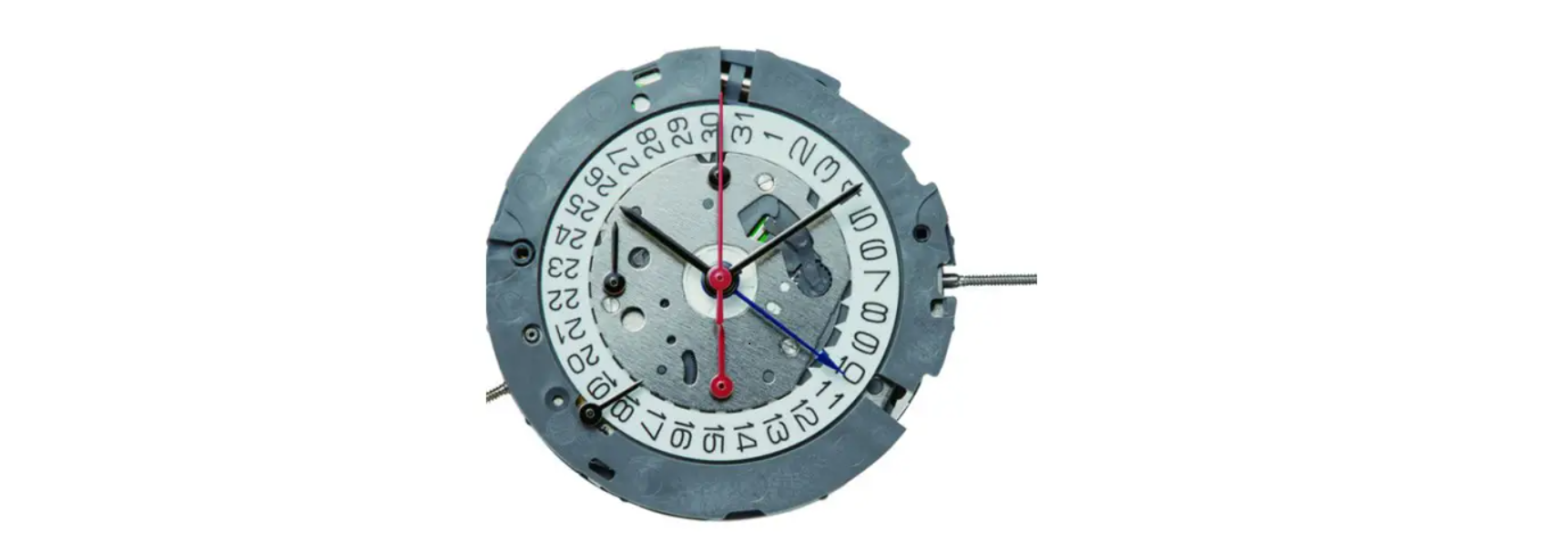

Miyota Cal. FS80/FS81 Watch Movement
Display & Buttons

Setting The Time
- Pull the crown out to the 2nd position.
- Turn the crown to set the hour and minute hands.
- When the crown is pushed back to the normal position, the small second hand begins to run.
Setting the Date
- Pull the crown out to the 1st position.
- Turn the crown counterclockwise to set the date. *If the date is set between the hours of around 9:00 PM and 1:00 AM, the date may not change on the following day.
- After the date has been set, push the crown back to the normal position.
Using the Alarm
- Pull button “C”. The Alarm sounds when the hour hand aligns with the alarm time indicator.
Setting the Alarm Time
- Pull the crown out to the 1st position.
- Turn the crown clockwise to set the alarm time indicator to the desired set time.
- Return the crown to its normal position.
- Pull out button “C” to turn the alarm on.
- The alarm will sound when the hour hand aligns with the alarm time indicator.
Using the Cronograph
- This chronograph can measure and display Miyota Cal. FS80/FS81 Watch Movement time in 1/20 second timing up to a maximum of 11 hours, 59 minutes, 59 seconds, 95.
Measuring time with the chronograph
- Press button “B” to change the watch to the chronograph mode.
- The small second hand stops at zero position, and changes to the chronograph 1/20 second hand.
- The chronograph 1/20 second hand stops at the zero position 30 seconds after starting.
- Pressing button “B” resets the chronograph, and all chronograph hands return to the zero position.t

Chronograph Reset
- Pull the crown out to the 2nd position.
- Press button “A” to set the chronograph second hand to zero position.
- Press button “B” to set the chronograph 1/20 second hand to zero position..
- Do not push the crown to the normal position while the chronograph second hand and the chronograph 1/20 second hand return to the zero position.
Customer Service
- Website: https://miyotamovement.com/
- Tel: +1 303-774-2221