

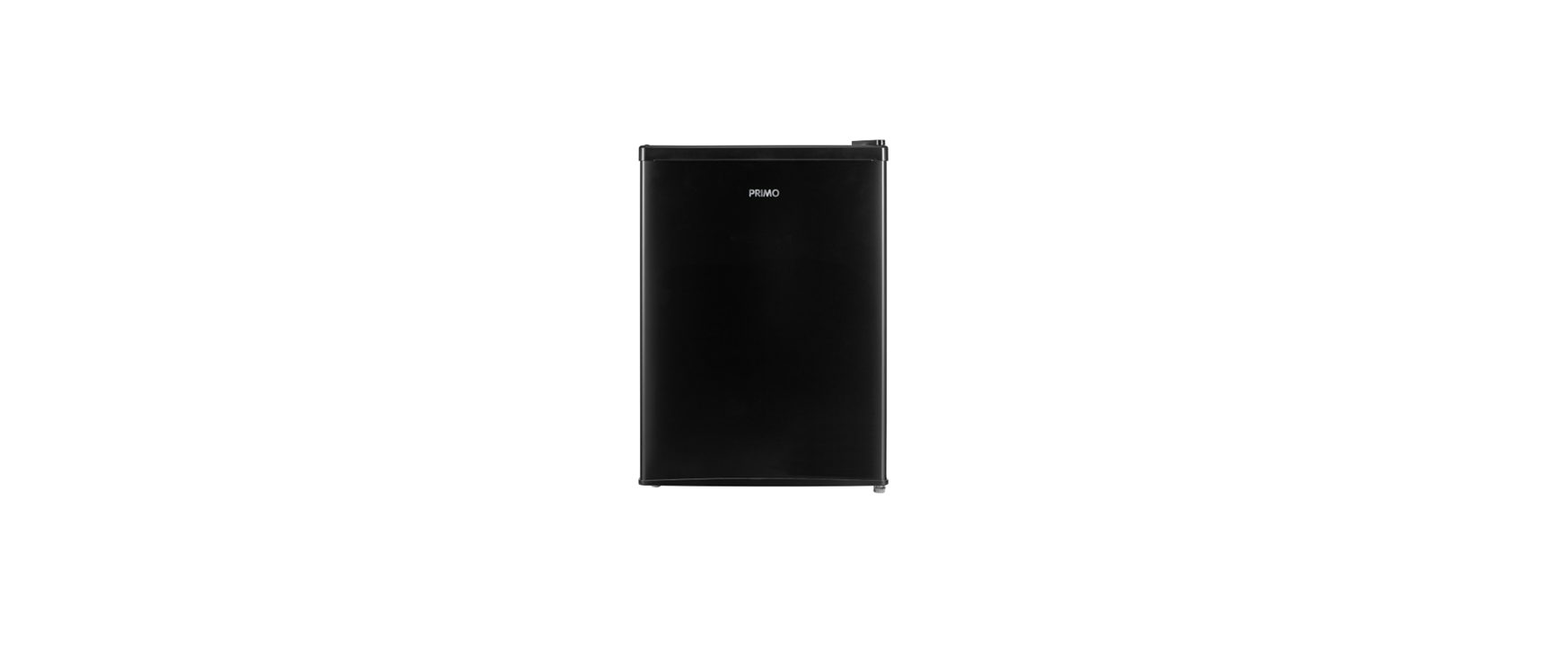

Primo PR128FR Tabletop Refrigerator

Safety Instructions
- Children must not play with the appliance.
- Maintenance and cleaning of the appliance must not be done by children, unless they are older than 8 years of age and are supervised.
- Keep the appliance and cord out of the reach of children under the age of 8.
- If the electrical cord is damaged, it must be replaced by the manufacturer, its after-sales service, or a similarly qualified person to avoid any accident.
- An empty refrigerator can be very dangerous for children. Remove the refrigerator door when not in use. Or take other measures that will make the appliance harmless.
- Be careful not to damage the refrigeration system.
- After installation, let the appliance stand for 3 hours before turning it on. This will allow the refrigerant to settle.
- Pay attention to the “fire hazard – flammable material” symbol located on the back of the appliance.
Follow the instructions below to prevent contamination of food: - Opening the door for long periods can significantly increase the temperature in the appliance compartments.
Installation
Install the appliance in a dry and well-ventilated area. The appliance is intended for use in an area where the ambient temperature falls within the following class, depending on the climate class found on the rating label on the back of the appliance.

PARTS

- Temperature control knob
- Extra cooling compartment
- Shelve
- Drainage tray
- Door rack
Thermostat

- OFF
- MIN
- MED
- MAX
Installation
- Remove all packing material, both inside and outside.
- Clean the outside of the unit with a dry cloth. You can clean the inside with a soft, damp cloth.
- Do not place the appliance in a narrow passage, direct sunlight, or moisture.
- Make sure that air can circulate freely around the refrigerator. The back of the refrigerator should be at least 13 cm away from the wall.
- Place the refrigerator on a firm, level surface.
- Avoid direct sunlight and heat. Sunlight can damage the outside of the refrigerator. Heat will cause higher consumption.
- Avoid excessive humidity. Too much moisture in the air will cause frost to form too quickly inside your refrigerator.
- You can set the temperature inside the appliance with the thermostat. The higher the setting (max), the harder the refrigerator will cool.

Door Conversion
Before changing the direction of rotation, check that the plug is unplugged and that the appliance is empty. It is recommended to use a Phillips screwdriver and a spanner (neither not which is supplied).
- Remove the hinge cover from the screws. Remove the screws and then the top hinge that holds the door in place. Lift the door and place it on a Primo PR128FR Tabletop Refrigerator soft surface to avoid scratches.
- On the left side, remove the three cover caps. Two are located on the refrigerator, and one is located on the door.
- Remove the bottom screws, hinge bracket, and the levelling foot at the bottom left of the appliance.
- Fix the screws, hinge bracket, and the adjusting foot on the other side of the base.
- Carefully put the door in place. Make sure the door is both horizontally and vertically aligned so that the seals are closed on all sides before fully tightening the top hinge.
- Return the hinge and screw tightly to the top of the appliance. Replace the cover plate. *see note
- Level the appliance using the adjustable foot.
Maintainance & Cleaning
Cleaning
- Wash the water collection tray and shelves with a mild detergent. Then dry all parts thoroughly with a soft dry cloth. Clean the exterior with a soft, damp cloth.
Defrost
- You should defrost your appliance when an ice layer of about 6mm begins to form. Defrosting will take several hours. You can speed up the process by removing all frozen parts from your refrigerator and by leaving the door ajar for a short period.
Holiday
- Remove all food from your refrigerator.
- Unplug the appliance from the electrical outlet.
- Clean the refrigerator thoroughly.
- Leave the refrigerator door open to avoid Primo PR128FR Tabletop Refrigerator mold and bad odors.
Power failure
- Most power outages are recovered in 1 or 2 hours and will not change the temperature of your refrigerator. You should, however, keep opening the door to a minimum during a power failure.
- During a longer power outage, you should take measures to protect the food, e.g., by putting dry ice on your food.
Moving the appliance
- Remove the plug from the electrical outlet.
- Secure all loose parts inside the refrigerator.
- Fully screw in the control feet to avoid damaging them
Warranty
Dear client, All of our products are always submitted to strict quality control before they are sold to you. Should you nevertheless experience problems with your device, we sincerely regret this. In that case, we kindly request that you contact our customer Primo PR128FR Tabletop Refrigerator service. Our staff will gladly assist you.
This appliance has a two-year warranty period. During this period, the manufacturer is responsible for any failures that are the direct result of construction failure. If your device breaks down within the 2-year warranty period, you can return the device together with your receipt to the shop where you purchased it. The guarantee on accessories and components that are liable to wear and tear is only 6 months.
The guarantee and responsibility of the supplier and manufacturer lapse automatically in the following cases:
- In case of incorrect connection, e.g., electrical voltage that is too high.
- In case of incorrect, rough, or abnormal use.
- In case of insufficient or incorrect maintenance.
- In case of repairs or alterations to the device by the consumer or non-authorised third parties.
Environmental Instructions
For more detailed information about the recycling of this product, please contact your local city office, your household waste disposal service, or the shop where you purchased the product
Customer Support
- Tel: 800-728-5508
- Website: www.primo-elektro.be
- Timings: Monday – Thursday: 8.30 – 12.00 and 13.00 – 17.00, Friday: 8.30 – 12.00 and 13.00 – 16.30
FAQs
Q: What is the recommended location for installing the Primo PR128FR tabletop refrigerator?
Ans: The refrigerator should be placed on a level, sturdy surface away from moisture, heat sources, and direct sunlight. For adequate ventilation, make sure there is at least 10 cm (4 inches) of space surrounding the unit.
Q: What type of power supply does the PR128FR require?
Ans: Depending on your area, the machine runs on 110V to 120V or 220V to 240V of common household electricity. Make sure the power socket is grounded correctly and always check the label on the back of the refrigerator for the correct voltage.
Q: How do I turn on the Primo PR128FR for the first time?
Ans: Turn the thermostat dial, which is often found inside the refrigerator or on the rear, to the desired cooling setting after plugging it into a grounded power outlet. Before putting food in the refrigerator, let it cool for at least two to four hours.
Q: What is the ideal temperature setting for storing beverages and food?
Ans: For the best cooling of beverages and perishable goods, turn the thermostat dial to a medium setting (about 4-5 on a scale of 1 to 7). Adapt as necessary to your storage requirements and the surrounding temperature.
Q: Is the Primo PR128FR energy efficient?
Ans: Avoid opening doors frequently and maintain the thermostat at its recommended settings for the most energy savings.
Q: How noisy is the Primo PR128FR during operation?
Ans: The refrigerator’s quiet compressor produces very little noise, making it ideal for compact living areas, offices, and dorms. During cooling cycles, occasional clicking or humming sounds are common.
Q: What warranty does the Primo PR128FR come with?
Ans: For specific terms, consult the warranty card or get in touch with customer service.