

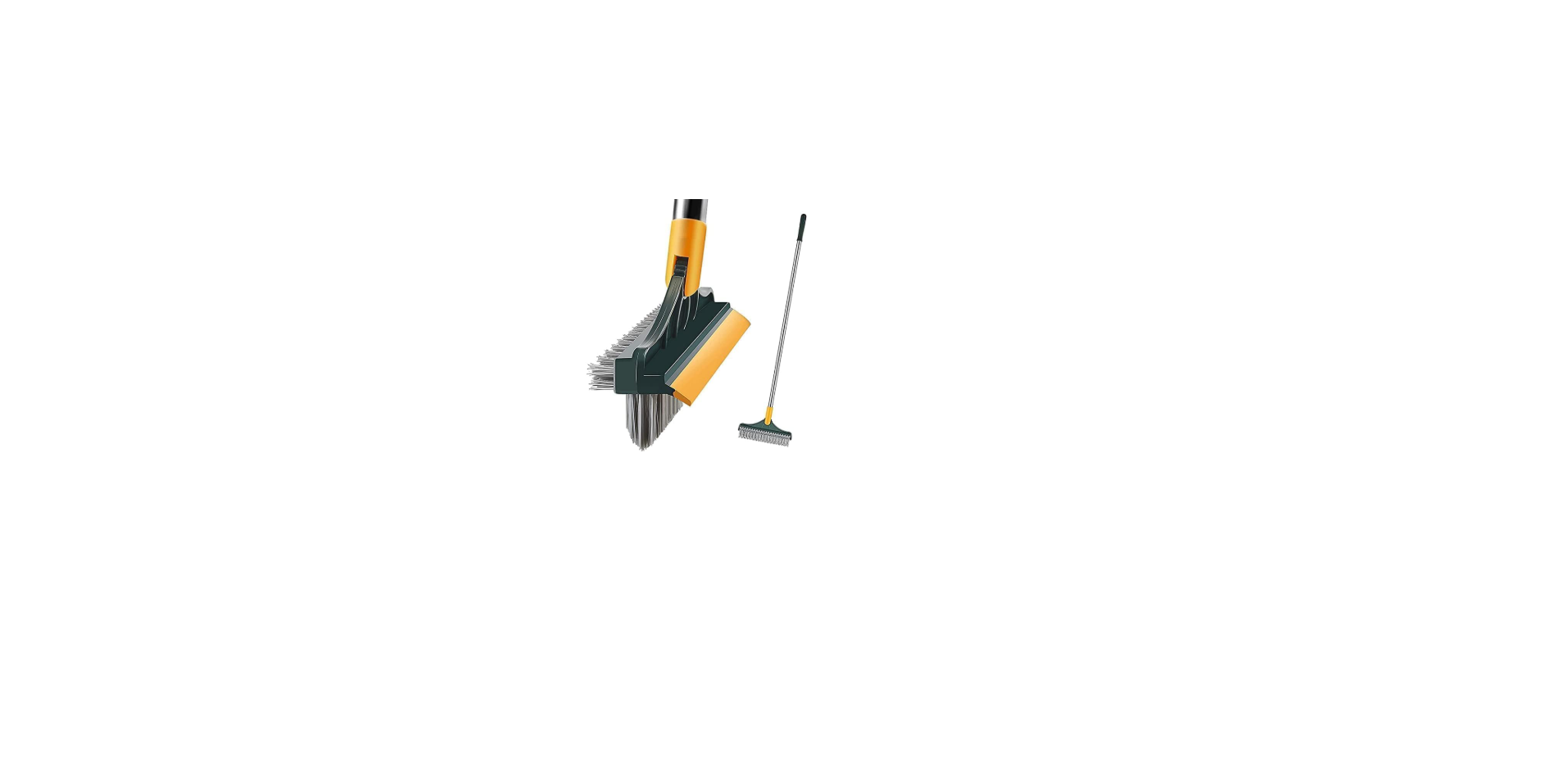

Anko EV-B19 Long-Handled Cleaning Brush

Safety Instructions
- Carefully read this instruction manual before use.
- Keep the Appliance and USB cable out of reach of young children.
- Children should be supervised to ensure that they do not play with the Appliance and/or USB cable.
- Ensure children and babies do not play with plastic bags or packaging materials.
- Do not use on people or pets, etc.
- Ensure that the Appliance and/or USB cable does not get wet (water splashes, etc.).
- Do not use your charger, Appliance, or the USB cable with wet hands.
- Do not immerse the Appliance and/or the USB cable in water or other liquids.
- Only charge the Appliance with the USB cable that was supplied with the Appliance.
- Use the Appliance and USB cable only for their intended use.
- Inspect the USB cable and Appliance for damage before every use.
- If the USB cable is damaged, call our customer service for a replacement
Parts

| 1 | Telescopic Handle | 9 | Small Scrubbing Pad |
| 2 | Small Flat Top Brush x 2 | 10 | Large Foam Pad |
| 3 | Small Dome Top Brush | 11 | Large Pad Coupling |
| 4 | Course Silver Scouring Pad Coupling | 12 | Large Cloth Pad |
| 5 | Small Pad Coupling | 13 | Small Foam Pad |
| 6 | Large Dome Top Brush | 14 | Motor Unit |
| 7 | Large Flat Top Brush | 15 | USB Cable |
| 8 | Course Silver Scouring Pad |
Cleaning Heads
There are four brush heads, a course silver scouring pad, a rough polyester scouring pad, a large and a small foam pad and a large cloth pad to choose from.
Instructions for Use
This product is water-resistant to IPX7
Charging the Appliance
If any abnormality occurs during charging (such as a burning smell or excessive heat, or even a strange s, sound), immediately turn off the charger and disconnect the USB cable, then contact our service department for assistance.
- First, remove the Rubber plug that seals the charging port by pulling the tab on the plug up and out to access the USB charging socket, as shown.

- Take the USB Cable and fully unravel it before using it to charge the appliance.e
- Plug the small end of the USB cable directly into the Charging Port.
- Plug the large end of the USB cable into your charger, then switch on the charger.
- The indicator light will blink Green, indicating the battery is charging.

- At this time, remove the USB charging cable and turn off & unplug the charger.
Attaching and Removing
The brush head with the drive coupling is on the main unit. Then, push on hard until it locks in place.

The head cannot be pushed on unless the coupling and head align in the right orientation. To remove the head, grasp the main unit with one hand, ensuring you are not pressing the On/Off button, and with the other hand, grasp the head and pull hard, and the head will come straight off.

Use the same method for all the other heads and Pad Couplings.

To remove the Pads, grasp the edge and peel off the Hook Fastener.
Large Foam Pad and Cloth Pad

To remove the Pads, grasp the edge and peel off the Hook Fastener.
Course Silver Scouring Pad

Adjustment

Assembly
Telescopic Handle
Insert the threaded end of the telescopic handle into the end of the main unit’s handle as shown, and then, while holding the main unit firmly, rotate the handle clockwise to tighten.

Extending the Telescopic Handle
To extend the telescopic handle, hold the lower end of the telescopic handle to prevent it from rotating, then with your other hand, rotate the upper section of the handle anticlockwise to loosen, slide the upper section of the telescopic handle out to your desired length, Anko EV-B19 Long Handled Cleaning Brush, then rotate the upper section of the handle clockwise to retighten.

Using the Appliance
Always wear rubber gloves and safety glasses for personal protection during use. Press and release the ON/OFF button to turn on.

The scrubbing brush will start to rotate. To turn the Anko EV-B19 Long-Handled Cleaning Brush off, Press and release the ON/OFF button again.
Cleaners that contain abrasive agents should not be used
Apply the rotating cleaning head to the surface and, with a gentle downward pressure and motion, move the appliance around to scrub the surface.
Care and Cleaning
- Never stick anything inside the Appliances charging port. Only clean the outside.
- Remove the cleaning head, then clean the appliance body with a damp cloth and then completely dry.
- Clean the cleaning brush heads in hot soapy water and then let them completely dry.
- DO NOT place any parts in a dishwasher or clothes dryer.
Storage
- Switch off and unplug the Appliance.
- Coil the USB cable loosely. Do not kink or pull the cable tight.
- Store your Appliance in a cool, dry location.
Troubleshooting
| Will Not Switch On | Check that the battery is fully charged. |
| The USB cable is still plugged into the unit. Remove the USB cable. | |
| The appliance keeps turning off when in use. | The battery is flat. Recharge the battery. Reduce to amount of push force during use. (Be gentler). |
| The Green Indicator light starts blinking during use, but does not turn off automatically. | The battery requires charging. |
| The Green Indicator Light blinks during charging. | This indicates that the battery is still charging. |
Disposal
Do not dispose of this product with normal household waste collection. If unsure, contact the local council waste management service for proper disposal facilities available for your area. a
Warranty
This warranty is in addition to your rights under the Australian Consumer Law. For New Zealand customers, this warranty is in addition to statutory rights observed under New Zealand legislation.
We will provide you with your choice of a refund, repair (where possible) or exchange (availability dependent) for this product if it becomes defective within the warranty period. The business will bear the reasonable expense of claiming the warranty. This warranty will no longer apply where the defect is a result of alteration, accident, misuse, abuse or neglect.
Please retain your receipt as proof of purchase and contact our Customer Service Centre as listed below, for the entity you purchased this product from, for any difficulties with your product.
Customer Service
- Website: https://ankoglobal.com/
- Ph: +1 800-446-2656