

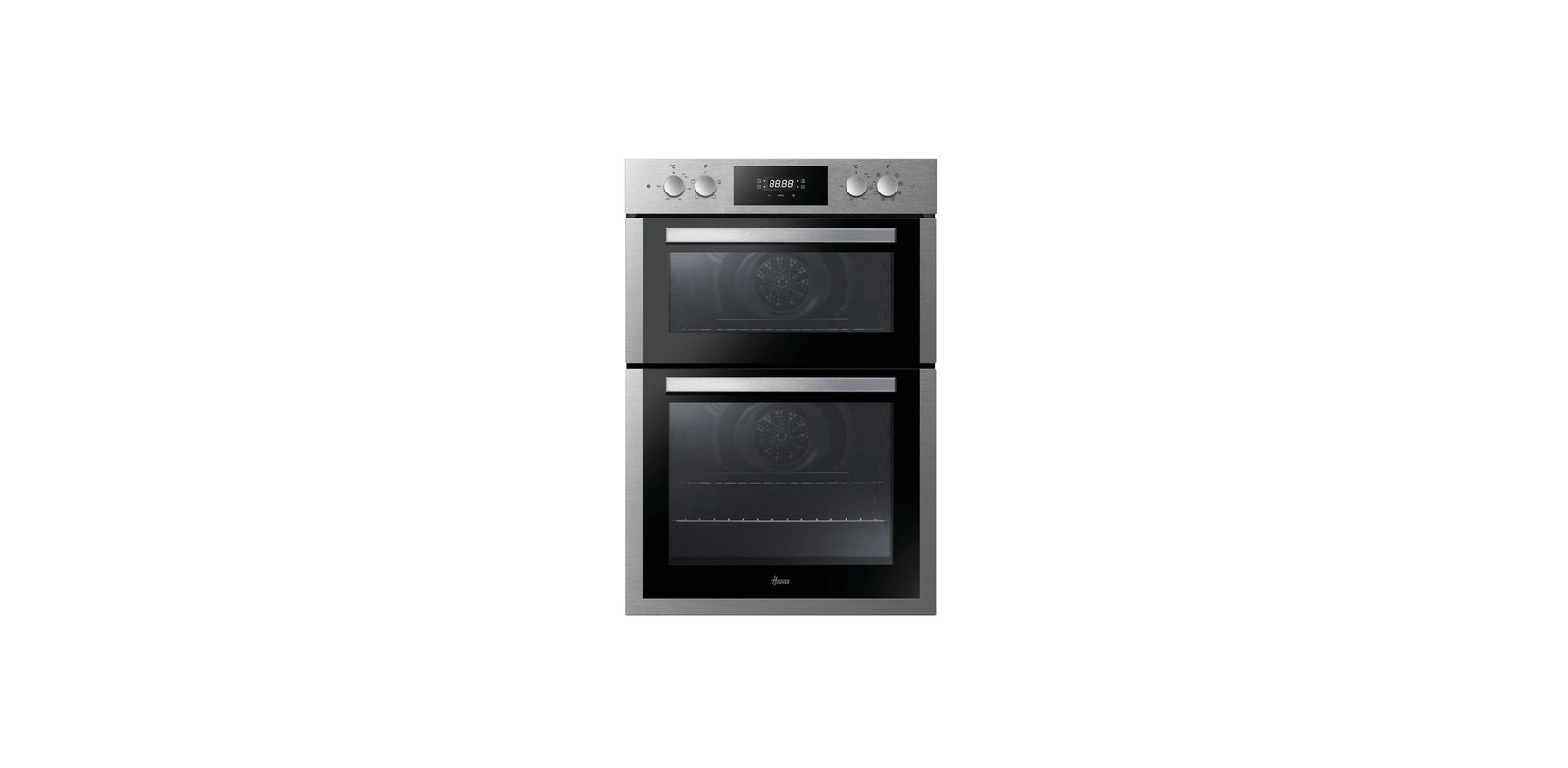

HOOVER HOC3E3158IN Digital Oven

Safety Indications
- To reduce this effect, wait 10-15 minutes after turning on the power before putting food inside the oven. In any case, the condensation disappears when the oven reaches the cooking temperature.
- Cook the vegetables in a container with a lid instead of an open tray.
- Avoid leaving food inside the oven after cooking for more than 15/20 minutes.
- The type of power cable must be H05V2V2-F.
- Failure to comply with the above can compromise the safety of the appliance and invalidate the guarantee.
- Any excess of spilt material should be removed before cleaning.
General Instructions
- Having removed the oven from its packaging, check that it has not been damaged during transportation.
- If you have doubts, do not use the oven and refer to a qualified technician for advice.
- Keep all of the packaging material (plastic bags, polystyrene, nails) out of the reach of children.
- When the oven is switched on for the first time, strong-smelling smoke can develop, which is caused by the glue on the insulation panels surrounding the oven heating for the first time.
- This is normal and, if it occurs, you should wait for the smoke to dissipate before putting food in the oven.
- The manufacturer accepts no responsibility in cases where the instructions contained in this document are not observed.
Safety Indications
Only use the oven for its intended purpose, that is, only for the cooking of foods; any other use, for example, as a heat source, is considered improper and therefore dangerous.
- The manufacturer cannot be held responsible for any damage resulting from improper, incorrect, or unreasonable usage.
- The use of any electrical appliance implies the observance of some fundamental rules: –
- Do not pull on the power cable to disconnect the plug from the socket
- Do not touch the appliance with wet hands or feet.
- In general, the use of adaptors, multiple sockets, and extension cables is not recommended.
- In case of malfunction and/or poor operation, switch off the appliance and do not tamper with it.
Electrical Safety
- The power supply to which the oven is connected must conform to the laws in force in the country of installation.
- The manufacturer accepts no responsibility for any damage caused by the failure to observe these instructions.
- The oven must be connected to an electrical supply with an earthed wall outlet or a disconnector with multiple poles, depending on the laws in force in the country of installation.
- The electrical supply should be protected with suitable fuses, and the cables used must have a transverse section that can ensure correct supply to the oven.
Connection
The oven is supplied with a power cable that should only be connected to an electrical supply with 220-240 Vac power between the phases or between the phase and neutral.
- Before the oven is connected to the electrical supply, it is important to check
- Power voltage is indicated on the gauge.
- The setting of the disconnector.
The grounding wire connected to the oven’s earth terminal must be connected to the earth terminal of the power supply.
Recommendations
- After each use of the oven, a minimum of cleaning will help keep the oven perfectly clean.
- Do not line the oven walls with aluminium foil or single-use protection available from stores.
- Aluminium foil or any other protection, in direct contact with the hot enamel, risks melting and deteriorating the enamel of the insides.
- In order to prevent excessive dirtying of your oven and the resulting strong smoky smells, we recommend not using the oven at very high temperatures.
- It is better to extend the cooking time and lower the temperature a little. In addition to the accessories supplied with the oven.
- We advise you to only use dishes and baking moulds resistant to very high temperatures.
Installation
- The manufacturers have no obligation to carry this out. If the assistance of the manufacturer is required to rectify faults arising from incorrect installation, this assistance is not covered by the guarantee.
- The installation instructions for professionally qualified personnel must be followed. Incorrect installation may cause harm or injury to people, animals, or belongings.
- The manufacturer cannot be held responsible for such harm or injury. The oven can be located high in a column or under a worktop.
- Before fixing, you must ensure good ventilation in the oven space to allow proper circulation of the fresh air required for cooling and protecting the internal parts.
- Make the openings specified on the last page according to the type of fitting.
First Use
PRELIMINARY CLEANING
- Clean the oven before using it for the first time. Wipe over external surfaces with a damp soft cloth. Wash all accessories and wipe inside the oven with a solution of hot water and washing-up liquid.
- Set the empty oven to the maximum temperature and leave it on for about 1 hour; this will remove any lingering smells of newness.
Product description
- Control panel
- Shelf positions (lateral wire grid if included)
- Grids
- Trays
- Fan (if present)
- Oven door
- Lateral wire grids (if present: only for flat cavity)
- Serial number

Accesories
Drip tray
- The dripping pan collects the residues that drip during cooking.

Metal grid
- Holds baking trays and plates.

Lateral wire grids
- Located on both sides of the oven cavity, holds metal grills and drip pans.

Telescopic guides
- Two guide rails, which facilitate the cooking status check, allow the easy extraction and repositioning of trays and grids inside the oven cavity.

Meat probe
- Measures the internal temperature of food during cooking.
- Insert into the hole on the top of the cavity. Should be inserted while the oven is cool.
- Do not preheat or start cooking before properly inserting the meat probe.
- Do not try to insert the meat probe in frozen food.

Turnspit
- No pre-heating is required for rotisserie cooking. Cooking with the door closed.
- Unscrew the hooks
- Insert the spit into the meat to be cooked
- Secure the meat with the hooks
- Tighten the screws
- Insert the spindle into the hole where the motor is located.

Catalytic panels
- Special panels coated with enamel, made with a microporous structure to turn fat into gaseous elements that are easy to remove. Replace after 3 years of use (at 2/3 cooking cycles per week)

Grill pan set
- The simple shelf can take moulds and dishes. The tray holder shelf is especially good for grilling things. Use it with the drip tray. The special profile of the shelves means they stay horizontal even when pulled right out.

The tray holder
- The tray holder shelf is ideal for grilling. Use it in conjunction with the drip tray. A handle is included to assist in moving both accessories safely. Do not leave the handle inside the oven.
Softclose
- Hinges that ensure an automatic, soft, and smooth movement during the closing phase of the oven door.

Chef panel
- An air conveyor that increases air circulation inside the oven. This enables improved cooking performance, more even cooking of food at all temperatures, shorter cooking times, and, lastly, an even temperature distribution inside the oven.

Airfry Tray
- The air fryer tray ensures that hot air reaches the food evenly and tridimensionally, resulting in a crispier exterior while maintaining tenderness inside. A baking tray can be optionally placed at L1 to collect juices or breadings.

Display description
Low power consumption data according to Commission Regulation (EU) 2023/826. Power consumption of the product in standby mode condition with information or status display: 0,8 W Period after which the equipment reaches standby mode condition with information or status display automatically: 20 min
- Timer/automatic mode
- Fan function
- Defrost mode
- Temperature or clock display
- LCDy adjustment controls
- Function selector knob
- Programme selector knob


Use the clock programmer

Cooking Modes


General notes
- The lifecycle of the appliance can be extended through regular cleaning.
- Wait for the oven to cool before carrying out manual cleaning operations.
- Never use abrasive detergents, steel wool, or sharp objects for cleaning, as they can irreparably damage the enamelled parts.
- Use only water, soap, or bleach-based detergents (ammonia).
Glass Parts
- It is advisable to clean the glass window with a sorbent kitchen towel after every use of the oven. To remove more obstinate stains, you can use a detergent-soaked sponge, well wrung out, and then rinse with water.
Drip Pan
- After using the grill, remove the pan from the oven.
- Pour the hot fat into a container and wash the pan in hot water, using a sponge and washing-up liquid.
- If greasy residues remain, immerse the pan in water and detergent.
- Alternatively, you can wash the pan in the dishwasher or use a commercial oven detergent.
- Never put a dirty pan back into the oven.
Maintenance
Cleaning of the racks
- Remove the wire racks by pulling them in the direction of the arrows (see below)
- To clean the wire racks, either put them in the dishwasher or use a wet sponge, ensuring that they are dried afterwards.
- After the cleaning process, install the wire racks in reverse order.

Removal & Cleaning of the Glass Door

Changing the Bulb
- Disconnect the oven from the mains supply.

- Undo the glass cover.

- Unscrew the bulb.

- Replace it with a new bulb of the same type.

- Once the defective bulb is replaced, replace the glass cover.

- Connect the oven to the mains supply.

This product contains one or more light sources of energy efficiency class G (Lamp) * In caseof anf issue with this lamp, contact the customer service.
Pyrolysis
TWO PYROLYTIC CYCLES are pre-set:
- ECO PYROCLEAN
Cleans a moderately stained oven. Operates for 90 minutes. - SUPER PYROCLEAN
Cleans a heavily stained oven. Operates for HOOVER HOC3E3158IN Digital Oven 120 minutes. Never use commercially available cleaning products on a Pyrolytic oven!
Before executing a pyrolytic cycle
- Remove any large spillages or stains, as the HOOVER HOC3E3158IN Digital Oven would take too long to destroy them. Also, excessively large amounts of grease could ignite when subject to the very high temperatures of the Pyrolytic cycle.
- Close the oven door.
- Clean the oven.r;
- Remove large or coarse food residues from the inside of the oven using a damp sponge.
- Do not use detergents.
- Remove all accessories and the sliding rack kit (where present).
- Do not place tea towels.
Using the Pyrolitic Cycle
- Rotate the function selector to the position “ “. On the display, the indication “ ECO “ or “ SUP “appears. The preset time is 90 min, this can be HOOVER HOC3E3158IN Digital Oven varied from 90 min (Eco mode) to 120 min (Sup mode) via the programmer (setting button “ + “ or “ – “).
- It is possible to defer the start time of the pyroclean cycle by changing the END time via the programmer.
- After a few minutes, when the oven reaches a high temperature, the door locks automatically.
- Once the pyroclean cycle is finished, the pyrolysis will switch off automatically.
Use Touch Control Ovens
- Rotate the function selector into position pyrolisys. The display will show either “ECO” or “SUP“
- The preset time is 90 minutes, but it can be varied from 90 minutes. (Eco mode) to 120 min. (Sup mode) using the programmer (“ +” or “-” key).
- If the oven is very dirty, the time should be increased to 120 min., while if the oven is only slightly dirty, reduce the cleaning cycle to 90 min.
Aquactiva Function
The Aquactiva procedure uses steam to help remove remaining fat and food particles from the oven.
- Pour 100 ml of water into the Aquactiva container at the bottom of the oven.

- Set the oven function.
- Set the temperature to 100 °C.
- Allow the program to operate for 30 minutes.

- After 30 minutes, switch off the program and allow the oven to cool down.
- When the appliance is cool, clean the inner surfaces of the oven with a cloth.
Environmental Protection
It is important that the WEEE undergo specific treatments to correctly remove and dispose of the pollutants and recover all the materials. Individuals can play an important role in ensuring that the WEEE does not become an environmental problem; it is essential HOOVER HOC3E3158IN Digital Oven to follow a few basic rules:
Troubleshooting
| Problem | Possible cause | Solution |
| The oven does not heat up | The clock is not set | Set the clock |
| The oven does not heat up | A cooking function and temperature have not been set | Ensure that the necessary settings are correct |
| No reaction to the touch user interface | Steam and condensation on the user interface panel | Clean with a microfiber cloth the user interface panel to remove the condensation layer |
Installation
- If the oven does not have a cooling fan, create an opening 460 mm x 15 mm.
 If the furniture is covered with a bottom at HOOVER HOC3E3158IN Digital Oven, provide an opening for the power supply cable.
Dear Customer
The manufacturer will not be responsible for any inaccuracy resulting from printing or transcription errors contained in this brochure. We reserve the right to make modifications to products as necessary, including for the sake of consumption, without compromising the safety or functional characteristics.
Customer Support
- Tel: (087) 245 0029
- Website: www.hooversa.co.za