

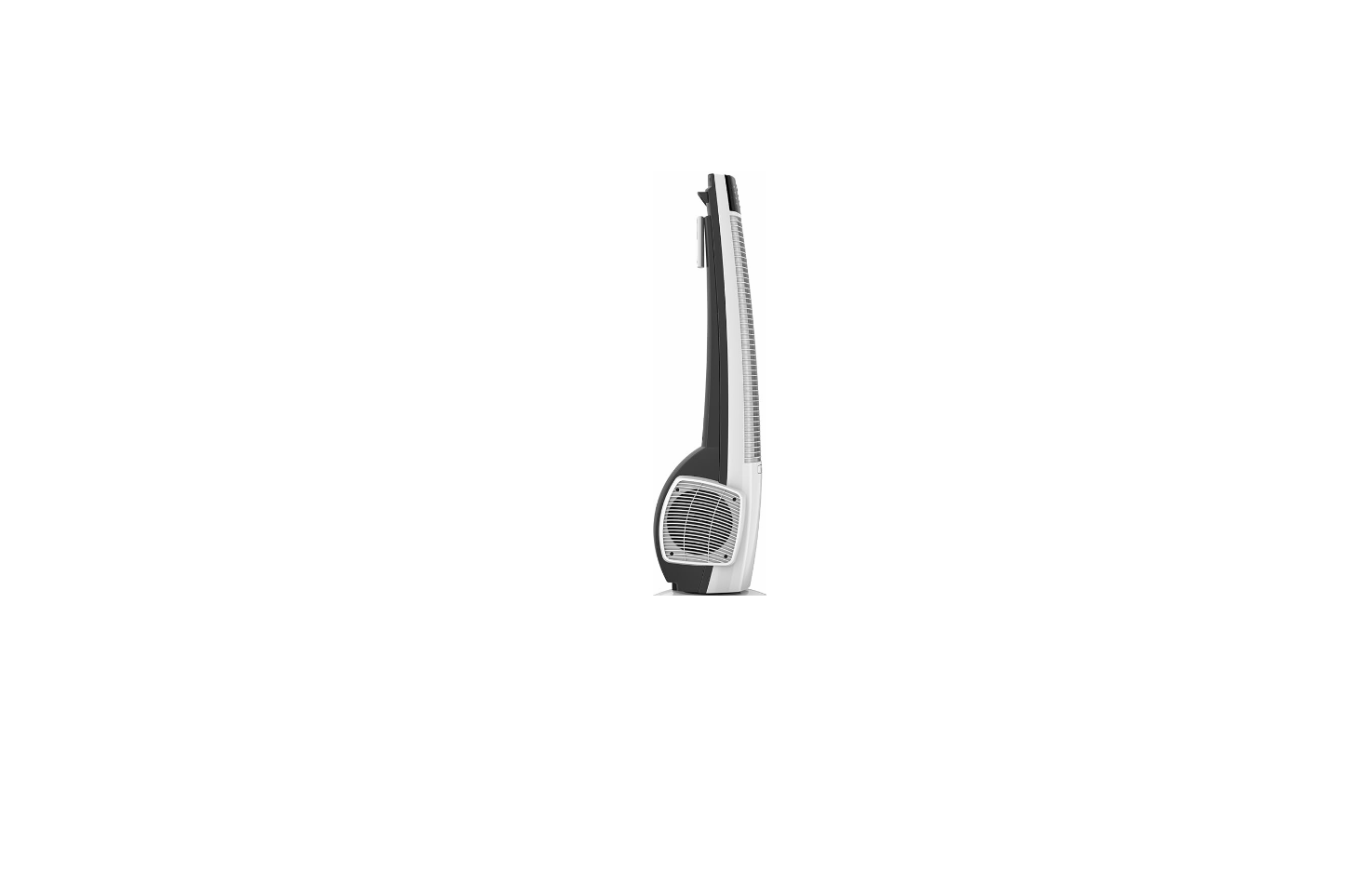

Lasko T38400 Remote Control Hybrid Tower Fan
Safety Instructions
- Avoid the use of extension cords, power strips, power taps, outlet-style air fresheners, or other cord-connected devices, as these devices may overheat and cause a fire hazard.
- Do not route the power cord under rugs, carpets, runners, or furniture. This may damage the cord or cause it to overheat, creating a fire hazard.
- Always place the Fan on a stable, flat, level surface while in operation to prevent the Fan from overturning.
- Never insert or allow fingers or objects to enter grill openings while the Fan is in operation, as injury and/or damage to the Fan may occur.
- Do not block, cover, or obstruct air flow to or from the Fan while in operation.
- Do not use this Fan outdoors or near water or wet locations such as a bathtub, pool, or hot tub. Use of this Fan in a wet location may create a shock hazard.
- Do not run the cord under carpeting. Do not cover the cord with throw rugs, runners, or similar coverings. Do not route the cord under furniture or appliances. Arrange the cord away from the traffic area and where it will not be tripped over.
- Never use a single extension cord to operate more than one Fan or other electrical device.
- Do not use this Fan if it has been damaged or is not functioning properly.
- Remote controls for other appliances or electronic equipment can sometimes interfere with the operation of this Fan. If this occurs, move the Fan to another location.
- Keep the Fan remote control unit away from chairs and your bed, where it may be sat or lain upon, and inadvertently turn on the Fan.
Maintainance
- Always unplug the cord before moving, servicing, or cleaning.
- NEVER place the Fan in or near water.
- Clean the Fan only with a vacuum equipped with a brush attachment; the vacuum will remove the lint and dirt from inside the Fan.
- NEVER attempt to take apart the Fan.
- Clean the body of the Fan with a soft cloth only.
- NEVER use ALCOHOL or SOLVENTS such as gasoline, benzene, paint thinner, or other harsh cleaners.
FCC Rules
This equipment generates and uses can radiate radio frequency energy and, if not installed and used according to the instructions, may cause harmful interference to radio communications. However, there is no guarantee that interference will not occur in a particular installation.
If this equipment does cause harmful interference to radio or television reception, which can be determined by turning the equipment off and on, the user is encouraged to try to correct the interference by one or more of the following measures.
Reorient or relocate the receiving antenna. Increase the separation between the equipment and receiver. Connect the equipment into an outlet on a circuit different from that to which the receiver is connected. Consult the dealer or an experienced radio/TV technician for help.
Troubleshooting
If your Fan fails to operate, see below for a list of probable causes and solutions.
- Be sure the power cord is plugged into a working electrical outlet.
- Make certain the batteries in the remote control are new and properly installed.
- ISERVICING: For servicing, other than general user maintenance, please contact Customer Service at (800) 233-0268, Monday through Friday, from 8 am-5 pm Eastern.
- STORAGE: Store the Fan with these instructions, in the original carton, in a cool, dry place.
- DISPOSITION: Corrugated packaging materials are recyclable. For environmentally responsible disposal of this product, contact your local waste service provider or
What does this warrantycovers
- This product is warranted against defects in workmanship and/or materials.
How long does it last
- This warranty extends only to the original purchaser of the product and lasts for one (1) year from the date of original purchase or until Lasko T38400 Remote Control Hybrid Tower Fan the original purchaser of the product sells or transfers the product, whichever first occurs.
What Lasko will do
- During the warranty period, Lasko will, at its sole option, repair or replace any part or parts that proves to be defective or replace the whole product with the same or a comparable model.
What does this warranty not cover
- This warranty does not cover shipping costs for the return of products to Lasko for repair or replacement. Lasko will pay return shipping charges from Lasko following warranty repairs or replacement.
- Some states and provinces do not allow limitations on how long an implied warranty lasts, or the exclusion or limitation of incidental or consequential damages, so these exclusions or limitations may not apply to you. This warranty gives you specific legal rights.
Customer Service
- Toll-Free (800) 233-0268
- Email: producthelp@lasko.com
- visit: www.1800recycling.com®.
- website: www.lasko.com