

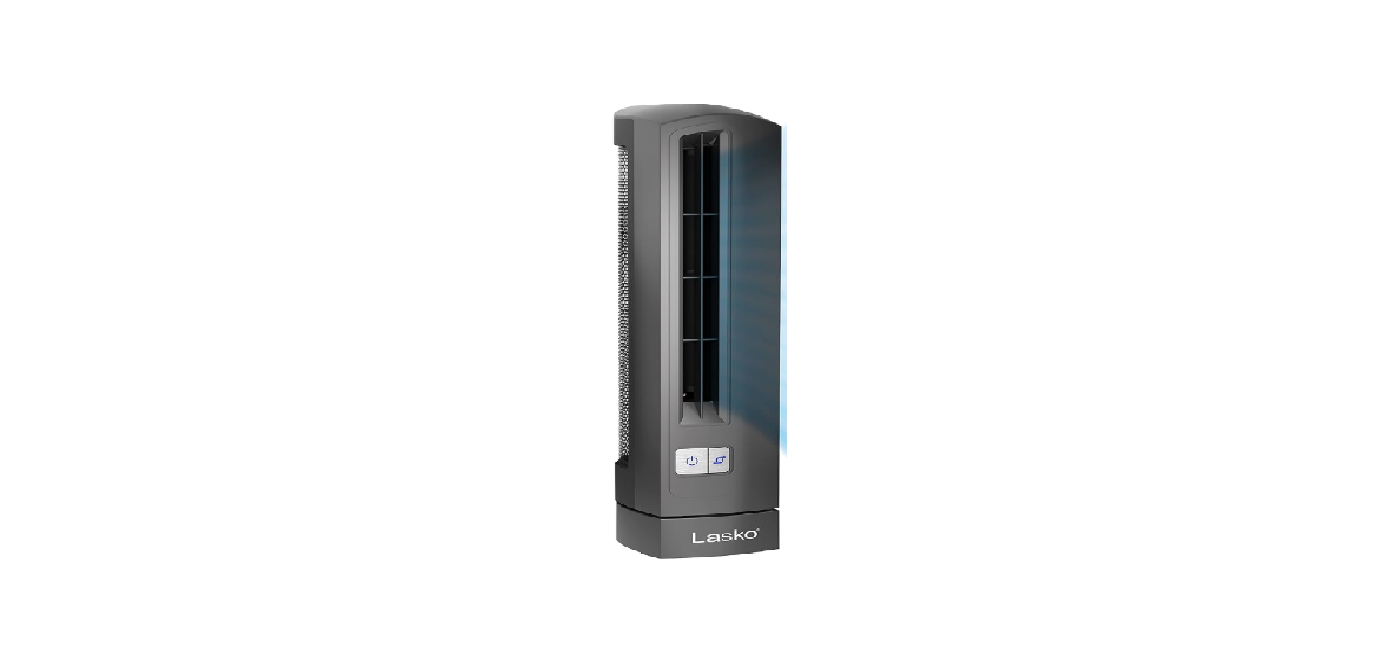

Lasko 4000 Air Stik Ultra Slim Oscillating Fan

Safety Instructions
When using electrical appliances, basic precautions should always be followed to reduce the risk of fire, electrical shock, and injury to persons, including the following.
- Make certain the power source conforms to the electrical Lasko 4000 Air Stik Ultra Slim Oscillating Fan requirements of the Fan.
- Make certain that the room is equipped with a working smoke detector.
- Use this Fan only as described in this manual.
- To reduce the risk of personal injury and electric shock, the Fan Lasko 4000 Air Stik Ultra Slim.
- The Oscillating Fan should not be played with or placed where small children can reach it.
- Unplug the power cord before installing, servicing, or moving the Fan
- DO NOT use the Fan in or near a window. Rain may create an electrical hazard.
- This appliance has a polarized plug (one blade is wider than the other).
- To reduce the risk of electric shock, this plug is intended to fit in a polarized outlet only one way.
- Match the wide blade of the plug to the wide slot. Fully insert.
- If the plug does not fit fully in the outlet, reverse the plug.
- If it still does not fit, contact a qualified electrician. DO NOT attempt to defeat this safety feature.
- NEVER use a single extension cord to operate more than one Fan.
- DO NOT plug the Fan into any other cord-connected device, such as a power strip, cord reel, surge protector, multiple outlet adapters, or outlet-type air fresheners.
- Return the Fan to an authorized service facility for examination, electrical or mechanical adjustment, or repair.
- To reduce the risk of fire, DO NOT block or tamper with the Fan in any manner while it is in operation.
Operation

- Carefully remove the Fan from the plastic bag and the carton.
- Place the Fan on a firm and level surface.
- Plug the cord set into a 120-volt outlet.
- To turn the Fan on, press the Power/Speed Button. The Fan will be in High Speed.
- Pressing the Power/Speed Button once more will put the Fan in Low Speed.
- To turn the Fan off, press the Power/Speed Button a third time.
- After turning the Air Stik® Off, unplug the unit from the electrical outlet.
Oscillation Function
This function will work at any Fan speed. Pressing the Oscillation Button will allow the Fan to circulate air more effectively by moving the Fan from side to side in a sweeping motion. To stop the oscillation, press the Oscillation Button once more. The Oscillation Button will light when this function is in use.
Maintainance
- Always unplug the cord before moving, servicing, or cleaning.
- NEVER place the Fan in or near water.
- NEVER attempt to take apart the Fan.
- Clean the body of the Fan with a soft cloth only.
- NEVER use ALCOHOL or SOLVENTS such as gasoline, benzene, paint thinner, or other harsh cleaners.
Troubleshooting
If your Fan fails to operate, see below for a probable cause and solution: All other servicing, except general user-maintenance, should be performed by an authorized service representative. Store the Fan with these instructions, in the original carton, in a cool, dry place.
Customer Service
- Toll-Free: (800) 233-0268.
- Visit: www.1800recycling.com
- Email: producthelp@lasko.com
- Website: www.lasko.com