

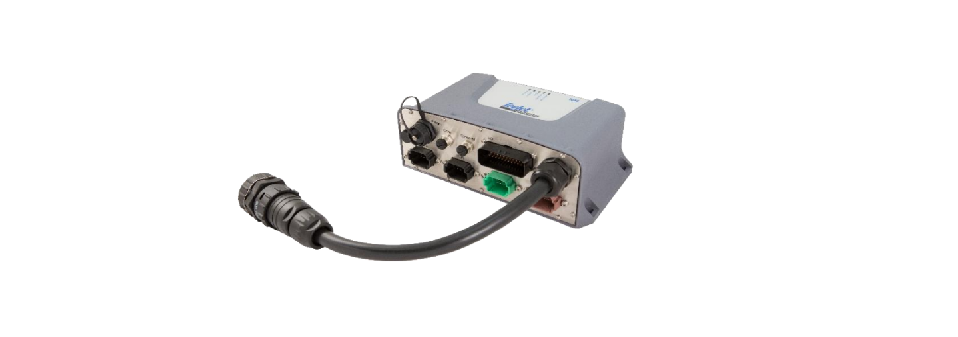

TeeJet TECHNOLOGIES IC45 Sprayer Control
New Features
- Language package updated to now include: Czech, Danish, German, English, Spanish, French, Dutch, & Polish.
- Support for TeeJet EcoStop systems has been extended to 160 nozzles.
Fixes
- Corrects problem where the hydraulic pump calibration values were not saved at the end of the calibration, resulting in the wrong pump RPM being targeted when running a system, a) without DynaJet or b) with DynaJet in manual mode.
- User Manual 98-05365 R0
- Software Update Instructions 98-01619 R0
New Feature The software
- re version of an ISOBUS Switchbox V2 can now be seen in the diagnostic page for the switchbox.
- Better-looking icon that is more intuitive.
- Turf mode has been implemented.
Fixes
- The boom movement wasn’t always possible and depended on whether IC45 was in the idle screen, work screen, or folding menu. Now boom can be moved without depending on which screen IC45 is in.
- Corrected unit when using US units.
Associated Documentation
- User Manual 98-05365 R0
- Software Update Instructions 98-01619 R0

New Features
- New User Interface/User Experience features, including:
o Work Screen enhancements - user-selectable data display areas.
- Status bar showing active features, e.g, simulated speed, operation mode,
TrackMatic status. - Job Wizard for easier adjustment of select job settings.
- Main menu and Machine menu reformatted in a card-like layout with iconography.
- Menu organization restructured
- Updated graphics and iconography
- Adjusted screen. The user can select if alarms shall be shown as full-screen alarms or as less intrusive notifications.

Fixes
- Fixed unlock codes for bed application features: Section Pattern (allows setups with manually made nozzles on/off patterns) and Manual VRA (allows for different rates across the boom).
- The information softkey on the work screen is now working correctly.
- Corrected update of the ISM switchbox section status after a power cycle.
- When operating DynaJet IC7140 in TeeJet TECHNOLOGIES IC45 Sprayer Control flow mode, the red warning arrow on the work screen located next to the pressure bar graph could lock up.
- Corrected LED colors on ISOBUS switchbox v2.
- Agitation opposite master” setting is now working correctly.
Key Features and Benefits
- Global first release of the IC45 series
- ISOBUS sprayer controller
- Based on newly developed hardware, enclosure, and connector concept, but providing the same type of functionality as the existing IC35 product
- Includes features like VRA and support for Spot spray sensors when combined with DynaJet IC7140
- Includes also the following features offered via unlock codes:
- Pressure Control Device: Support for Ramsay valve
- Spray Pattern: Configuration of sections to support Bed Applications and more.
- Manual VRA: Manual Variable Rate to support Bed applications and more. This feature requires DynaJet availability.
- Virtual Switch box: A graphical representation of a switch box that allows for easy on-screen manual control of individual sections.
- Can interface with a range of TTeeJet-developed distributed modules to provide functionality on top of the core control of the sprayer. This
Release covers for this reason, also the release of the following supporting software packages: - PLP12 version 1.00: PowerLink+ module with 12 outputs for control of sections and/or On-Off control of hydraulic functions.
- PLP25 version 1.00: PowerLink+ module for active steering of trailer wheels or trailer drawbar pivot point to track the wheels of the tractor during turns.
- TankMatic Small version 2.00: External 2.8’’ display to control the tank filling process.
- TankMatic Medium version 2.00: External 4.3’’ display to control the tank filling process.
- ISOBUS Single Row Switch Box version 1.00: Proprietary ISOBUS switch box for easy manual control
- section status.
- ISOBUS Double Row Switch Box version 1.00: Proprietary ISOBUS switch box for easy manual control of section status and hydraulic functions
Customer Support
- Tel: (502) 912-0055
- Website: @teejet.com