

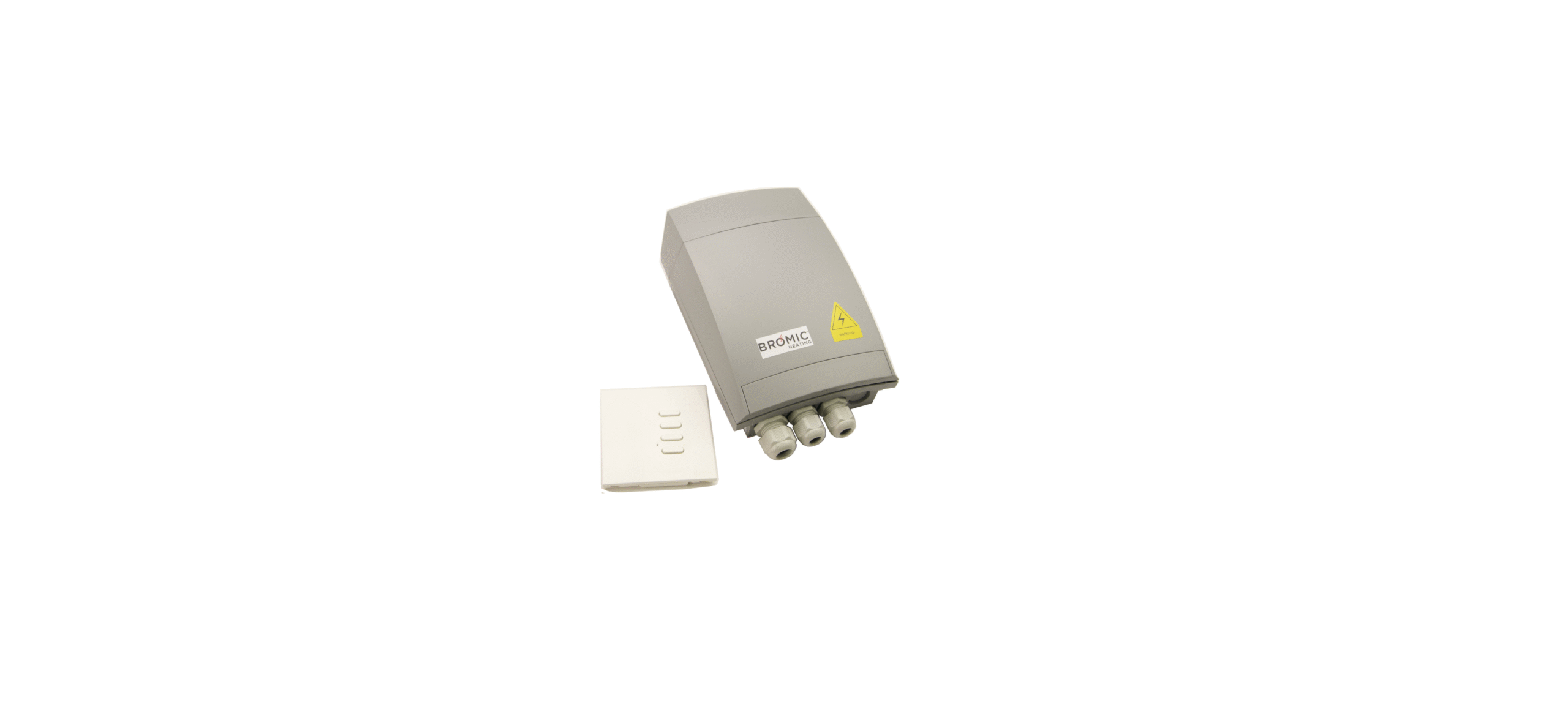

BROMIC BH3130010-2 On-Off Controller

Safety Instructions
- Use this appliance only as described in this manual.
- Any other use not recommended by the manufacturer may cause fire, electric shock, or injury.
- The manufacturer is not responsible for any damage that could happen from improper use.
- Check the appliance for damage.
- Do not operate a damaged unit.
- Check for damage to the appliance regularly.
- Keep packaging material out of each child’s reach.
- Do not attempt to alter the appliance in any manner.
- Please pay attention to the maximum load limit when filling the shelves.
- Do not operate the appliance with panels, covers, or guards removed.
- Keep the air intake and outlets free of obstructions.
- Do not use the appliance outdoors.
Requirements
- You will need to have access to the control board inside the On/Off Switch. If the cover is in place, you can easily remove the cover by pressing on the top half of the cover and pushing up.
- The On/Off Switch has 2 channels, and you will need to program both channels of the new remote by repeating the directions for Channel 1 and Channel 2.
Steps for Programming
- Identify the L1 and L2 toggle channel selector and place it in the L1 position. If the ignition probes are too close to the ceramic burners, the heater will not stay li,t and the thermocouple and igniter probe spacing will need to be recalibrated.
- If the distance is not set properly, the unit will light but shut down after 10-15 seconds. When this happens, the probes will need to be recalibrated to be approximately 1/8 inch (3.175 mm)from the ceramic burners with needle-nose pliers.

- Programming Channel 1 of the new remote. Press the MEM button 2 times and hold. There will be a continuous beep while holding the MEM button.
- While holding the MEM button with one hand, press and hold the top On button on the white remote. The beep will change to intermittent beeping, and you can release both buttons.

- Programming Channel 2 of the new remote. Move the channel selector into the L2 Position.
- Repeat the directions from step 2, selecting the bottom On Button.


Test Remote
- If this does not resolve the issue, you will need to schedule a troubleshooting call with Bromic Tech Support.
- When contacting our Tech Team, we request that you submit model numbers of the heaters and controls, photos of the installed products, and installation wiring, along with proof of purchase to validate any warranty.
Diposal
The refrigerant used and contained within a hermetically tight circuit is environmentally friendly and does not contain chlorine and has zero ODP.
- Before disposal, render it unserviceable by disconnecting the power plug and severing the power cable.
- Consult your local authorities or authorised dealers for details of collection and disposal facilities.
- Children are often unable to recognise the dangers associated with commercial refrigeration equipment.
- The refrigerant used in all appliances covered by this manual is flammable.
Warranty
Warranty Terms vary across the range. Please ensure you are familiar with the Terms and Conditions that apply to the purchase of your Bromic product by referring to the Warranty Policy included with your purchased product.
Customer Support
North America
-
- Tel: (800) 301-1293
- Website: http://www.bromic.com
Australia
-
- Tel: 1300 276 642
- Website: http://www.bromic.com.au
Europe
-
- Tel: +31 737041029
- Website: http://www.bromic.co.uk
FAQs
Q: What is the BROMIC BH3130010-2 On-Off Controller used for?
Ans: To remotely turn on or off Bromic Smart-Heat heaters, use the BH3130010-2 wireless ON/OFF controller. It works with petrol and electric models that have remote switching capabilities.
Q: What types of Bromic heaters are this controller compatible with?
Ans: Numerous Bromic Smart-Heat electric and gas heaters, including those in the Tungsten and Platinum series, are compatible with this controller. Verify compatibility with a trained technician or in the handbook for your heater.
Q: What is the maximum load capacity of the controller?
Ans: At 240V AC, the receiver has a 16A maximum rating. To make sure and prevent overloading the circuit, always refer to the label on your particular model.
Q: What is the wireless range of the remote?
Ans: Up to 30 meters (100 feet) is the line-of-sight range for the wireless remote control.
Q: Can I use multiple remotes with one receiver?
Ans: Indeed. To operate the same heaters from various locations, you can pair several remote controls with a single receiver. For every remote, use the same pairing procedure.
Q: Can I use one remote to control multiple receivers or zones?
Ans: Yes, but only if that remote is paired with every receiver. Please take note that this model does not have separate zone control or dimming; it simply has basic ON/OFF operation.
Q: What kind of battery does the remote use?
Ans: Usually, a CR2032 coin cell battery powers the remote. When the LED indicator weakens or the button response becomes erratic, replace the battery.