

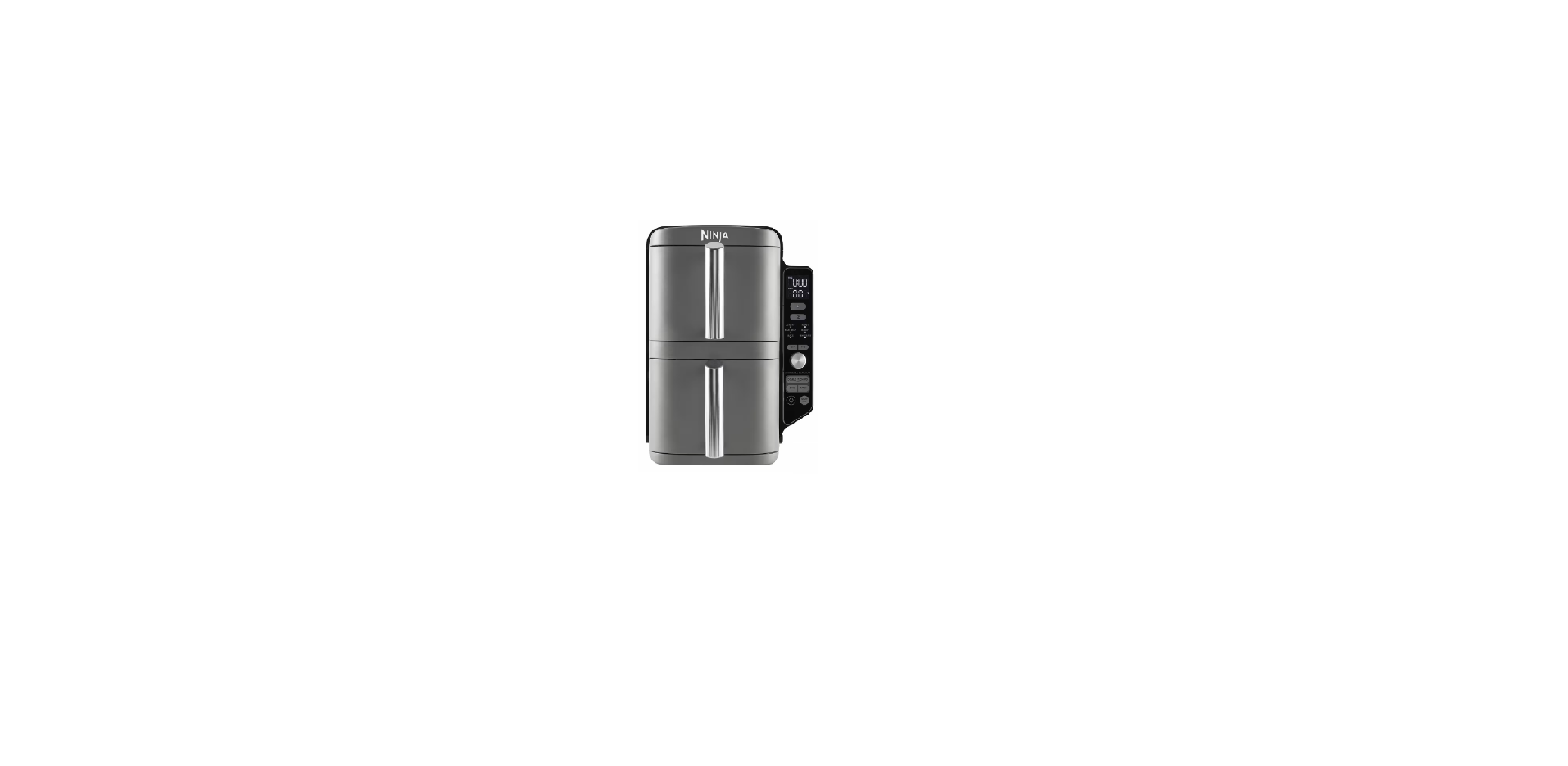

Ninja SL400EU Double Stack XL 2 Drawer Air Fryer

Safety Instructions
Read all instructions before using your Ninja® Foodi® Dual Zone Air Fryer. When using an electrical appliance, basic safety precautions should always be followed, including the following.ng
- Keep the appliance and its cord out of reach of children.
- DO NOT allow the appliance to be used by children.
- Close supervision is necessary when used near children.
- DO NOT use the appliance without the removable cooking pot installed.
- When the removable cooking pot is empty,
- DO NOT heat it for more than 10 minutes, as doing so may damage the cooking surface.
- Children shall not play with the appliance.
- NEVER use an electrical outlet below the counter.
- NEVER connect this appliance to an external timer switch or separate remote-control system.
- DO NOT use an extension cord. To protect against electrical shock,
- Regularly inspect the appliance and power cord.
- DO NOT use the appliance if there is damage to the power cord or plug.
- ALWAYS ensure the appliance is properly assembled before use.
- Check to make sure the float valve on the pressure lid moves freely.
- To prevent the risk of explosion and injury, use only SharkNinja silicone rings.
- Make certain the silicone ring is installed and the lid is properly closed before operating.
- DO NOT use if torn or damaged. Replace the silicone ring before using.
- This appliance is for household use only.
- DO NOT use this appliance for anything other than its intended use.
- DO NOT use in moving vehicles or boats.
- DO NOT use outdoors. Misuse may cause injury.
Overview


Know Your Product

When setting the time, the digital display shows HH: MM.
function Buttons
- MAX CRISP: Best for frozen foods such as French fries and chicken nuggets.
- SYNC button: Automatically syncs the cook times to ensure both zones finish at the same time, even if they have different cook times.
- AIR FRY: Use this function to give your food crispiness and crunch with little to no oil.
- ROAST: Use the unit as an oven for tender meats and more.
- REHEAT: Revive leftovers by gently warming them, leaving you with crispy results.
- DEHYDRATE: Dehydrate meats, fruits, and vegetables for healthy snacks.
- BAKE: Create decadent baked treats and desserts.
Operating Buttons
- TEMP arrows: Use the up and down arrows to adjust the cook temperature before or during cooking.
- TIME arrows: Use the up and down arrows to adjust the cook time in any function before or during the cook cycle.
- MATCH button: Automatically matches zone 2 settings to those of zone 1 to cook a larger amount of the same food, or cook different foods using the same function, temperature, and time.
- START/STOP button: After selecting temperature and time, start cooking by pressing the START/STOP button.
- Power button: The button turns the unit on, and also shuts it off, and stops all cooking functions.
- STANDBY MODE: After 10 minutes with no interaction with the control panel, the unit will enter standby mode.
- HOLD MODE: Hold will appear on the unit while in SYNC mode. One zone will be cooking, while the other zone will be holding until the times sync together.
Before First Use
- Remove and discard any packaging material, promotional labels, and tape from the unit.
- Remove all accessories from the package and read this manual carefully.
- Wash the drawers and crisper plates in hot, soapy water, then rinse and dry thoroughly.
- The drawers and crisper plates are the ONLY dishwasher-safe parts.
- However, to extend the li,fe of the drawers, we recommend hand-washing.
- NEVER clean the main unit in the dishwasher.
Cooking
DualZone Technology utilises two cooking zones to increase versatility. The Sync feature ensures that, regardless of different cook settings, both zones will finish ready to serve at the same time. For detailed instructions on using each function, see pages 9-12.
SYNC To finish cooking at the same time when foods have different cook times, temps, or even functions:
- Place ingredients in the drawers, then insert thdrawershe into the unit.
- Zone 1 will remain illuminated. Select the desired cooking function. Use the TEMP arrows to set the temperature, and use the TIME arrows to set the time.

- Select zone 2, then select the desired cooking function. Use the TEMP arrows to set the temperature, and use the TIME arrows to set the time.

- Press SYNC, then press the START/ STOP button to begin cooking in the zone with the longest time. The other zone will display Hold. The unit will beep and activate the second zone when both zones have the same time remaining.

- When cooking is complete, the unit will beep and “End” will appear on the display.

- Remove ingredients by tipping them out or using silicone-tipped tongs/utensils. DO NOT place a drawer on top of it.
Match
- Place ingredients in the drawers, then insert them into the unit.
- Zone 1 will remain illuminated. Select the desired cooking function. Use the TEMP arrows to set the temperature, and use the TIME arrows to set the time.

- Press the MATCH button to copy the zone 1 settings to zone 2. Then Press START/STOP to begin cooking in both zones.

- “End” will appear on both screens when cooking ends at the same time.

- Remove ingredients by tipping them out or using silicone-tipped tongs/utensils.
Starting both zones at the same time, but ending at different times
- Select zone 1, then select the desired function. Use the TEMP arrows to set the temperature.

- Use the TIME arrows to set the time.

- Select zone 2 and repeat steps 1 and 2.

- Press the START/STOP button to begin cooking in both zones.

- When cooking is complete in each zone, the unit will beep and “End” will appear on the display.
- Remove ingredients by tipping them out or using silicone-tipped tongs/utensils.
Cleaning & Maintainance
The unit should be cleaned thoroughly after every use. Unplug the unit from the plug socket and wait until the unit is fully cooled before cleaning.

Troubleshooting
- How do I adjust the temperature or time while using a single zone? Select the active zone, then use the TEMP arrows to adjust the temperature or the TIME arrows to adjust the time.
- How do I adjust the temperature or time while using dual zones? Select the desired zone, then use the TEMP arrows to adjust the temperature or the TIME arrows to adjust the time.
- How do I pause the countdown? The countdown timer will pause automatically when you remove the drawers from the unit.
- How do I stop one zone when using both zones? To stop one zone, first press the zone button, then press START/STOP. To stop both zones, simply press the START/STOP button.
- Is the drawer safe to put on my worktop? The drawer will heat up during cooking. Use caution when handling, and plastic-resistant surfaces only.
- When should I use the crisper plate? Use the crisper plate when you want food to come out crispy.
One-Year Limited Warranty
The One (1) Year Limited Warranty applies to purchases made from authorised retailers of SharkNinja Operating LLC. Warranty coverage applies to the original owner and to the original product only and is not transferable.
What is not covered by this warranty?
- Any unit that has been tampered with or used for commercial purposes
- Damage caused by misuse, abuse, negligent handling, failure to perform required maintenance (e.g., failure to keep the main unit, pressure lid, and crisping lid clear of food spills and other debris), or damage due to mishandling in transit.
- Consequential and incidental damages.
- Products purchased, used, or operated outside North America.
How to get service
If your appliance fails to operate properly while in use under normal household conditions within the warranty period, visit ninjakitchen.com/support for product care and maintenance self-help. Our Customer Service Specialists are also available at 1-877-646-5288 to assist with product support and warranty service options. So we may better assist you, please register your product online at registeryourninja.com and have the product on hand when you call. SharkNinja will cover the cost for the customer to send in the unit to us for repair or replacement.
How state law applies
This warranty gives you specific legal rights, and you also may have other rights that vary from state to state. Some states do not permit the exclusion or limitation of incidental or consequential damages, so the above may not apply to you.
Customer Service
- Ph: 1-877-646-5288.
- Website: ninjaaccessories.com.