Close Menu
onyxguides.comonyxguides.com

    Subscribe to Updates

    Get the latest creative news from FooBar about art, design and business.

    What's Hot

    BARCO QDX Rental Laser Projectors Instruction Manual

    March 13, 2026

    CHRISTIE D4K2560 High Frame 4K Projector Instruction Guide

    March 13, 2026

    How To Protect Electronic Devices From EMP

    March 12, 2026
    Facebook X (Twitter) Instagram
    onyxguides.comonyxguides.com
    Facebook X (Twitter) Instagram Pinterest
    • Home
    • About us
    • Terms & Conditions
    • Privacy Policy
    • FAQs
    • Contact us
    onyxguides.comonyxguides.com
    Home » K-Mate AT009 FM Transmitter Car Adapter Instruction Manual
    K-Mate

    K-Mate AT009 FM Transmitter Car Adapter Instruction Manual

    By Gabriel SmithSeptember 24, 2025No Comments3 Mins Read
    Facebook Twitter Pinterest LinkedIn Tumblr WhatsApp Telegram Email
    K-Mate-AT009-FM-Transmitter-Car-Adapter-featuerd
    Share
    Facebook Twitter LinkedIn Pinterest Email

    k-mate logo

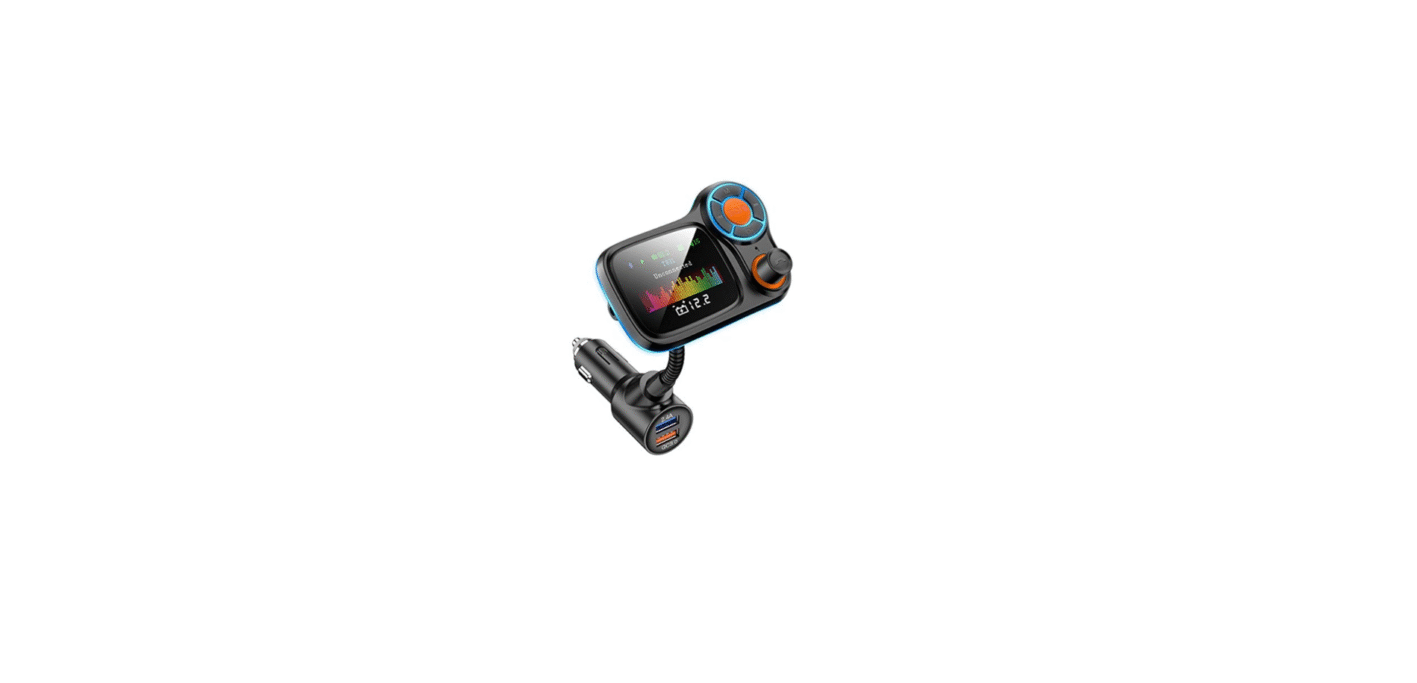
    K-Mate AT009 FM Transmitter Car Adapter

    K-Mate-AT009-FM-Transmitter-Car-Adapter-product

    Part Description

    Getting Started

    1. Install two 1.5V AAA batteries into the FM transmitter.
    2. Insert the 3.5mm cable into the music player.
    3. Turn the ON/OFF switch to ON to turn on the FM transmitter.
    4. Set up the frequency of the FM transmitter (please refer to “Basic operation”);
    5. Adjust the frequency of your FM radio to be the same as the frequency of the FM transmitter, and then the music will be transmitted to your FM radio.

    Basic Operation

    Technical parameter

    • Frequency range 88.1MHz – 107.9MHz
    • How many channels 20 channels
    • Audio input response range 25-15000Hz
    • Power supply 2×1.5V AAA Battery
    • Working current <30mA
    • Working temperature -10~45℃
    • Storage temperature -20~60℃
    • Dimensions 62.5×38.5×17.7mm
    • Weight 41.39g

    Care and Maintenance

    • Do not expose the transmitter to liquid, moisture, or humidity to avoid the product’s internal circuit being affected.  Don’t use abrasive cleaning solvents to clean the transmitter.
    •  Do not expose the transmitter to extremely high or low temperatures, as this will shorten the life of electronic devices, destroy the battery, or distort certain plastic parts.
    • Don’t dispose of the transmitter in a fire, as it will result in an explosion.
    • Don’t expose the transmitter to contact with sharp objects, as this will cause scratches and damage.
    • Don’t let the transmitter fall onto the floor.

    FCC Rules

    This equipment generates and uses can radiate radio frequency energy and, if not installed and used according to the instructions, may cause harmful interference to radio communications. However, there is no guarantee that interference will not occur in a particular installation.

    • Reorient or relocate the receiving antenna.
    • Increase the separation between the equipment and receiver.
    • Consult the dealer or an experienced radio/TV technician for help

    Customer Support

    • 86-0760-88320910
    • E Bldg.,Fuwan ind.Zone,Fuwan Nan Rd.,Zhongshan China, Jining, Shandong, China
    • https://kmate8.goldsupplier.com/

    FAQs

    Q: What frequency should I use for the best sound quality?
    Ans: To lessen interference, stay away from frequencies that are near powerful local radio stations.

    Q: What file formats are supported for USB playback?
    Ans: MP3 files on a USB device with a FAT32 format are supported by the AT009.

    Q: How do I change the FM frequency on the transmitter?
    Ans: To change the frequency, use the FM/CH or Frequency button and then use the + and – buttons. To guarantee a clear gearbox, align this with the frequency of your car’s radio.

    Q: Does the transmitter remember previously connected devices?
    Ans: Indeed. Auto-reconnect is a feature of the AT009. 

    Q: Can I use voice navigation through the transmitter?
    Ans: Indeed! Similar to music or phone calls, navigation cues from apps like Waze or Google Maps will play via your car speakers once you’ve paired them via Bluetooth.

    Q: Can I use this in trucks or RVs?
    Ans: Yes, as long as the vehicle has a 12V or 24V cigarette lighter port, the AT009 will function normally. The majority of automobiles, SUVs, trucks, and even RVs can use it.

    K-Mate AT009 car adapter K-Mate AT009 car audio adapte K-Mate AT009 FM transmitter K-Mate AT009 hands-free FM transmitter K-Mate AT009 wireless FM transmitter
    Share. Facebook Twitter Pinterest LinkedIn Tumblr Email
    Gabriel Smith

      Related Posts

      K-Mate BT-032A Flight Adapter Transmitter User Manual

      October 21, 2025

      K-Mate BTH023 Bluetooth Stereo Earbuds Instruction manual

      October 21, 2025

      K-Mate BTH109A True Wireless Bluetooth Earbuds User Manual

      October 21, 2025

      K-Mate BTS002 Mini Bluetooth Stereo Speaker User Manual

      October 21, 2025

      K-Mate BTH132 Bluetooth Stereo Headset User Manual

      September 26, 2025

      K-Mate BTH010 Bluetooth Stereo Headset Instruction Manual

      September 25, 2025
      Add A Comment

      Comments are closed.

      Don't Miss
      Other

      BARCO QDX Rental Laser Projectors Instruction Manual

      March 13, 2026

      BARCO QDX Rental Laser Projectors Quick Start Guide Environment conditions Main Power Requirements The projector…

      CHRISTIE D4K2560 High Frame 4K Projector Instruction Guide

      March 13, 2026

      How To Protect Electronic Devices From EMP

      March 12, 2026

      Hisense PX1 Triple Laser Ultra Throw Projector User Guide

      March 12, 2026
      Stay In Touch
      • Facebook
      • Twitter
      • Pinterest
      • Instagram
      • YouTube
      • Vimeo

      Subscribe to Updates

      Subscribe to Updates

      Follow us

      Facebook X-twitter Instagram Pinterest

      © 2025 All rights reserved Onyx Guide.