

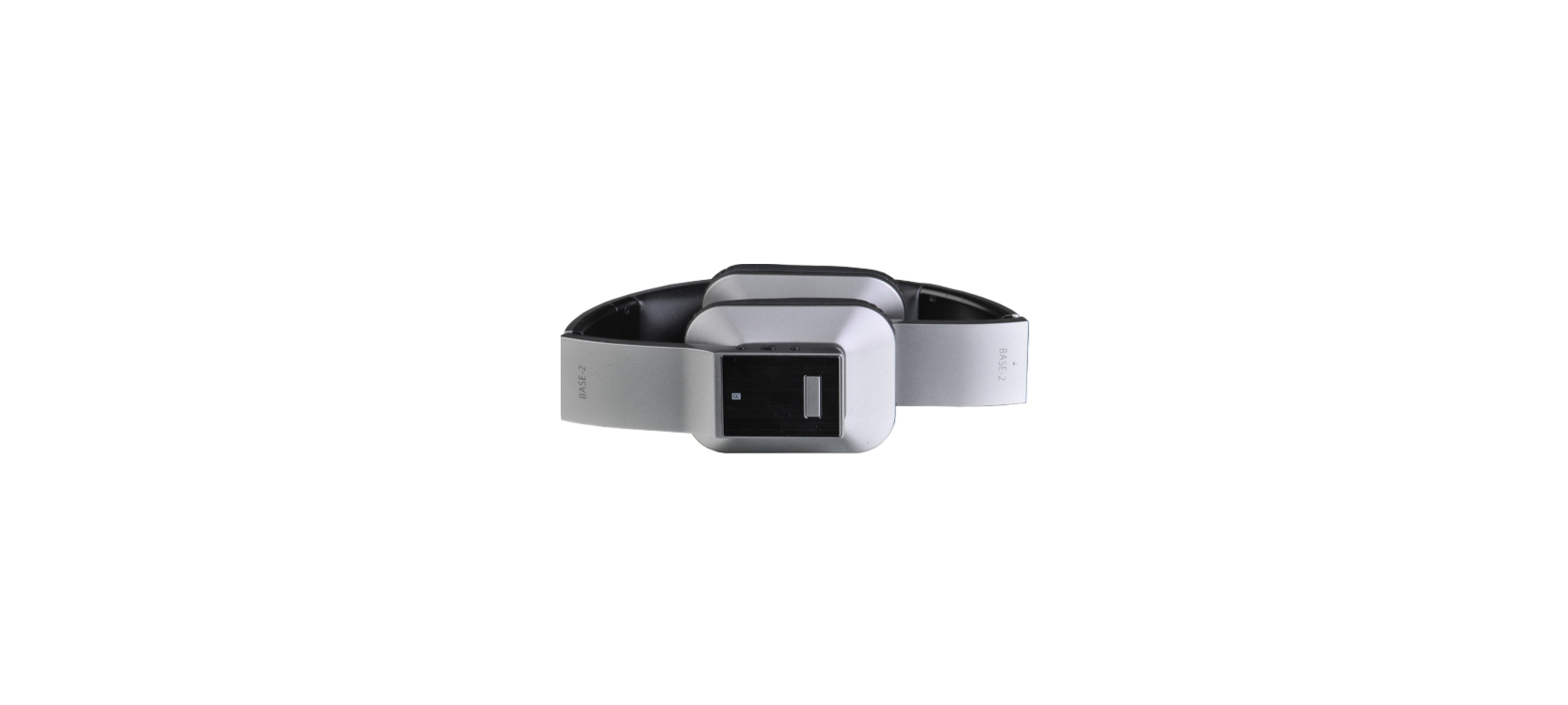

K-Mate BTH033 Bluetooth Stereo Headset

Introduction
BTH180P is a true wireless Bluetooth headset. There is no need to connect the earphone cable between the two earphones. You can use your wireless charger to charge the charging box.
Parts Description


Charging for earbuds
- When the headset is low on power, it emits the red light flashing slowly 4 times every 14s. Please recharge the battery of the headset.
- The way of charging for the earbuds is as follows.
- Put the earbuds into the charging case to ensure that the charging pins connect well, and start charging when you see the red indicator light of the earbuds on.
- Charging should be completed in roughly 2 hours.

Charging for a charging case
- When the indicator of the charging case has only one white light on, it means the battery of the charging case is low.
- When the indicator light of the charging case doesn’t turn on and the earphones cannot be charged, it means that the battery of the charging case has been used up
The charging case supports USB cable charging and wireless charging. The way of charging for the charging case is as follows:
Using a USB cable
- Plug the Micro USB charging cable into the case’s charging jack.
- Plug the USB cable into a USB port of a PC or a 5V USB charger.
Wireless charging
- Connect the wireless charger to the power cable. (Some wireless chargers with built-in batteries may not need to be connected to the power cable.)
- Place the charging case in the charging area marked on the wireless charger and make sure it is placed in the center of the charging area for maximum efficiency.
- Charging should be completed in roughly 2.5 hours. When using wireless charging, the charging time will be slightly longer.
- If the earbuds are in the charging case, they can charge the earbuds while charging the charging case.

Getting Started
With an earhook
- Choose the right earphones to match the ear
- Align the earphone with the ear and insert the ear tip into the ear hole
- Rotate the earphones to a comfortable position

Without earhook
- Choose the right earphones to match the ear
- Align the earphone with the ear and insert the ear tip into the ear hole
- Rotate the earphones to a comfortable position

Power on
- In the charging state, open the charging box top case or take the earphones out of the charging box, and the earphones will automatically turn on.
- If the earbuds are powered off, you should press the touch-button for about 3s until the blue LED flashes, at the same time the earbuds emit “Power on”. Then release. This is now in the “Power on” state.
Pairing
- When we open the charging case, it will be powered on and turn into pairing mode. Then it will connect back to the phone you paired with before. When the earbuds and the cellphone fail to connect, the earbuds will automatically enter the pairing state.
- If the earbuds are powered off, you should press the touch-button for about 5 seconds and release it when the red LED and blue LED flash quickly and alternately. You will hear “Pairing”. The earbuds are in “Pairing” mode.
Connecting
When the headset is in pairing mode, search for the corresponding Bluetooth phone name from the Bluetooth list of the phone and click Connect (some phones do not have a connection pop-up window). After the pairing and connection are successful, both ears will simultaneously display “Connected”.

Power off
- Auto power off once put into the charging case.
- Press the touch button for about 5 seconds and release it till the red LED is on, and the earbuds prompt “Power off”
Twin mode
- Connection method: Operate any earphone to enter the pairing mode and pair with the mobile phone, then turn on the other earphone or take it out of the charging box.
- In the following cases, the accessory ear can automatically switch and connect to the mobile phone so that you can continue to use the headset.
- Put the left and right earphones into pairing state respectively (red and blue lights flash alternately).
- When the headset is in the pairing state, press the touch button in 5 consecutive taps, and see that the red light turns to red and blue lights alternately and slowly flashing after 1 second, which means the headset has entered TWS pairing mode.
- After the two earphones enter TWS pairing mode (red and blue lights alternately flash slowly), the earphones will automatically match and connect successfully.
Function operation


Connected mobile phone operation


Battery Display
When the earbuds are low on power, the battery indicator will turn red and show a depleted battery icon. For different phones, there may be different ways to display the battery life on the phone. The following is a screenshot of the battery life on the iOS phone.

Meaning of the indicator light


Factory Reset
- Put the earphones into the charging box, press and hold the left and right ears for 10 seconds at the same time. Red and blue LEDs are on for 1 second at the same time.

Care and maintenance
- Don’t wear the headset when in strenuous exercise to avoid sweat entering.
- Clean the earbuds before putting them into the charging case to prevent sweat from corroding the product.
- Keep the product away from direct K-Mate BTH033 Bluetooth Stereo Headset sunlight or hot places. High temperatures will shorten the life of electronic devices, destroy the battery, or distort certain plastic parts.
- Don’t expose the product to cold areas. It may damage the internal circuit board.
- Don’t let it fall onto the floor or other hard surfaces.
- Don’t use intensive chemical products or detergents to clean the product.
- Don’t scratch the surface with sharp K-Mate BTH033 Bluetooth Stereo Headset things. In case the product doesn’t function properly, send it to the store where you bought it. The staff will help you solve the problem.
Specifications

FCC Rules
This equipment generates and uses can radiate radio frequency energy and, if not installed and used according to the instructions, may cause harmful interference to radio communications. However, there is no guarantee that interference will not occur in a particular installation.
- Reorient or relocate the receiving antenna.
- Increase the separation between the equipment and receiver.
- Consult the dealer or an experienced radio/TV technician for help
Customer Support
- 86-0760-88320910
- E Bldg.,Fuwan ind.Zone,Fuwan Nan Rd.,Zhongshan China, Jining, Shandong, China
- https://kmate8.goldsupplier.com/
FAQs
Q: How long does it take to fully charge the headset?
Ans: The headset usually takes one and a half to two hours to fully charge. When charging, the LED indication will turn red; when fully charged, it will change to blue.
Q: What is the wireless range of the K-Mate BTH033?
Ans: In an open area, the headset’s Bluetooth range is up to 10 meters (33 ft).
Q: Can I use this headset for phone calls?
Ans: Indeed! For hands-free calling, the BTH033 contains an integrated microphone.
Q: Can I use the headset while it’s charging?
Ans: For safety reasons and to save battery life, it is not advised to use the headset while charging. Before using, let it charge completely.
Q: Are the ear tips replaceable?
Ans: Indeed, there are many ear tip sizes included with the headset. For comfort and the finest sound quality, pick the size that suits your ears the best. Additionally, third-party tips that fit snugly are available for purchase.
Q: Is the headset sweatproof or water-resistant?
Ans: For mild exercise, the BTH033 might offer some basic sweat resistance; however, it is neither IPX certified nor waterproof. Keep it out of the weather, moisture, and excessive perspiration.